Help Center › Phone & WhatsApp
Answering, returning and logging calls in MatPilot Phone
Answering
When the phone rings, MatPilot shows who is calling: a member, a parent or guardian, a lead or a visitor, with their plan and family. Answer, or Send to voicemail. During the call you can mute, hold, use the keypad, or pass the call to someone else on the team.
On a computer, the browser asks for the microphone the first time a call comes in.
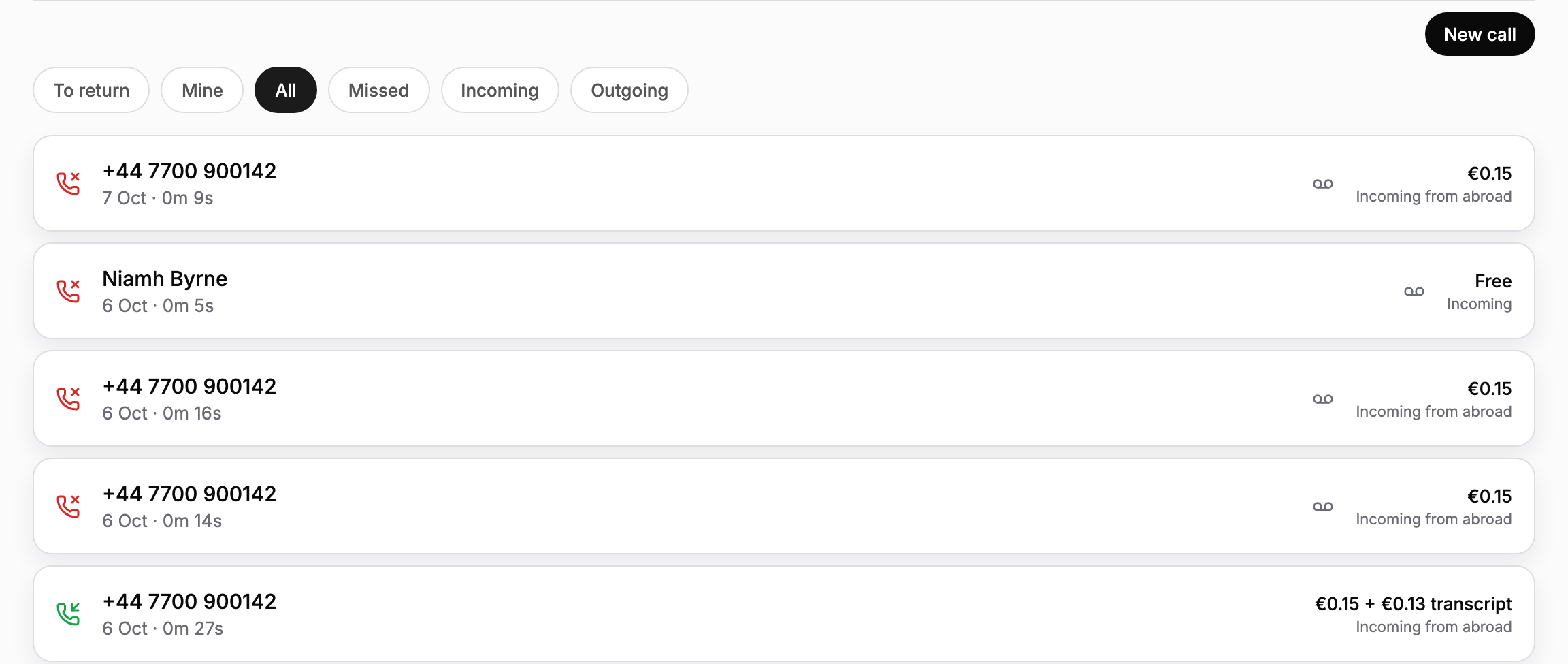
Calls to return
To return lists the missed calls nobody has dealt with yet. Open one and choose I will call back: the rest of the team sees that you have it, so nobody rings the same person twice. Call back dials them from the academy number, and Mark done clears it once it is sorted. Mine shows the ones you took on.
Keep a record
On each call you can:
- add a Note on what it was about
- pick an Outcome: Trial booked, Payment question, Follow up, Sorted, No answer or Wrong number
- Assign it to someone on the team
- for a number MatPilot does not know, choose Who is this? to link it to a person, so every call from that number, past and future, shows their name, or Add as a lead to follow up
With Turn new callers into leads on in Settings, Phone, Settings, a caller from a number you don't have is added to Leads automatically, missed calls included.
Transcripts
With Transcribe calls on in Settings, Phone, Settings, each call gets a written transcript and a short summary that only staff can see. Callers hear a short notice before the call connects, which you can reword but not remove. Transcription is charged per minute on top of the call. It is automatic, so treat it as a summary rather than a quote.
Making calls
New call dials any number from your academy number, or pick someone from Contacts. The line calls the EU, the UK, the US and Canada, and shows the rate before you call. With more than one location, you choose which number the person sees.
Usage and billing
Usage & Billing shows the minutes used this month, the free outgoing minutes left (shared by all your numbers) and roughly what your next Phone bill will be. You can set a monthly limit on overages there: at the limit, outgoing calls and forwarding stop, and incoming calls keep coming through.