Help Center › Marketing & Growth
Capturing leads from your website
Website enquiries that email a dead inbox lose members; wire the form to MatPilot instead.
Embed the form
MatPilot gives you a small embed snippet for your website (from the Marketing tools). Paste it into your site and the form submits straight to your gym's lead list. It works on any site builder that accepts an HTML embed.
Work your leads
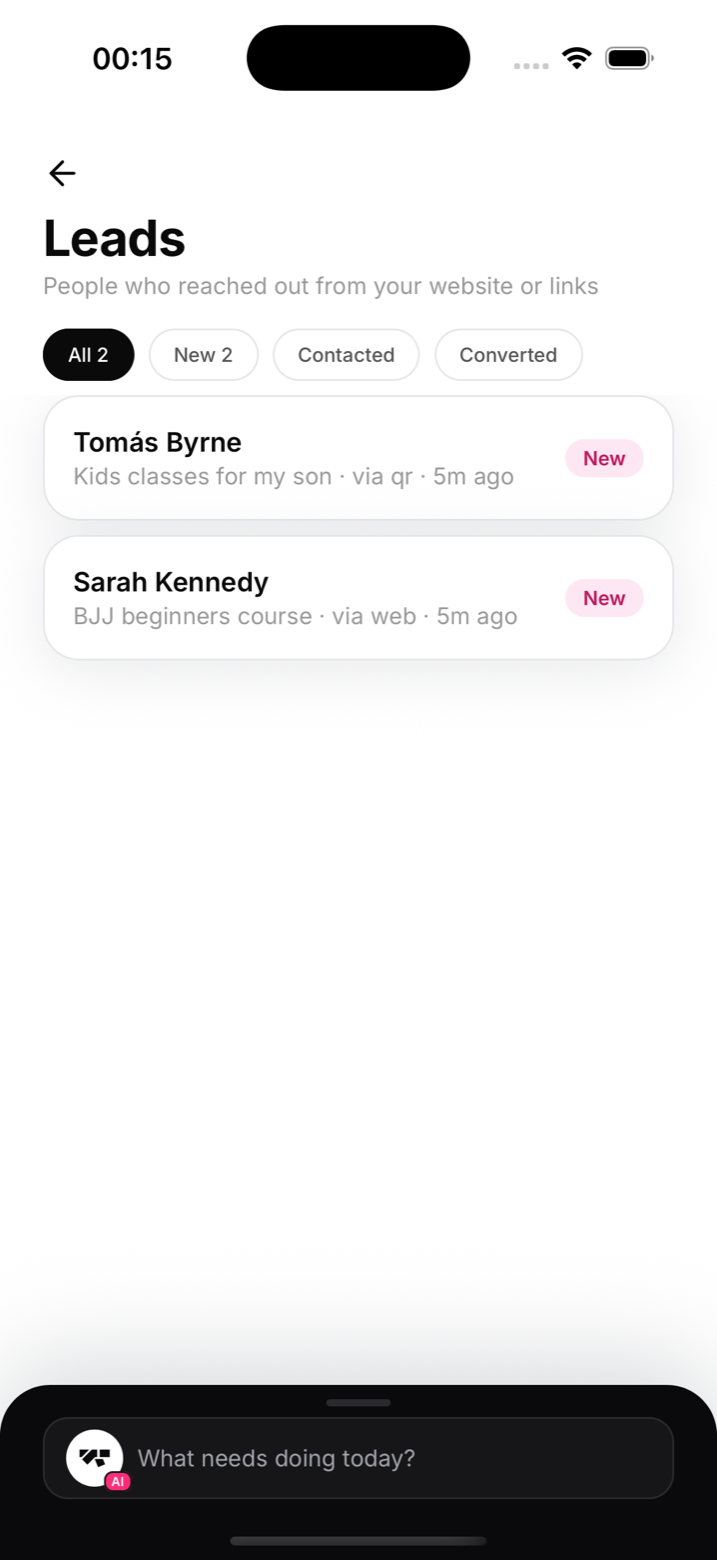
Open Leads from the menu (under More on a phone). Each enquiry shows name and contact details, and moves through a simple pipeline:
- New: just arrived, reply while they're still excited
- Contacted: you've reached out, waiting on them
- Converted: they joined
- Archived: went quiet or wasn't a fit
Convert a lead
When someone's ready, convert them from the lead card: the add-member sheet opens prefilled with their name, email, and phone. One tap from enquiry to enrolled, and the lead is marked converted automatically.
Notes
- Speed matters more than polish; a same-hour reply converts dramatically better than a next-day one
- Pair with shortlinks and QR codes to give offline marketing a way into the same pipeline