Help Center › Marketing & Growth
Selling videos with the content library
Instagram breakdowns vanish in a day; the video library keeps them, and can charge for them.
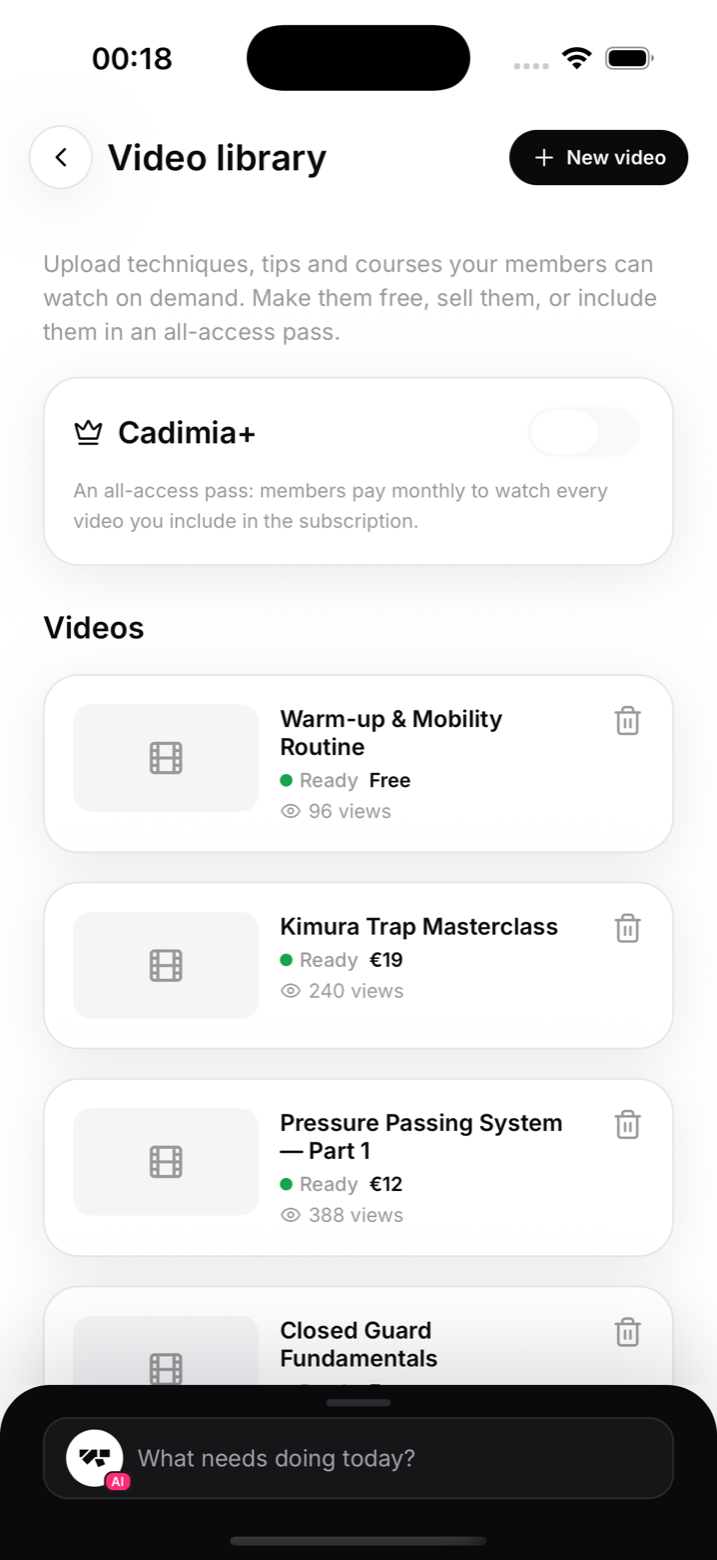
Upload a video
- Open Marketing in the menu (More on a phone) and, under Content, tap the row with your academy's name and a +
- Tap New video, upload, and give it a title and description
- Choose access: free for members, a one-time price, or part of an all-access pass
Selling requires your Stripe account to be connected (Settings, Payments). Until then, uploads are free for members.
What members see
Members browse the library in their app and stream on demand. Paid videos unlock after checkout through your Stripe account, like any other purchase.
What to publish
- Curriculum support: this month's techniques, filmed once, watched forever
- Competition prep: breakdowns your squad can study between sessions
- A paid fundamentals course for beginners who want extra reps at home
Notes
- Class-linked content can carry session notes, so "what did we cover Tuesday?" answers itself
- Keep clips short; five focused minutes outperforms a forty-minute lecture