Help Center › Marketing & Growth
Sending an announcement
Some messages need to reach everyone reliably, without a group-chat pile-on.
Send one
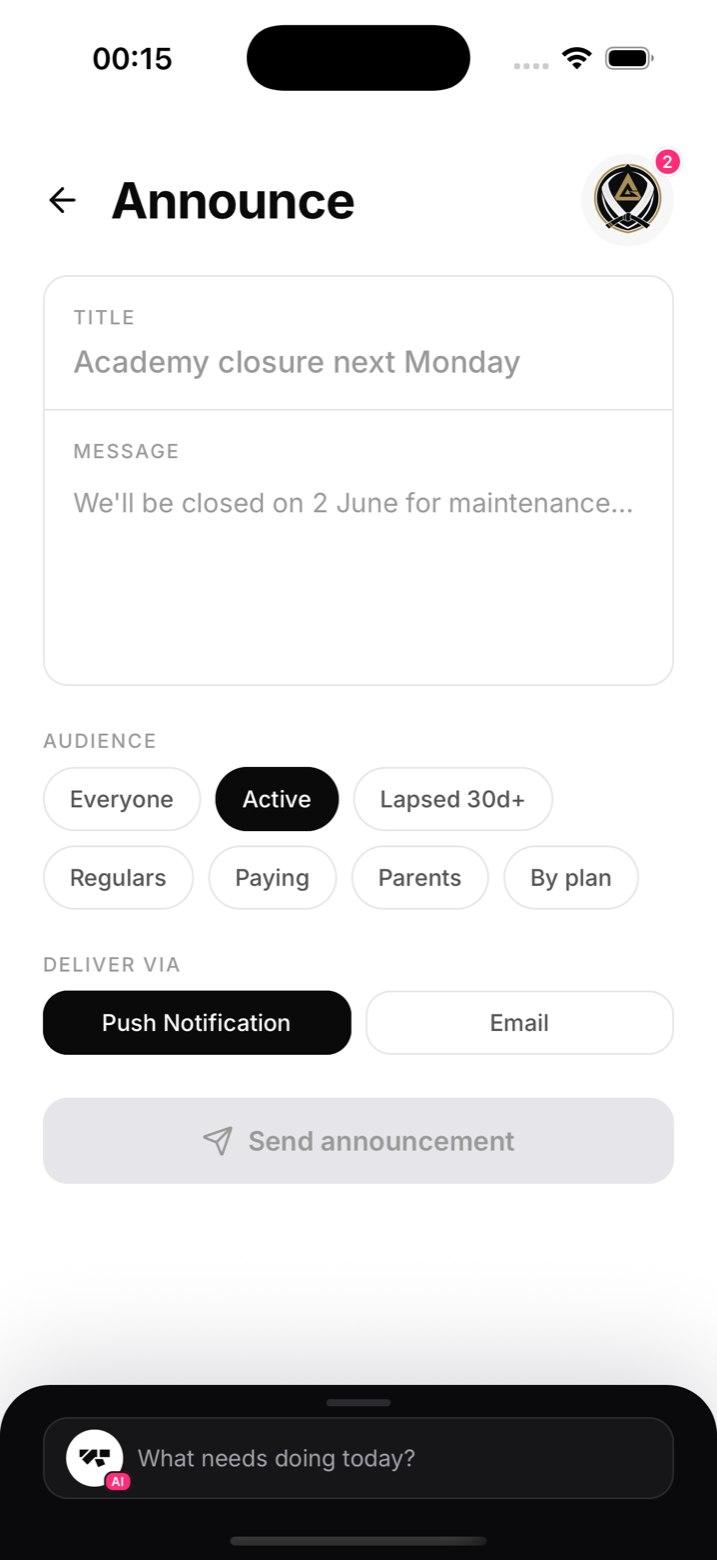
- Open Announcements from the menu (under More on a phone), or ask the AI to send one for you
- Choose the audience:
- Everyone: every member
- Active: members currently training
- Lapsed 30d+: people who've drifted, perfect for comeback offers
- Regulars: your most consistent attendees
- Paying: members with active billing
- Write the message and send. Members get it as a push notification and by email
Asking the AI instead
Tell the assistant "announce that Thursday's 7pm class moves to 8pm" and it drafts the message, shows you a preview card with the audience and channels, and sends only after you confirm. Nothing goes out without your explicit approval.
What lands well
Short and specific beats long and clever. "No classes Monday, bank holiday. Back Tuesday 6am." is a perfect announcement. Save the essays for the mats.
Notes
- Push reaches members who allowed notifications; email covers the rest
- For one member, message them directly in chat instead (see "Messaging members")