Help Center › Marketing & Growth
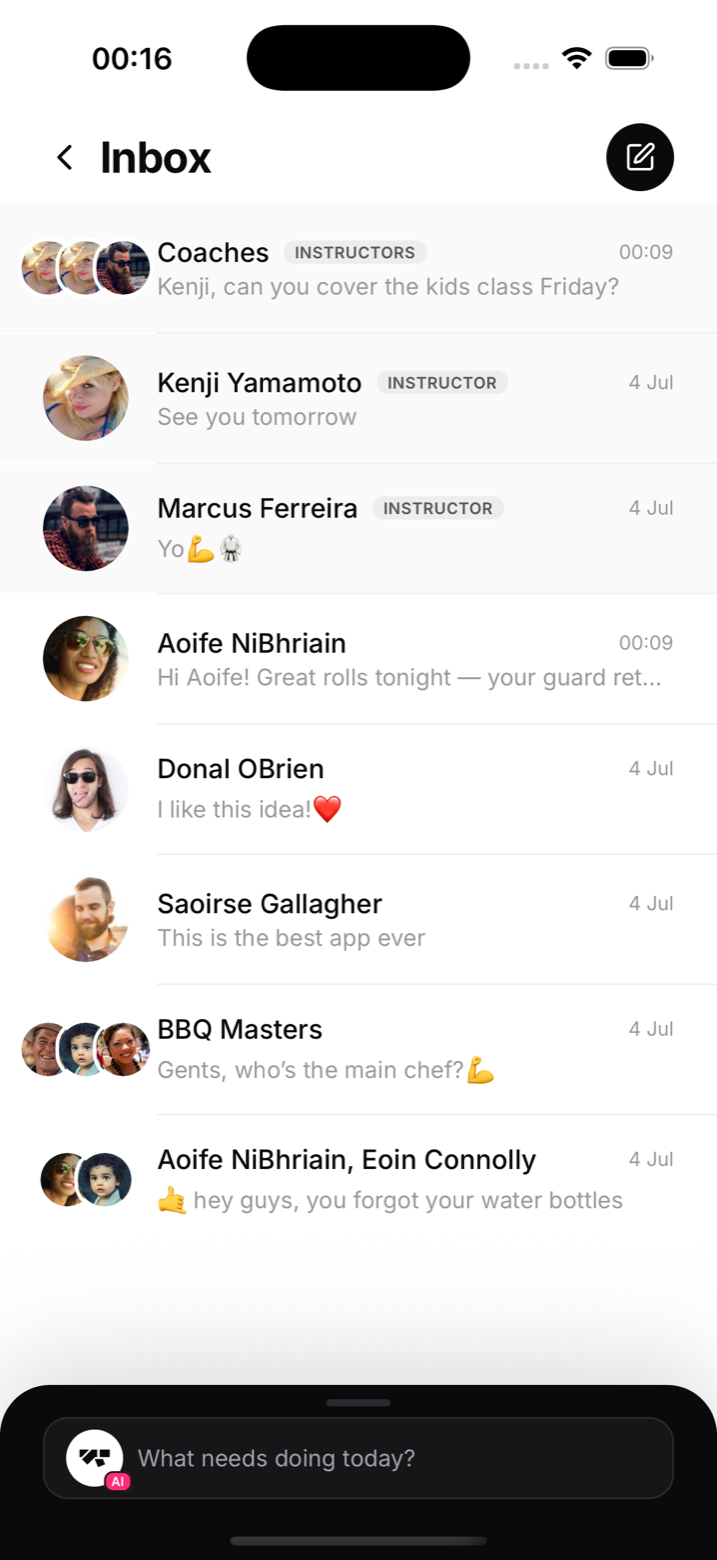
Messaging members with chat
WhatsApp groups work until they don't; the Inbox keeps gym conversation where the gym lives.
Direct messages
Open Inbox and start a conversation with any member. They reply from their own app. Use it for the personal stuff: checking on an injured member, arranging a private session, welcoming a new sign-up on day one.
Group chats
Create a group for a team, a competition squad, or a kids-parents circle. Everyone in the group sees the thread; new members of the group see it from when they joined.
Who can message
Staff can start conversations with members; members can reply and reach the gym. Members don't get an open directory of other members to cold-message: conversation stays gym-centred by design.
Notes
- Messages arrive as push notifications, so replies are fast
- For one-to-many broadcasts, use an announcement instead; chat is for conversations
- Keep safeguarding in mind for minors: parent or guardian contact belongs in the guardian's hands