Help Center › Classes & Scheduling
Offering private sessions
Privates are the highest-value hour in the building; the app replaces the texts and bank transfers around them.
Set up a coach's offer
- Open My Academy in the menu (More on a phone), go to the Money tab and tap Private sessions
- For each coach, set a rate per session, a session length, and a short description of what the session covers
- Set availability so members only see times that actually work
How members book
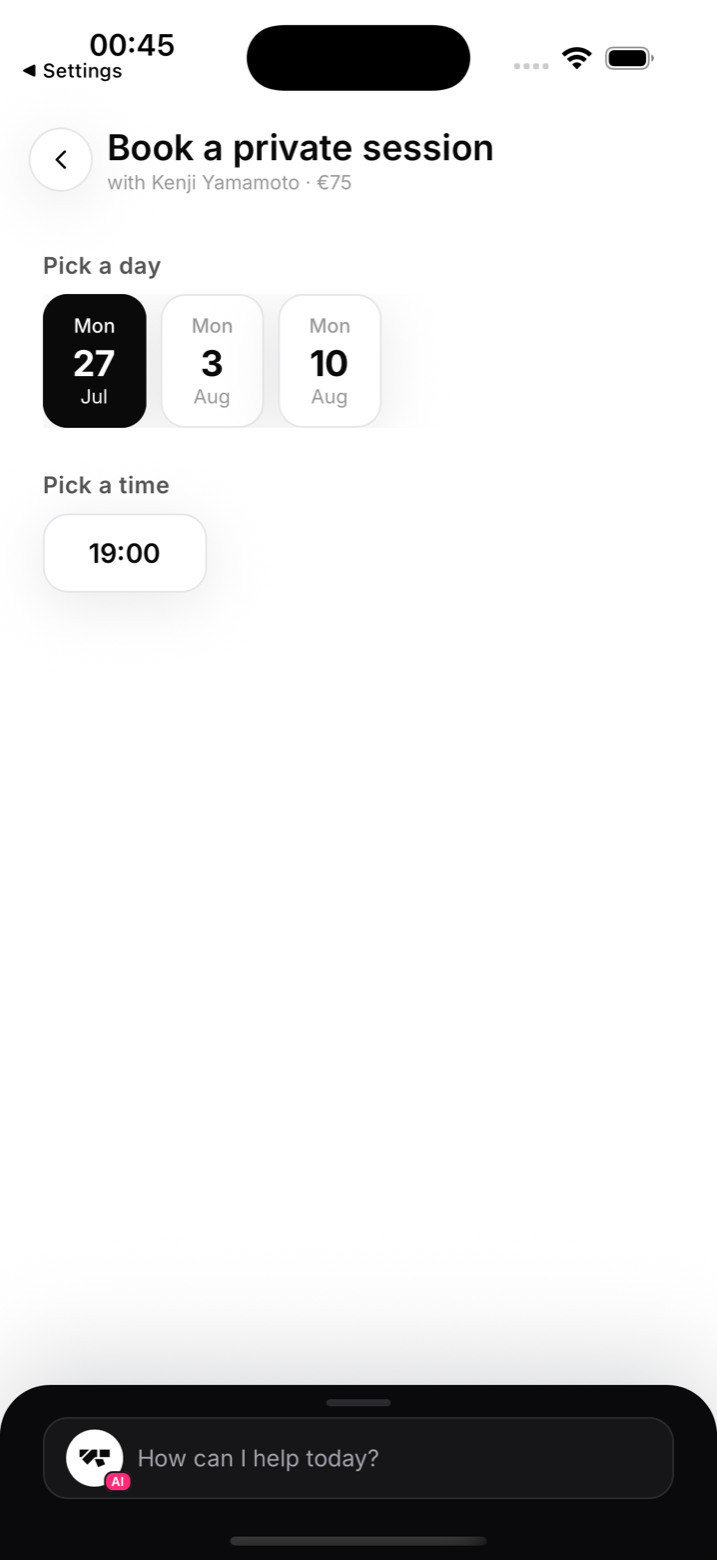
Members open Private sessions in their app, pick a coach, and see the rate, length, and available slots. They book and pay by card through your connected Stripe account. Both sides get the booking confirmation.
Under-18s
Members under 18 can't book paid 1-to-1 sessions. They can request a short chat with the coach instead, and the academy schedules it. This is deliberate: it keeps safeguarding decisions with you, not with a booking form.
Notes
- Private session payments appear in your revenue like any other charge
- Pair this with the teaching log to keep an eye on each coach's load (see "Instructor pay and the teaching log")