Help Center › Classes & Scheduling
Creating a new class
One class entry becomes the single source of truth for schedule, bookings, and attendance.
How to create a class
- Go to the Schedule tab
- Tap + Add class
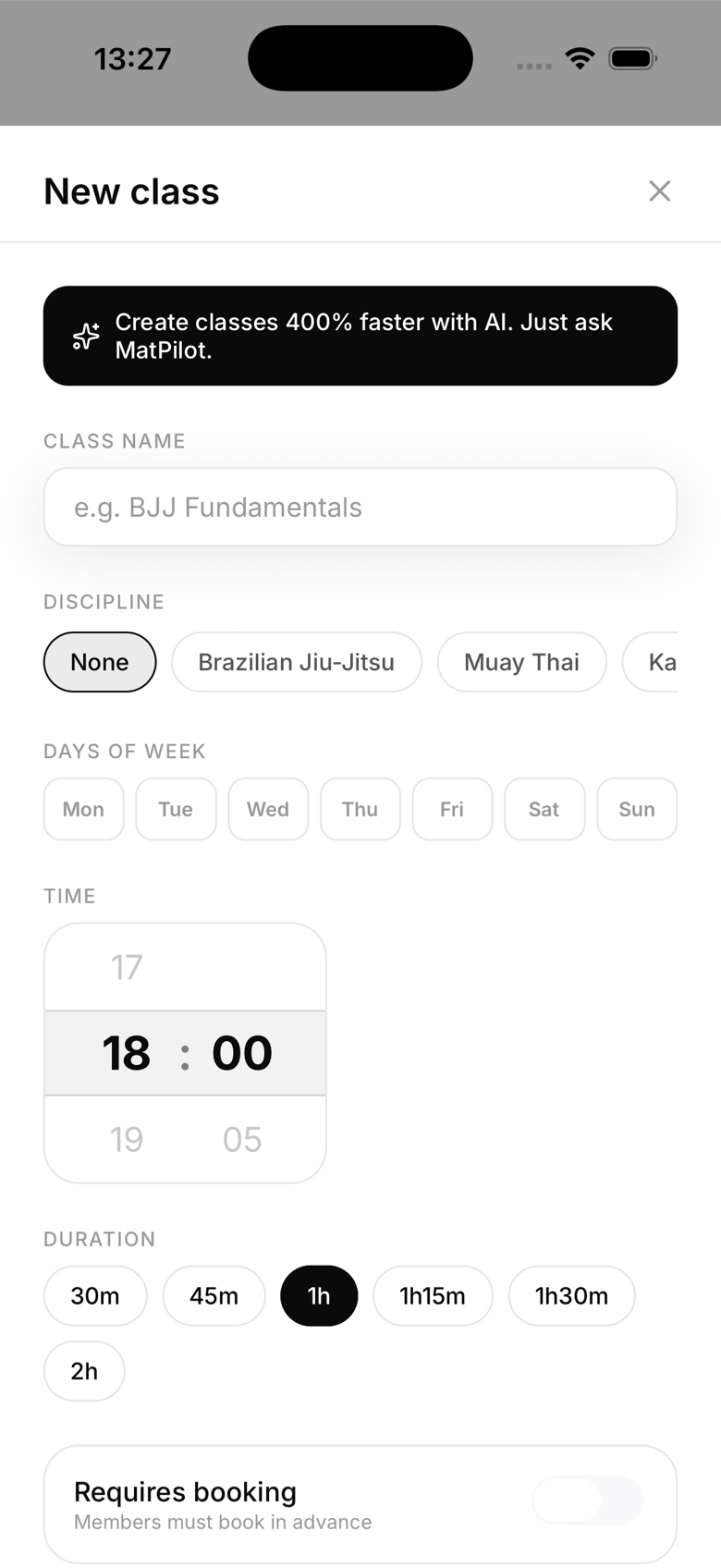
- Fill in the details:
- Name: e.g. "BJJ Fundamentals", "Kids Karate"
- Days: pick one or more days of the week the class runs. You can set a different start time per day if needed
- Start time and duration: what time it starts and how long it runs
- Location: which room or mat, if you have multiple
- Instructor: optional, pick from staff with the Instructor role or above. Shown on the class card
- Capacity: maximum spots, leave blank for unlimited
- Art: which martial art this class covers
Setting a day and time here doesn't just create one class, it sets up a recurring weekly schedule. MatPilot generates the dated sessions automatically so you only configure the pattern once. See "Setting up recurring classes" for details.
Class visibility
Once created, the class appears on the member schedule immediately. Members can view, book, and check in.
Multiple classes per day
You can have as many classes as you like on the same day. They stack on the schedule and each has its own roster, check-ins, and capacity.
Class tags / art
Setting the art on a class helps with filtering. Members training BJJ can filter to only see BJJ classes if your gym runs multiple disciplines.