Help Center › Classes & Scheduling
Setting class capacity limits
Setting a capacity
When creating or editing a class, enter a number in the Capacity field. This is the maximum number of members who can hold an active booking.
What happens at capacity
When a class reaches its capacity limit:
- New booking attempts are added to the waitlist automatically
- The member is notified they're on the waitlist
- If a booked member cancels, the first person on the waitlist is promoted automatically and notified via push notification
Viewing occupancy
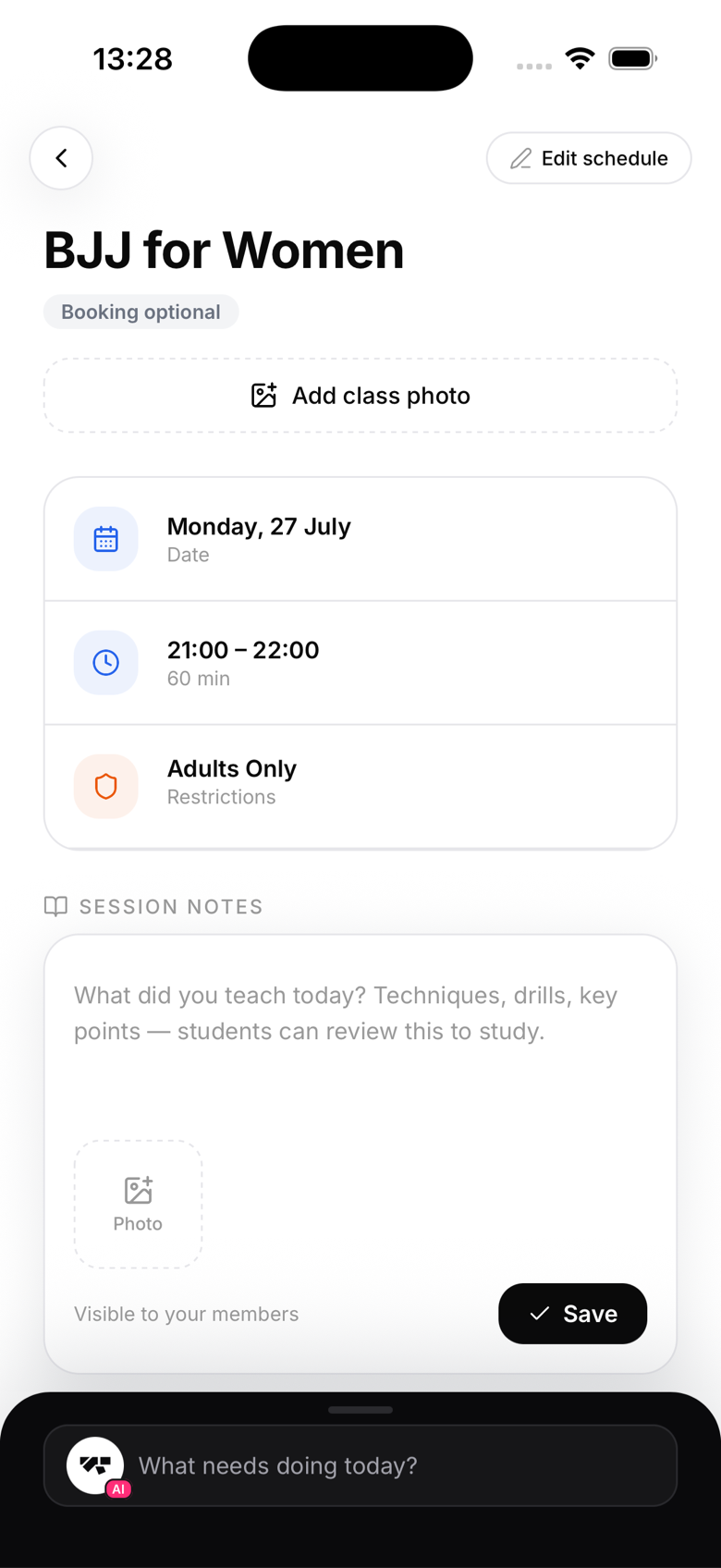
On the class detail screen (tap any class as an owner), you'll see an occupancy bar showing spots booked against total capacity, plus the waitlist count if there is one.
Adjusting capacity mid-week
You can change the capacity on a class at any time. Increasing it doesn't automatically move waitlisted members into booked spots, promotion only happens when a booked member cancels and frees a seat. Decreasing capacity below the current booking count won't cancel existing bookings.
Unlimited capacity
Leave the capacity field blank to allow unlimited bookings. This is the default for most classes.