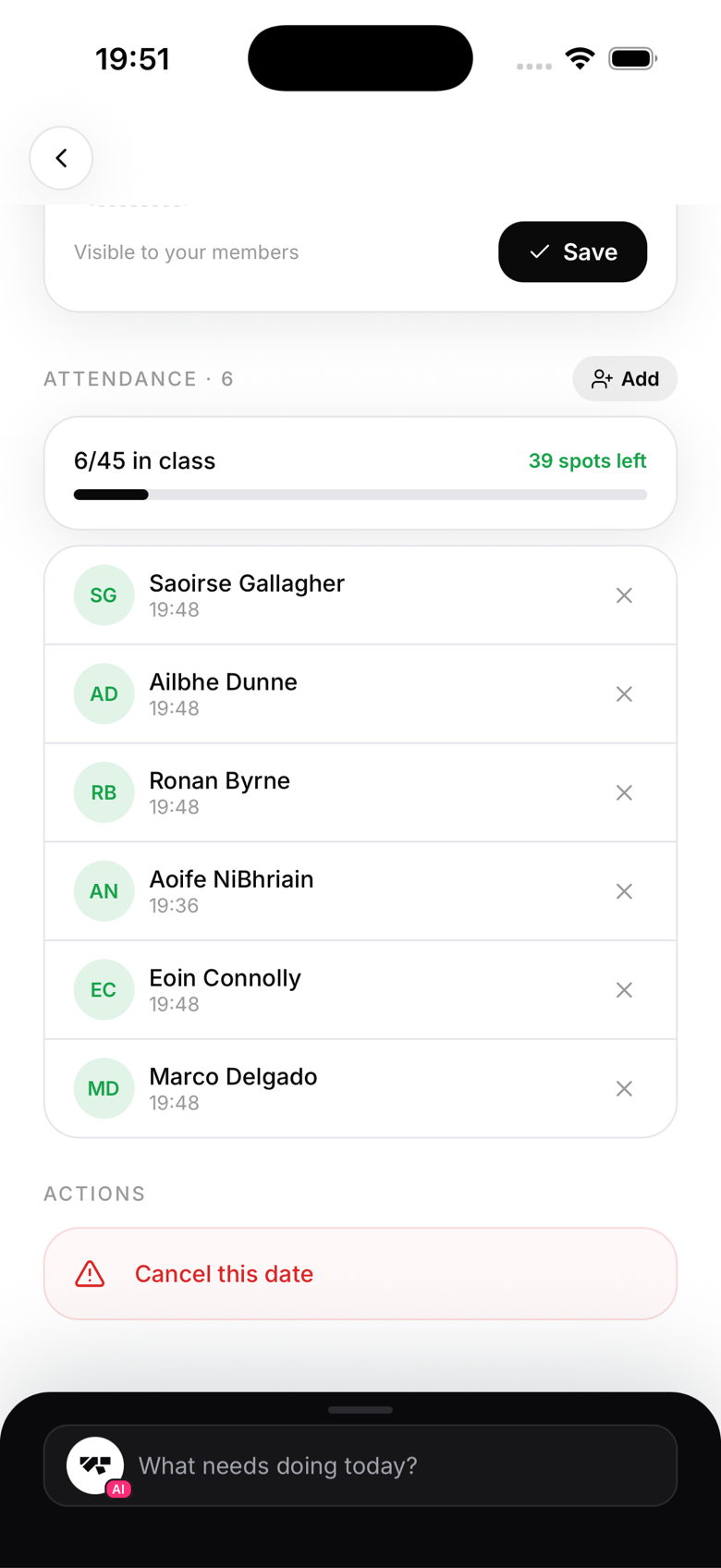
Taking attendance in class
Attendance isn't locked to the start bell; catch it up in seconds after the mats are wiped.
Auto check-in via kiosk
If you have kiosk mode set up at your front desk, members tap their name (or scan a QR code) when they arrive. Their check-in is recorded instantly, and kiosk check-ins work even for a walk-in who never booked the class.
Manual check-in by owner or instructor
During or after class:
- Tap the class from the Schedule tab
- The Attendance section is right there on the class screen, no separate tab to open
- Tap Add and search for the member
- Confirm to check them in
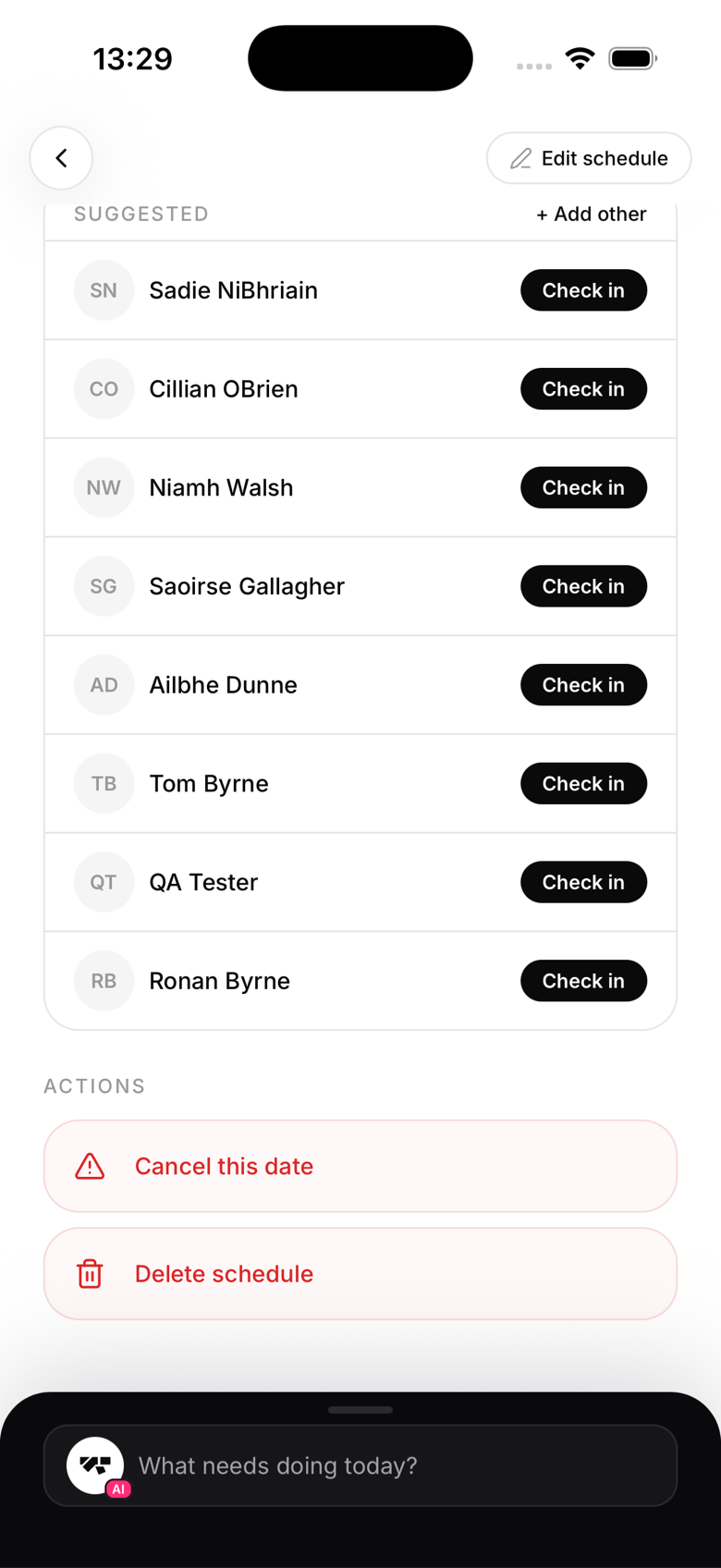
Who's booked vs. who checked in
The attendance view shows two sections:
- Checked in: members who have confirmed attendance
- Booked but not checked in: members who had a booking but didn't check in
This is useful for end-of-class contact tracing or just seeing no-shows.
Retroactive check-ins
For a check-in on a past date, tap the class from history, then Add, then select the correct date. This is useful for correcting missed check-ins or logging a class that ran without the app.
Check-in methods tracked
MatPilot records how each member checked in: self (from the member app), kiosk, or added by staff, tagged as instructor or reception depending on who added it.