How attendance works in MatPilot
One tap on the way in; the record, the streaks, the analytics, and the pay run all follow from it.
The four ways a check-in happens
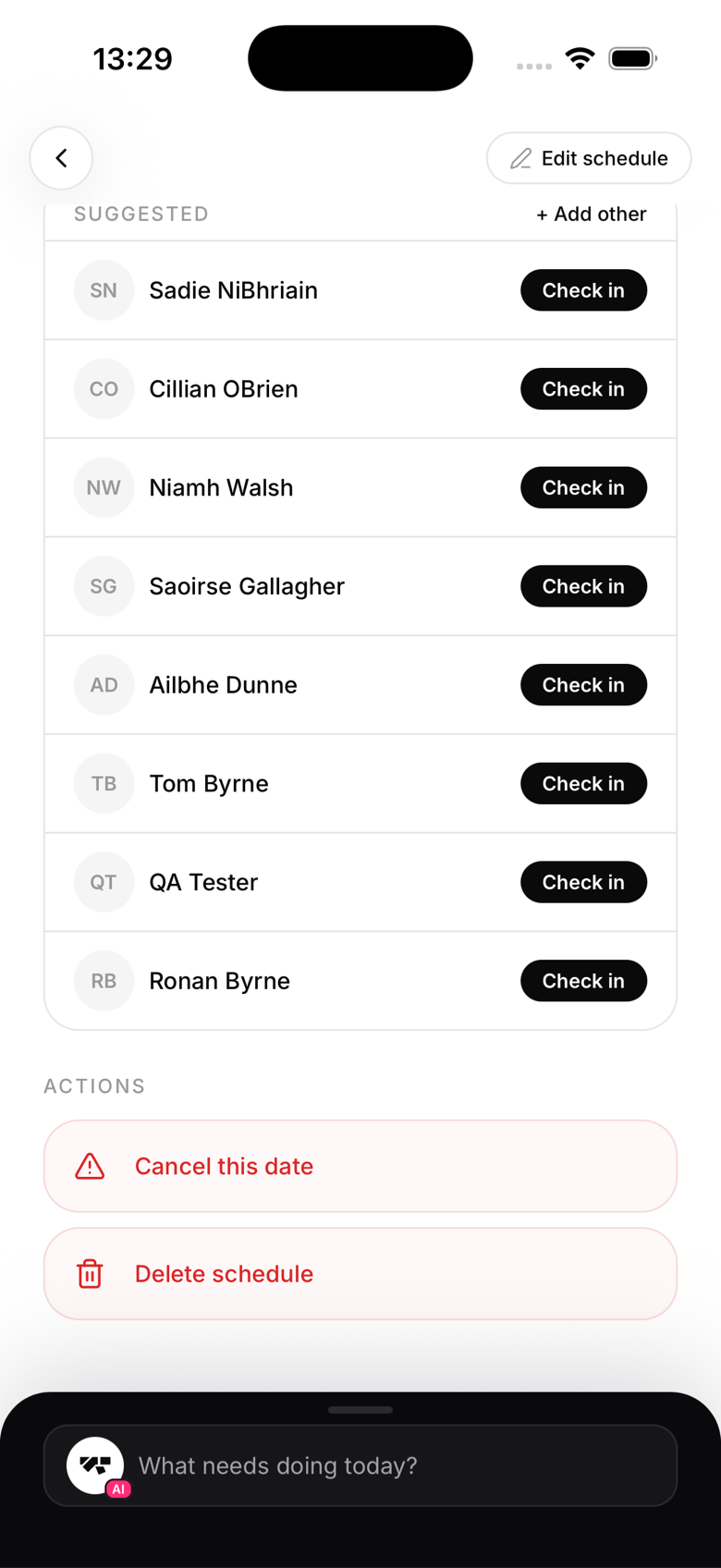
- Kiosk self check-in: the member finds their name on the front-desk tablet and taps it (see Member self check-in via kiosk)
- Staff manual check-in: anyone with a staff role marks members present from the class roster
- Booking plus arrival: members who booked ahead appear on the roster ready to be confirmed in one tap
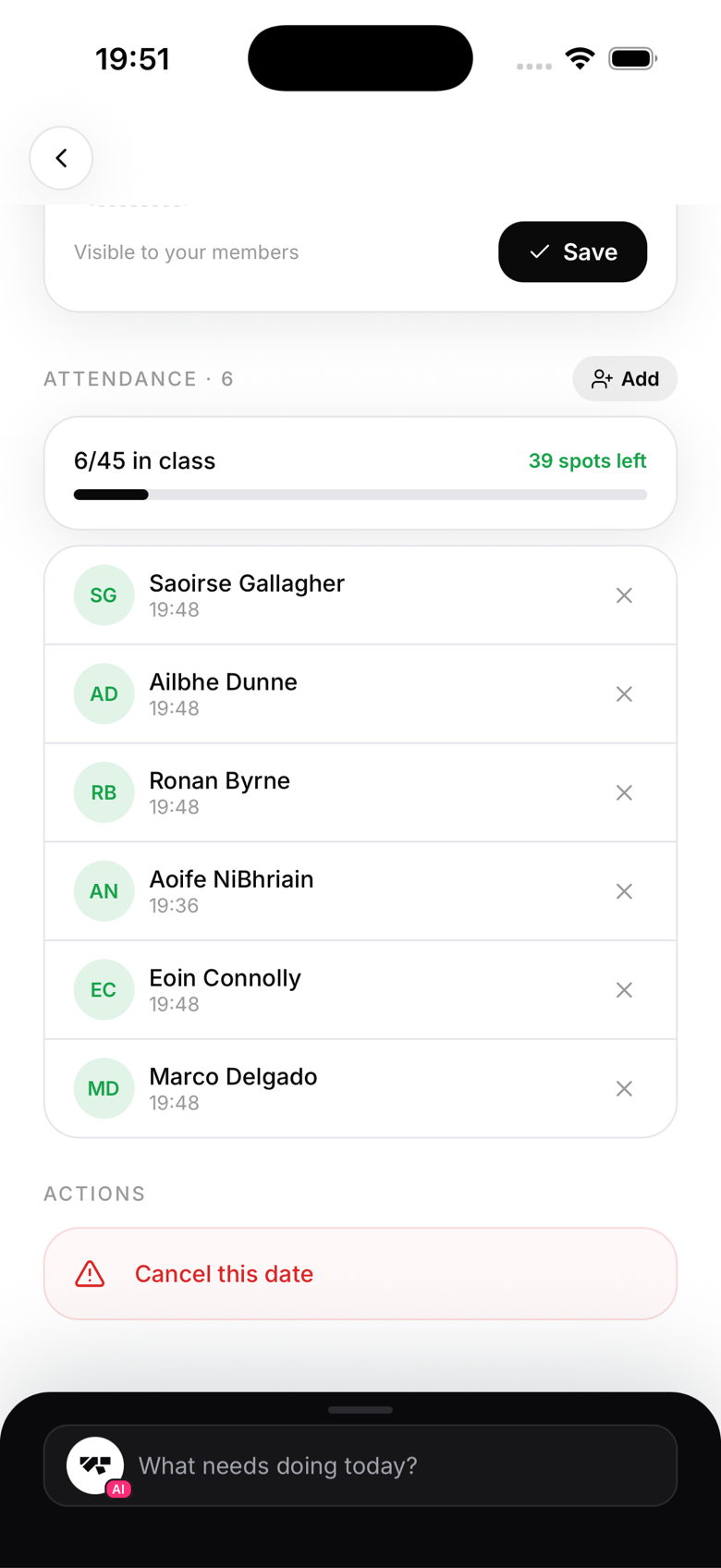
- Retroactive check-in: staff correct the record after the fact when someone forgot to tap in
One record, many consumers
However the check-in happens, it lands in the same place: the member's attendance history for that class, on that date. From there it powers class rosters, attendance streaks, the analytics screen, grading readiness, per-class instructor pay, and class-pack credit counting. One tap, a lot of leverage.
Attendance and trials
For members on a class-based trial, each check-in uses one trial class automatically. Nothing to administer; the count just runs down.