Retroactive check-ins
Forgot to tap in? Fix the attendance record in seconds, credit intact.
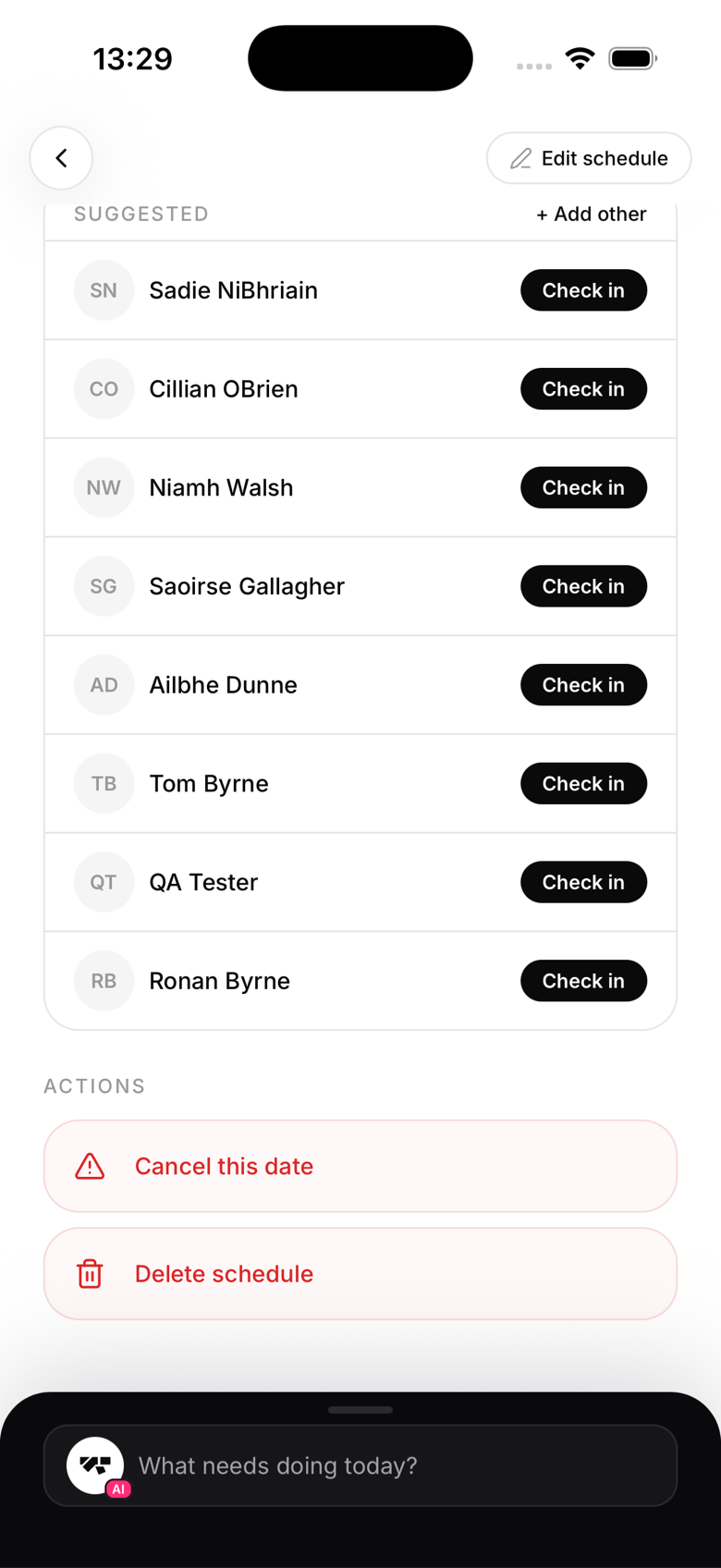
Adding a retroactive check-in
- Find the class in the Schedule tab (scroll back to past dates)
- Tap the class to open its roster
- Tap Add in the attendance section
- Search for the member and pick the class date
- Confirm, the check-in is recorded and linked to that class date
Who can add retroactive check-ins
Owners, managers, instructors, and reception staff can all add retroactive check-ins.
Effect on trials
If a member is on a class-count trial (e.g. 5 free classes), a retroactive check-in will decrement their remaining count just like a same-day check-in. Check the member's trial status before adding if you're not sure.
Why this matters
Accurate attendance records matter for:
- Grading reviews (instructors want to know how many classes a student has attended)
- Trial tracking
- Insurance and safety records
Bulk retroactive check-ins
There's no bulk import for past check-ins. Each one must be added individually from the class roster.