Attendance for instructors
During class
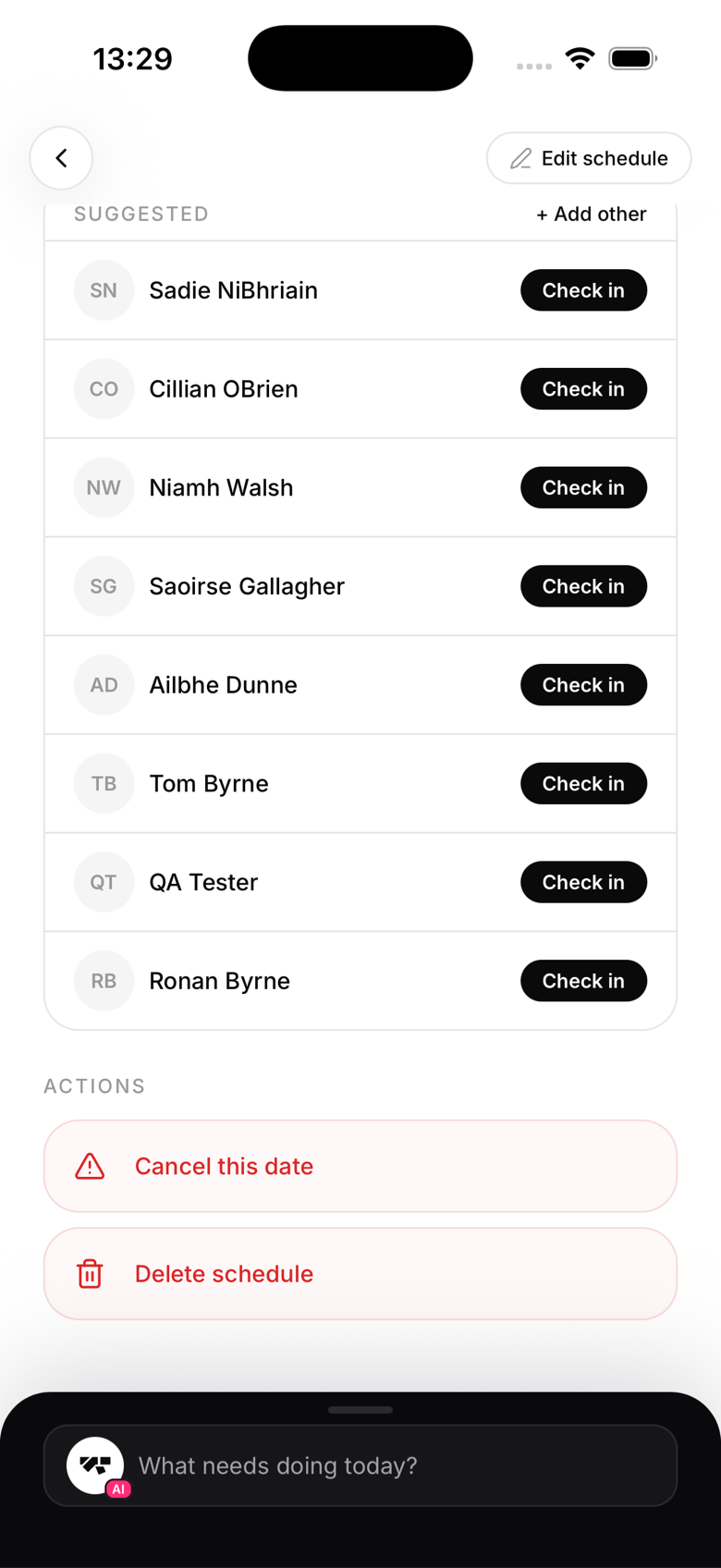
Open your class from the schedule and the roster shows everyone booked, anyone on the waitlist, and a suggested list of members with one-tap Check in buttons. Mark people as they bow in, or do the whole mat in one sweep while they warm up.
After class
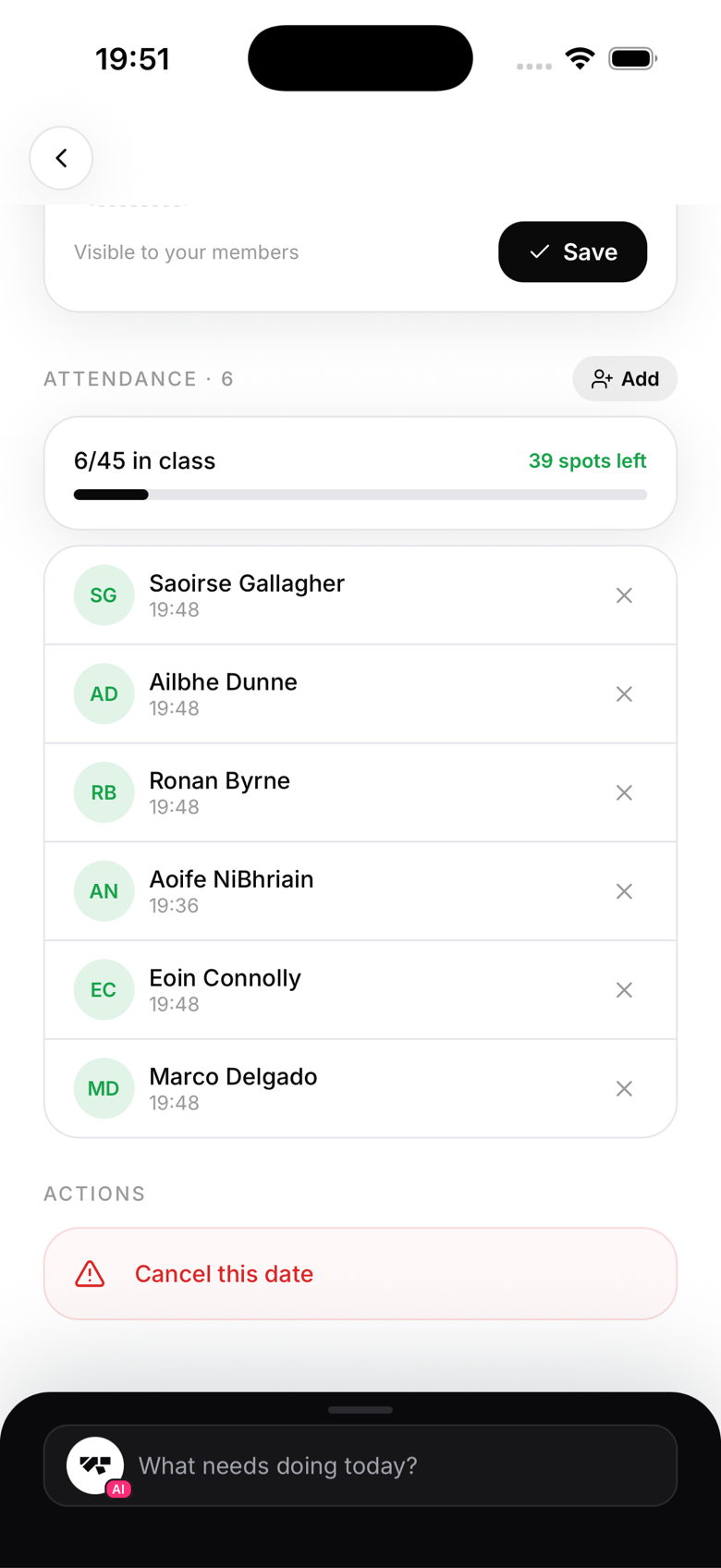
Someone trained but never got marked? Add them with a retroactive check-in before you forget. The record matters more than the timing: gradings, streaks, and class-pack credits all count on it.
What it does for you
Your taught classes and their attendance feed the teaching log, which is the basis for per-class instructor pay. Checking your students in accurately is, quite literally, how your hours get counted.
What you can't do
Attendance is yours; billing is not. If a member's check-in is blocked by an unsigned waiver or a suspended membership, hand it to the front desk or the owner.