Attendance for reception
Reception owns the door: keep the kiosk moving, catch the exceptions by hand.
The kiosk does the volume
Most members check themselves in at the kiosk tablet: find your name, tap, done. Reception's job is the exceptions: the member whose name search comes up empty, the parent with a question, the kiosk that lost Wi-Fi mid-rush.
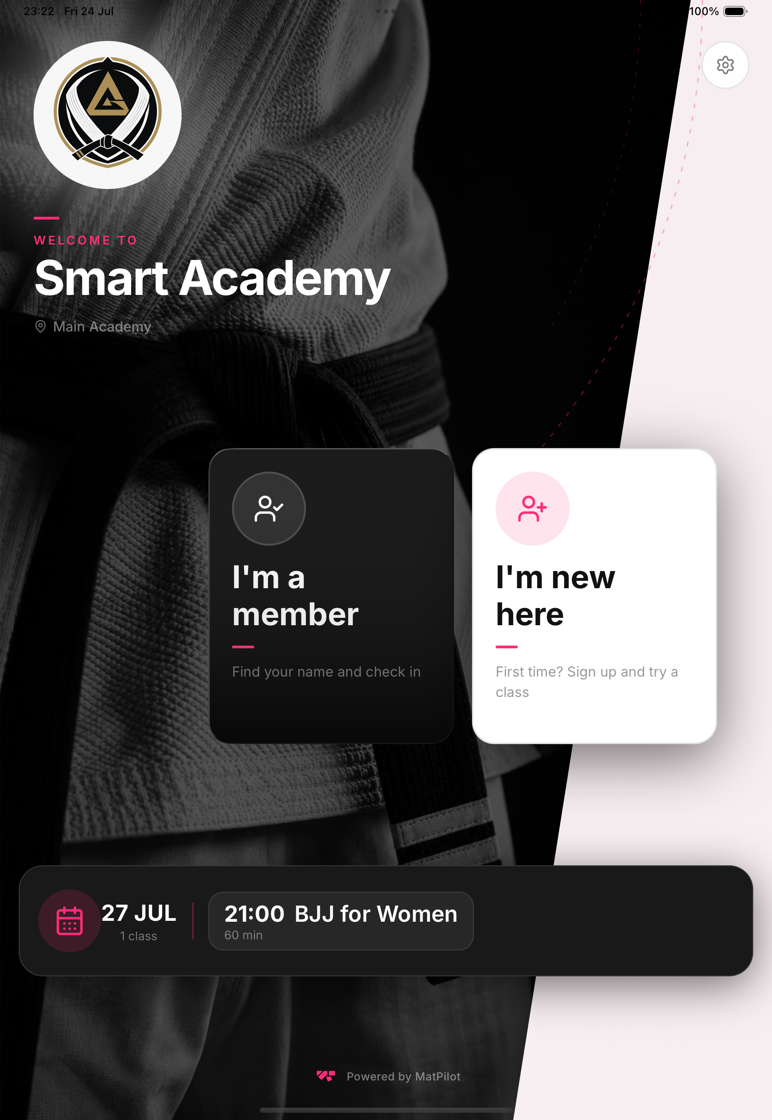
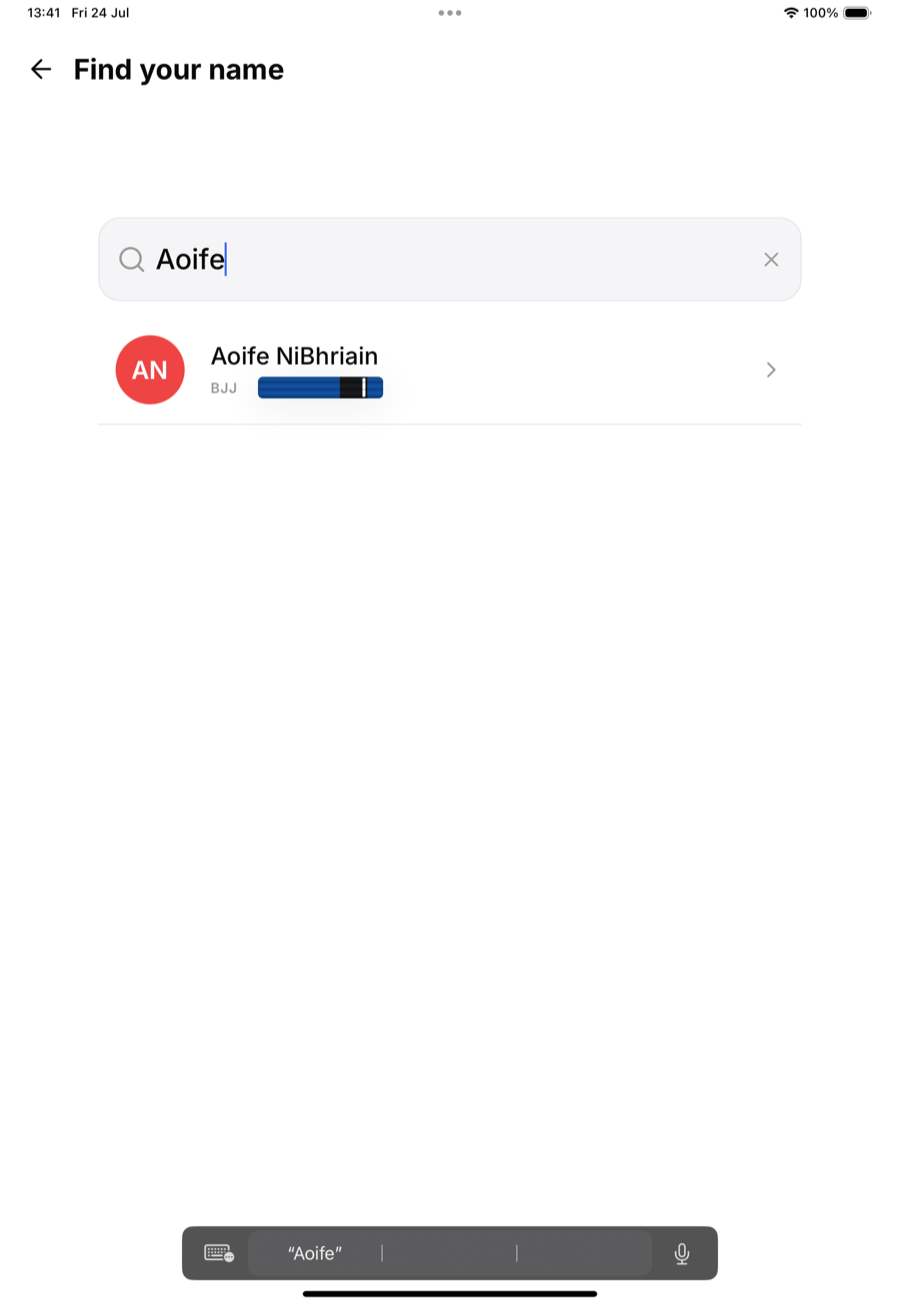
Manual check-in for everything else
From the owner app, reception can open any class roster and check anyone in directly (see Manual check-in by staff). Kiosk down, member in a hurry, class already rolling: the fallback takes seconds.
What reception sees, and doesn't
The reception role is scoped to the door: rosters, check-ins, and the schedule. No revenue, no billing, no settings (the full map is in What reception staff can access). If a check-in is blocked by an unsigned waiver, the kiosk walks the member through signing on the spot.