Manual check-in by staff
Kiosk frozen, class started: staff can mark anyone present from the owner app in seconds.
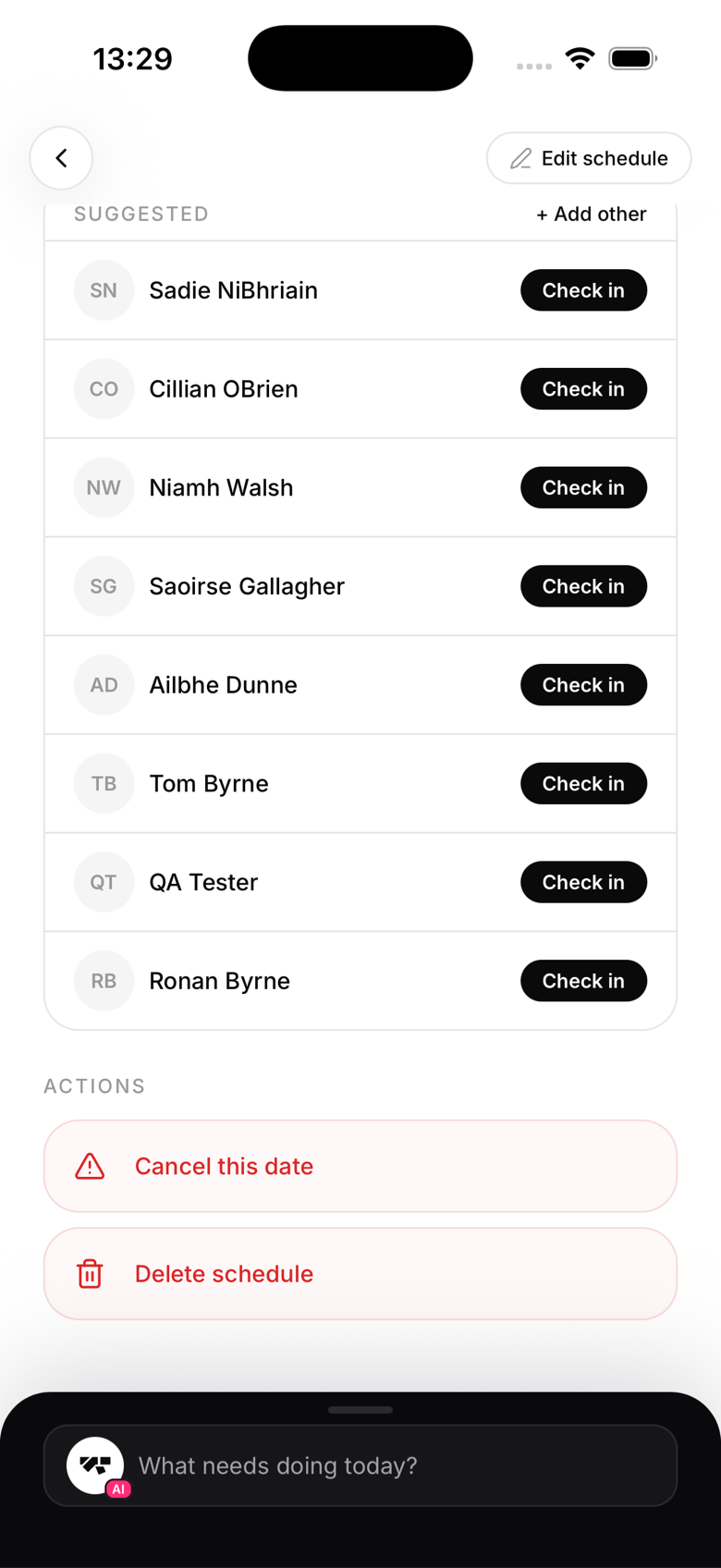
Real-time manual check-in
During class, open the class roster on your phone:
- Go to Schedule, then tap the current class
- Tap + Add
- Search for the member by name
- Confirm
The check-in is recorded with the current time. The roster badges it "Instructor" to show a staff member checked them in, rather than the member checking in themselves.
Retroactive check-in
For check-ins that should have happened in the past:
- Scroll back to the past date in the schedule
- Open the class
- Tap + Add and select the member
- The check-in is linked to that class date
Who can do manual check-ins
- Owners
- Managers
- Instructors
- Reception staff
Manual check-ins and trials
If the member is on a class-count trial, a manual check-in decrements their remaining classes just like a kiosk check-in. Double-check the trial status if you're adding retroactive check-ins.
Checking in non-booked members
You can manually check in a member who didn't book the class. This is useful for walk-ins who came to a class without booking ahead.