Help Center › Classes & Scheduling
Cancelling a class
Sick instructor, surprise holiday: cancelling cleanly and telling members matters more than the cancellation.
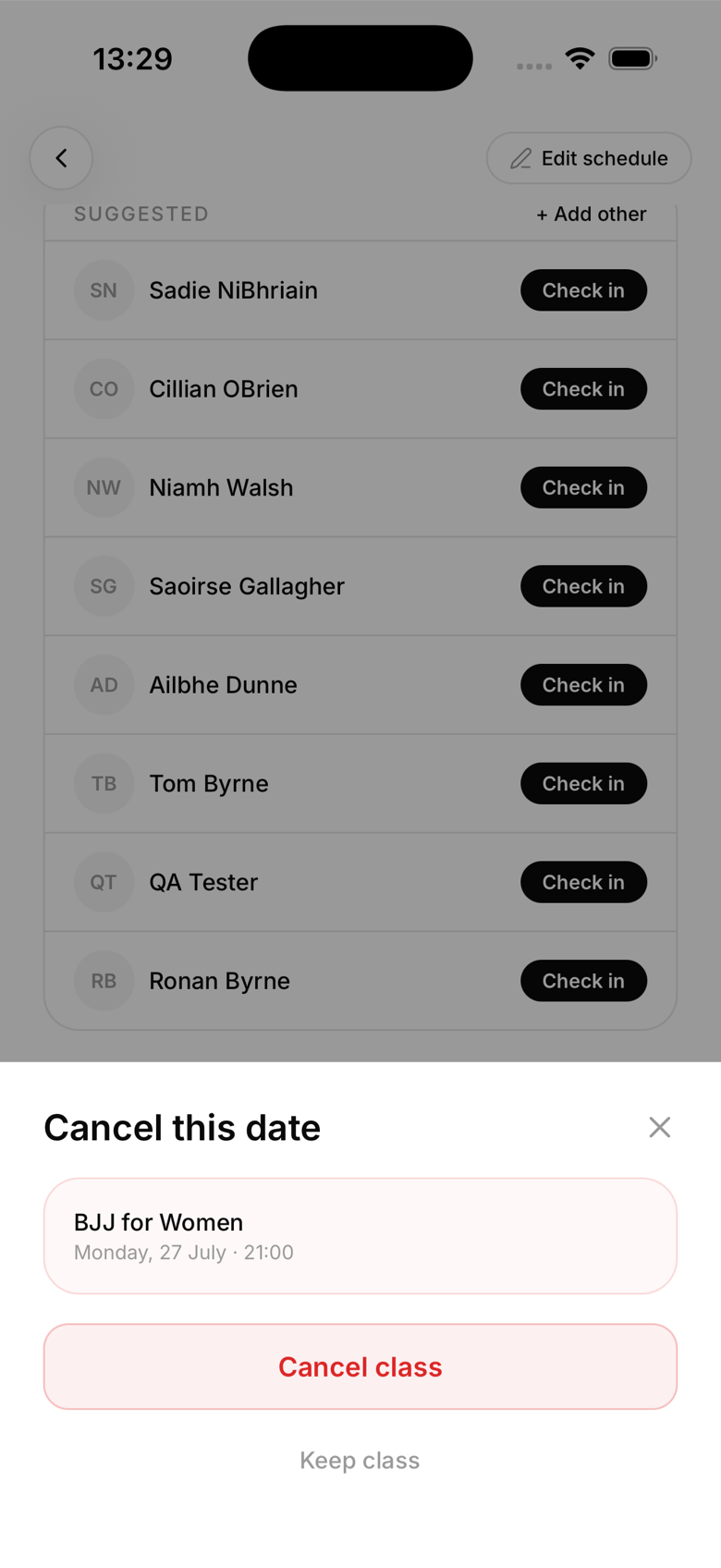
Cancelling a single occurrence
- Open the Schedule tab
- Tap the class occurrence you want to cancel
- Tap ... then Cancel this class
- Confirm
Cancelling marks that occurrence as cancelled, it doesn't notify anyone automatically. You'll be prompted to send an announcement, confirm that and booked and waitlisted members get a push notification right away.
Cancelling the entire recurring series
- Open any occurrence of the recurring class
- Tap ... then Delete class
- Choose All future occurrences
This removes the class from the schedule going forward. Past occurrences and their attendance records are preserved.
Rescheduling
There's no direct "reschedule" function. The cleanest approach is to cancel the original occurrence and create a new one-off class at the new time.
Notifying members manually
If you cancel with short notice and want to add a personal message, use the AI co-pilot's Send announcement action to notify all active members. This is separate from the cancellation prompt and gives you full control over the wording.