Help Center › Classes & Scheduling
Hosting a paid seminar
A one-off paid event with a payment link you can share anywhere, to members and the public alike.
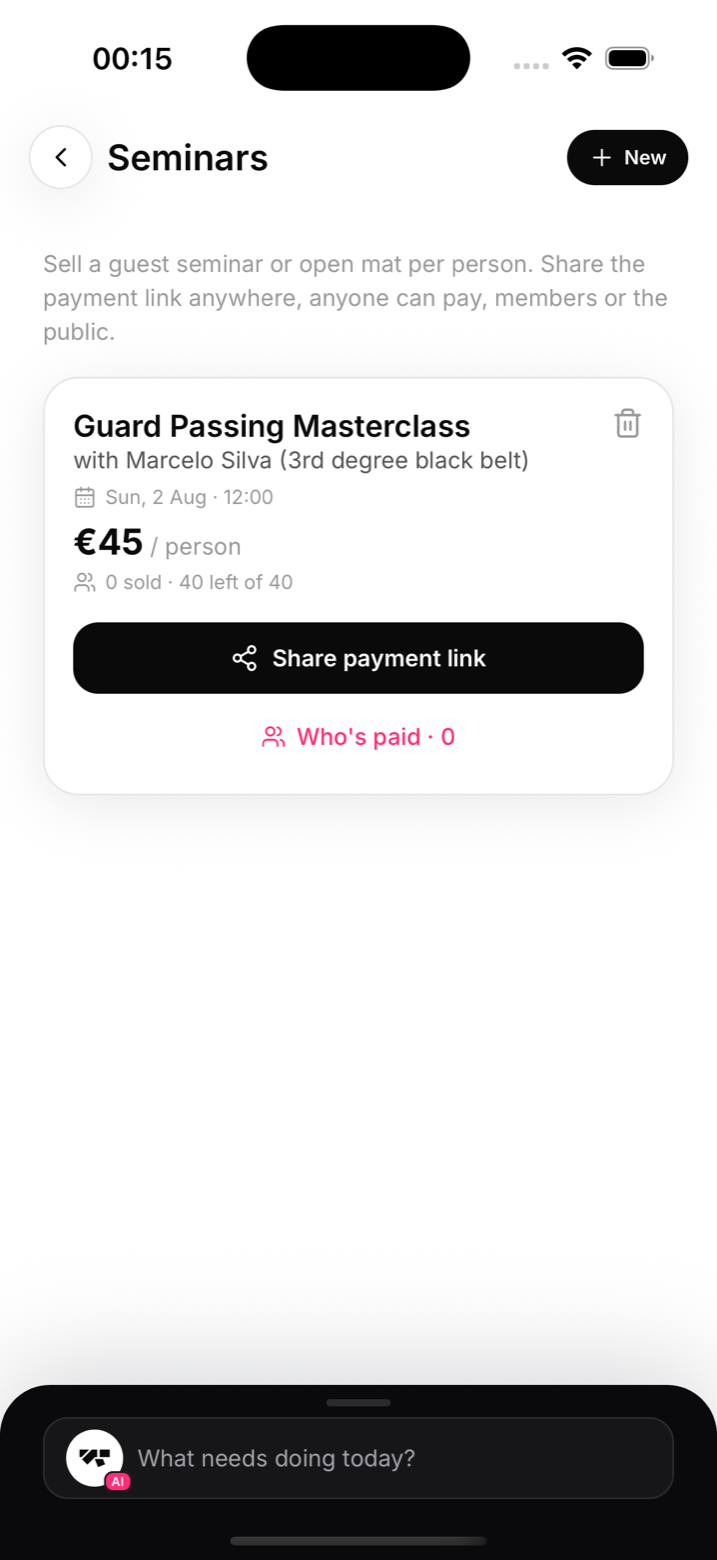
Create a seminar
- Go to Events in the menu (More on a phone), then Seminars, and tap New
- Enter a title, date, and price per person
- Save. MatPilot creates the event and a public payment link on your Stripe account
Sell tickets
Share the link in your group chat, on Instagram, on a poster QR code, anywhere. Anyone can pay: members and the public alike. Payments land in your connected Stripe account like any other charge, with the platform fee handled automatically.
Members can also find and pay for the seminar inside the app.
On the day
Open the seminar to see who has paid. Because the list is live, the front desk can check people against it as they arrive; no spreadsheet reconciliation afterwards.
Notes
- A seminar is a single event. For a multi-week offering with sessions and progress tracking, use Programs instead (see "Programs and structured courses")
- Refunds work like any other payment: find the payment in the member's Billing tab, or ask the AI to refund it