Help Center › Billing & Payments
Refunds and cancellations
Cancelling a membership
A member's cancellation is a request that you confirm. They send it from their profile, you approve or decline it from your home screen, and your notice period decides the end date. The two articles that cover this properly are How a member cancels and Confirming or declining a cancellation request.
To cancel at the desk instead: member profile, Membership, Cancel. You are offered your policy's timing or an immediate end.
A cancellation normally lands on a billing date, so the member keeps access to the end of the period they already paid for and is not charged again.
Processing a refund
Refunding is separate, and there are three ways:
- Your cancellation policy. Set Refund on cancellation to prorated or full and an immediate cancellation returns the unused part automatically. See Refund on cancellation.
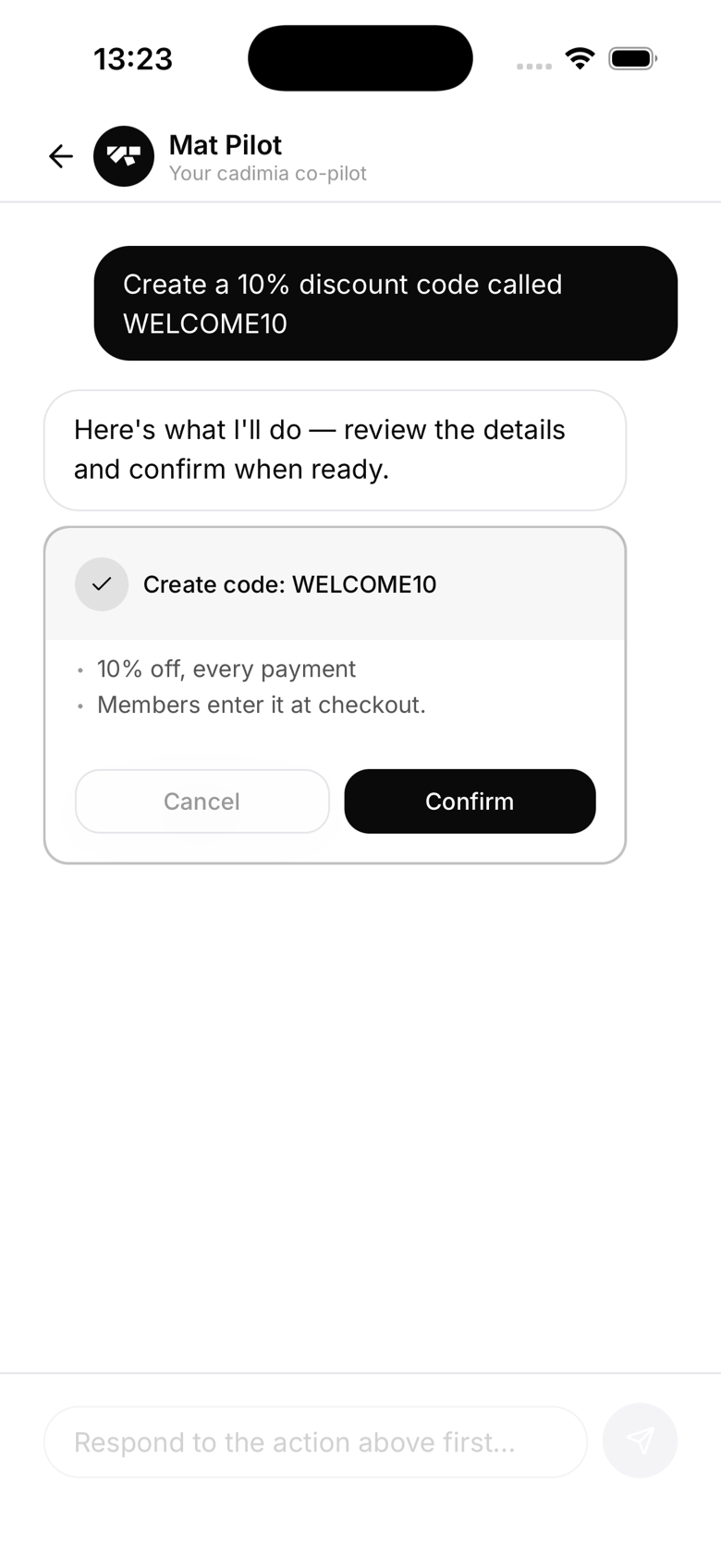
- Ask the AI Assistant. Tell it who to refund and how much. It shows a confirmation card before anything is charged back, and reverses MatPilot's platform fee proportionally so you are not left covering a fee on money you returned.
- Your Stripe dashboard. Payments, find the payment, Refund, full or partial.
Refunds go to the original payment method and typically take 5 to 10 working days.
Why most cancellations refund nothing
Because they end on a date the member had already paid up to. There is no unused time to return. A refund only comes into it when you cut a paid period short by ending a membership immediately.
Communicating with members
Confirming a cancellation emails the member the effective date. Declining one emails them to say the membership is continuing, so nobody is left assuming they have cancelled. A refund also generates its own email from Stripe.