Help Center › Billing & Payments
Supported payment methods
Cards
- Visa, Mastercard, American Express
- Debit cards (where supported)
- Prepaid cards (may be declined for subscriptions)
Digital wallets
- Apple Pay - available on iPhone when checking out in the app
- Google Pay - available on Android when checking out in the app
Apple Pay and Google Pay show up automatically alongside card entry on the Stripe checkout screen, no separate setup needed.
Bank transfers / SEPA
Stripe supports SEPA Direct Debit for European members. MatPilot doesn't turn this on by default, but since it's your own Stripe account, you can enable it yourself from your Stripe dashboard. Once enabled, Stripe Checkout shows it automatically at checkout.
Cash payments
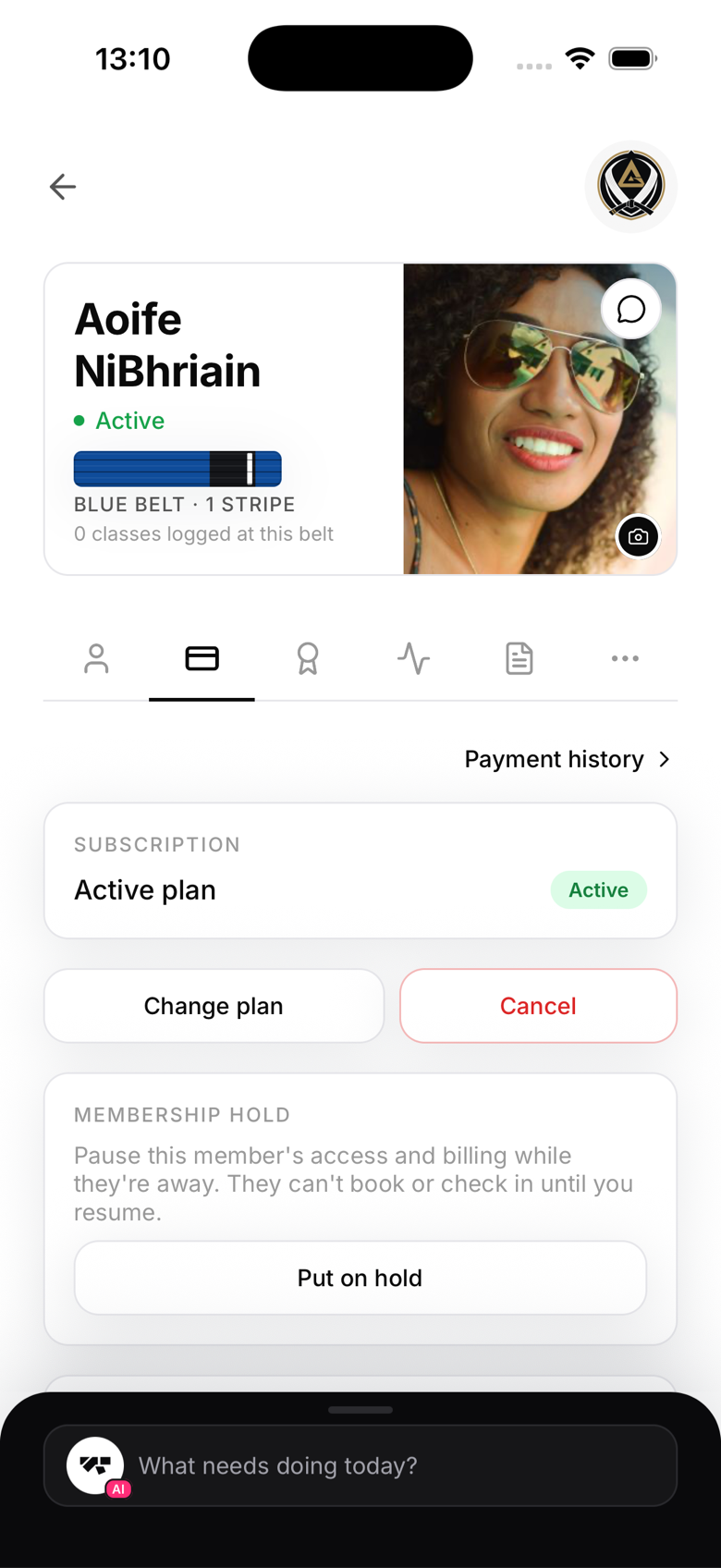
MatPilot doesn't charge cash directly, but you can record it. On the member's Billing tab, use In-person payment to log the amount received. This keeps their account current and shows up correctly in your revenue reports.
Currency
Each membership plan has its own currency, chosen when you create the plan. It isn't tied to your Stripe account and isn't locked in when you connect Stripe. See "Payment currency support" for details on keeping your reporting accurate if you use more than one currency.
Failed payments
If a card payment fails (expired card, insufficient funds), MatPilot flags the member as delinquent and notifies you. You can retry the payment from the member's profile.