Help Center › Billing & Payments
Retrying a failed payment
Often the fix is trying again tomorrow; do it from the app, not the Stripe dashboard.
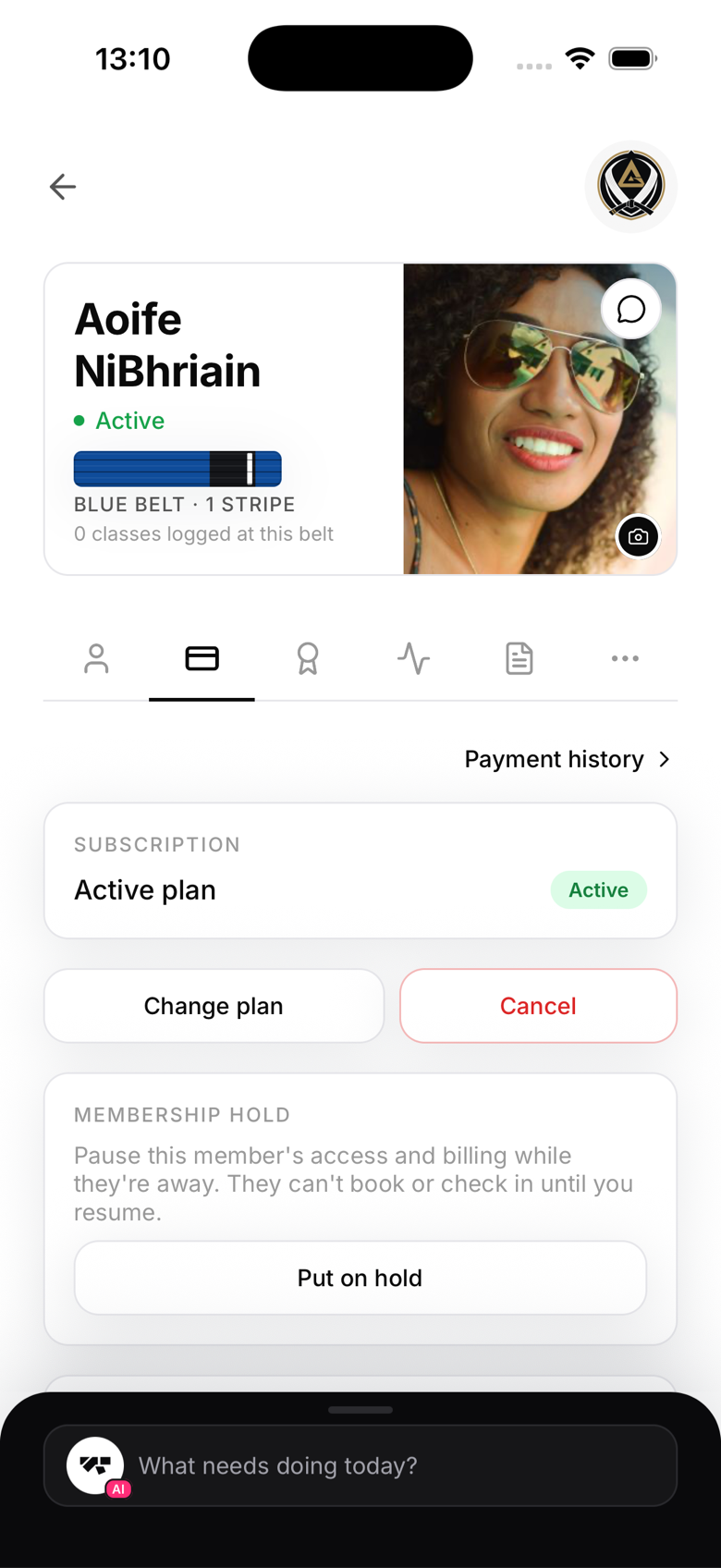
From the member's profile
- Open the member's profile
- Tap the Billing tab
- Tap Retry payment
- Confirm
MatPilot attempts to charge the card on file. You'll see the result immediately, success or failure.
From the delinquencies view
- On the owner home screen, tap Failed payments in the briefing card
- Find the member
- Tap Retry next to their name
What happens on success
If the retry succeeds:
- The member's status returns to active
- They receive a payment receipt by email
- You receive a success notification
What happens on failure
If the retry fails again:
- The member remains past_due
- Consider suspending their access until they update their payment method
Asking members to update their card
Members can update their own card without contacting you. In the app, they go to Profile → Payment method, which opens a secure Stripe page where they can update the card on file directly.