Help Center › Billing & Payments
Handling failed payments
Expired cards fail quietly; MatPilot catches them before access stops mid-warmup.
How you're notified
When a payment fails, you receive:
- A push notification
- An email (if owner notifications are enabled)
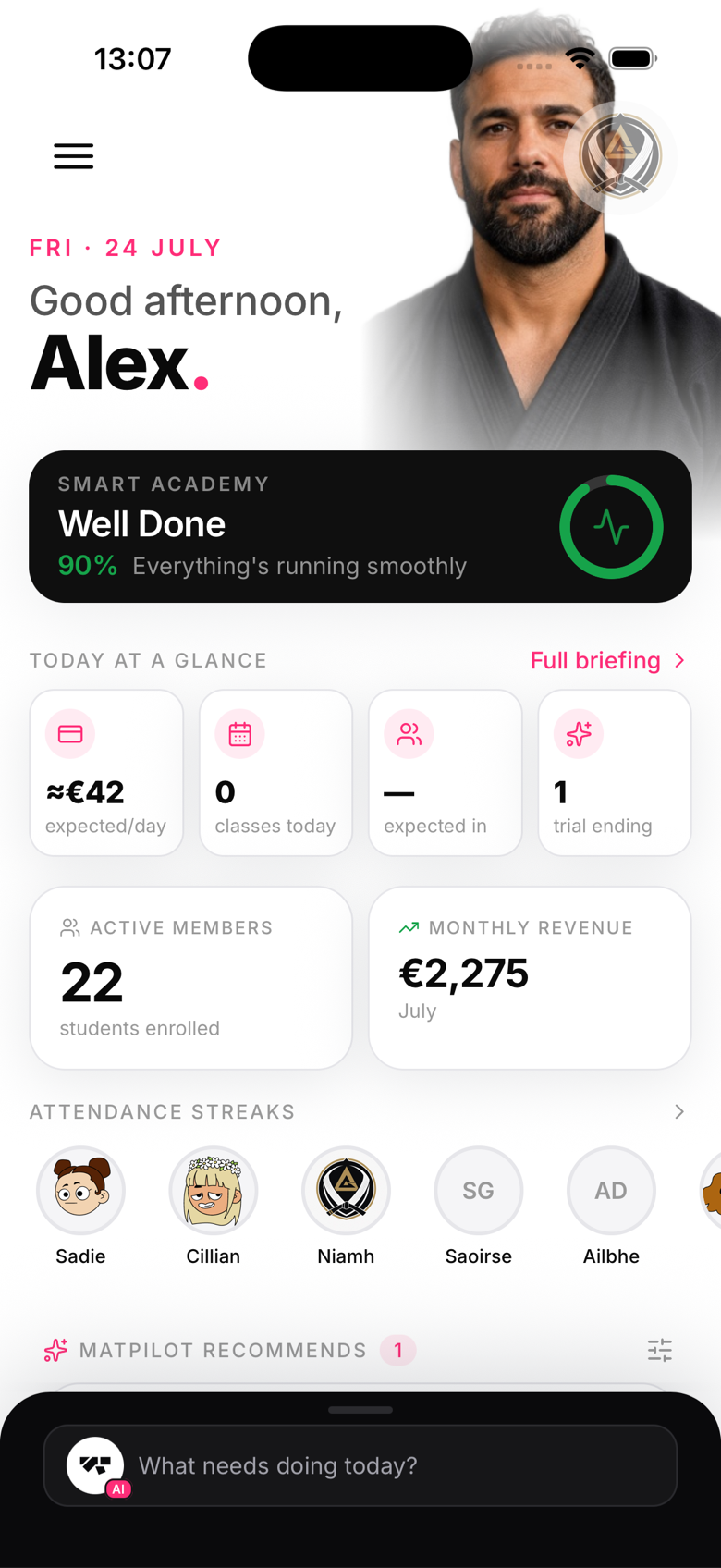
- The member appears in the Failed payments section on your home screen
Why payments fail
Common reasons:
- Card expired
- Insufficient funds
- Card number changed (member got a new card)
- Bank declined for fraud prevention
What happens to the member's account
The member's status changes to past_due. They can still access the gym until you choose to suspend them. This gives you time to contact them and sort out the payment before restricting access.
Retrying a payment
Go to Members → [Member name] → Billing tab → Retry payment. This attempts to charge the member's card on file immediately. If it succeeds, their status returns to active.
The delinquencies view
The Failed payments briefing item on your home screen opens a dedicated view showing:
- All members with past due payments
- Amount owed
- Quick retry button for each
Contacting the member
Use the Send message option on the member's profile to send a push notification or (if enabled) an SMS reminding them to update their payment details.