Understanding the morning briefing card
What the briefing covers
- Money: payments to collect from failed charges, and a retention flag if a few members have recently left
- Classes: how many are on today and expected bookings, plus any class that's noticeably under-booked
- Trials: trials ending within the week
- Attendance: members sliding or drifting on attendance
- Instructors: a coach teaching a heavy load today, or one who hasn't taught in a while
- Graduation follow-up: a nudge to apply rank changes after a Graduation Day event you've already held, once you're ready
Example briefing
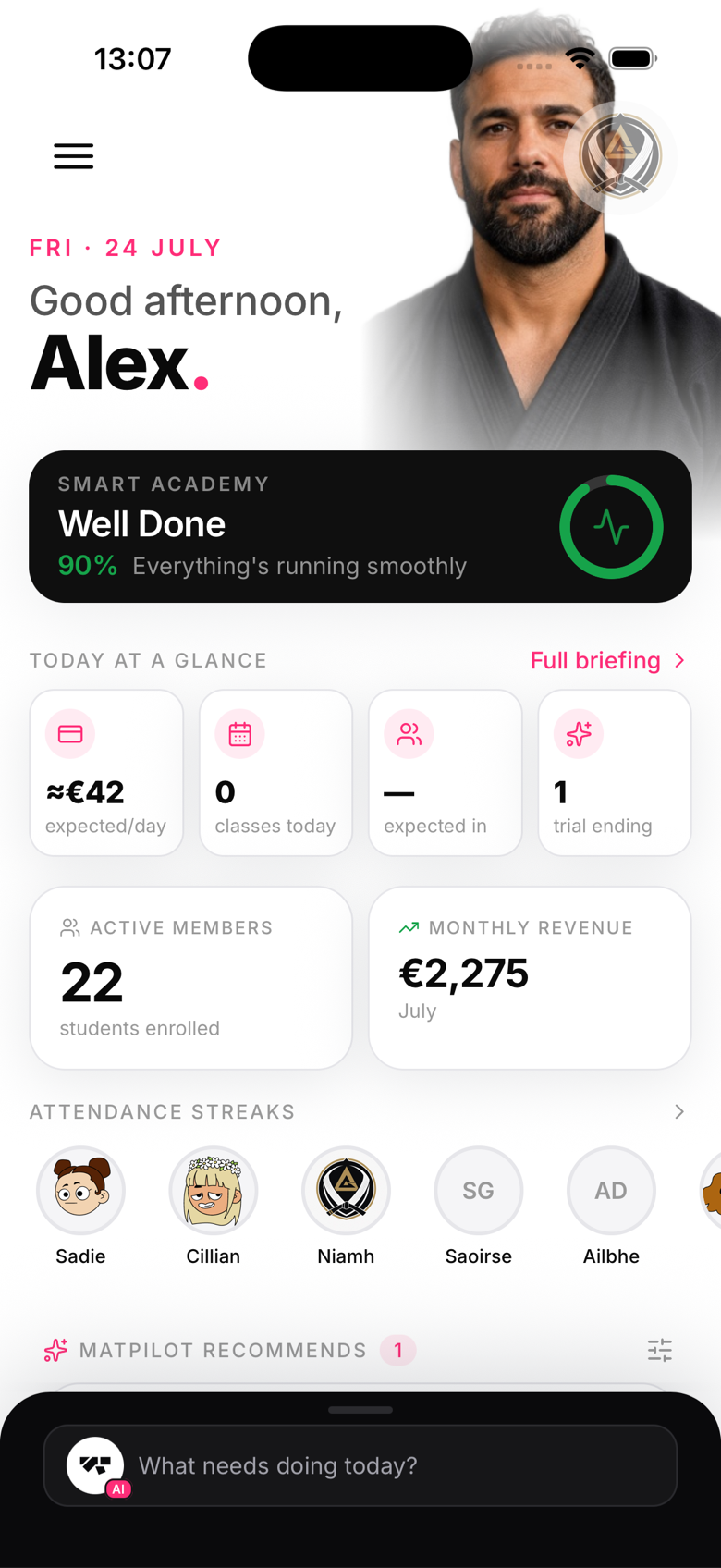
Apply 5 rank changes from Summer Graduation €270 to collect from 3 members 5 classes today, 42 booked 2 trials ending this week 4 members sliding on attendance
How it's generated
The briefing pulls live data from your gym's records each morning: member counts, class schedules, payment statuses, attendance, and revenue figures. These points are computed directly from that data with fixed rules, not written freehand by a generative AI model, so the numbers you see are always exact and never a guess. It does not use any AI-inferred readiness signal, promotion timing is always your call, not the system's.
Refreshing the briefing
The briefing is cached once per day. To force a refresh, pull down on the home screen.
Acting on the briefing
Each briefing item links to the relevant screen. Tap the failed-payments item to go directly to the delinquencies view. This makes the briefing a launchpad, not just a summary.