Creating a membership plan with AI
How to ask
Try something like:
- "Create a monthly unlimited plan for €100"
- "I need a new plan for kids, €70 a month"
- "Set up a plan capped at 3 classes a week for €60"
The guided flow
The AI will ask clarifying questions one at a time if your request is ambiguous, offering tappable options where there's a fixed set of choices (billing interval, currency, unlimited vs. capped):
- Name for the plan
- Price and billing interval
- Unlimited classes or a weekly cap
- Description for members
The preview step
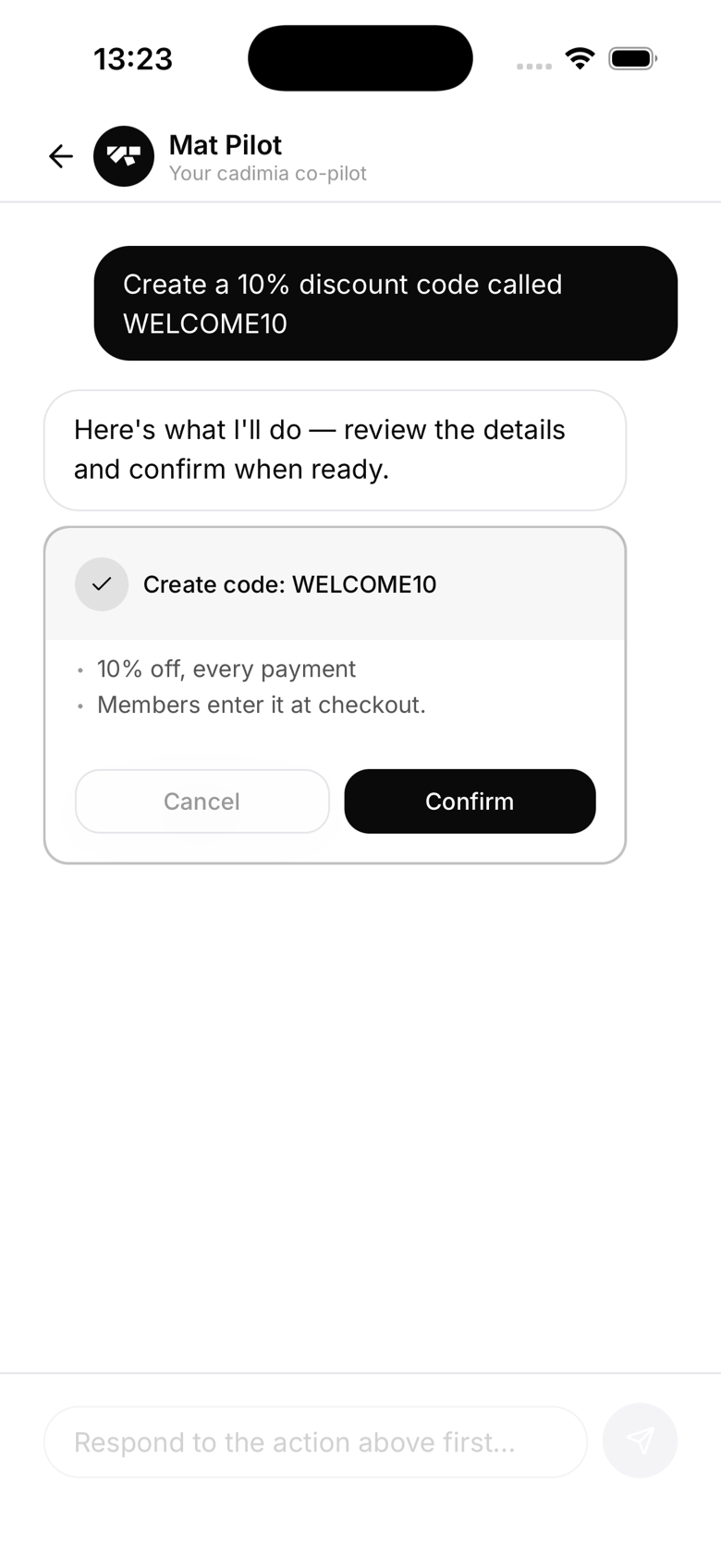
Before creating anything, the AI shows you a summary card:
New plan: Kids BJJ Monthly Price: €70/month Billing: Monthly recurring
Tap Confirm to create the plan in Stripe and make it available to members. Tap Cancel to abandon.
After creation
The plan is immediately active and available for purchase. The AI confirms with a contextual message naming the plan and its price rather than a generic "Done."
Editing later
Use Settings → Plans to edit plan details after creation, including name, description, and price. Price changes apply to new signups only, existing subscribers keep the price they signed up at. Trial periods aren't offered through the AI yet, add one from the Plans screen if you want it.