Connecting your Stripe account
Ten minutes of setup so no member ever pays you via Post-it note again.
How to connect
- Go to Settings → Payments
- Tap Connect to start Stripe's onboarding flow
- Enter your business details, bank account, and verify your identity
- Once approved, you'll be redirected back to MatPilot
You can also connect Stripe as part of the initial gym setup wizard when you first create your gym.
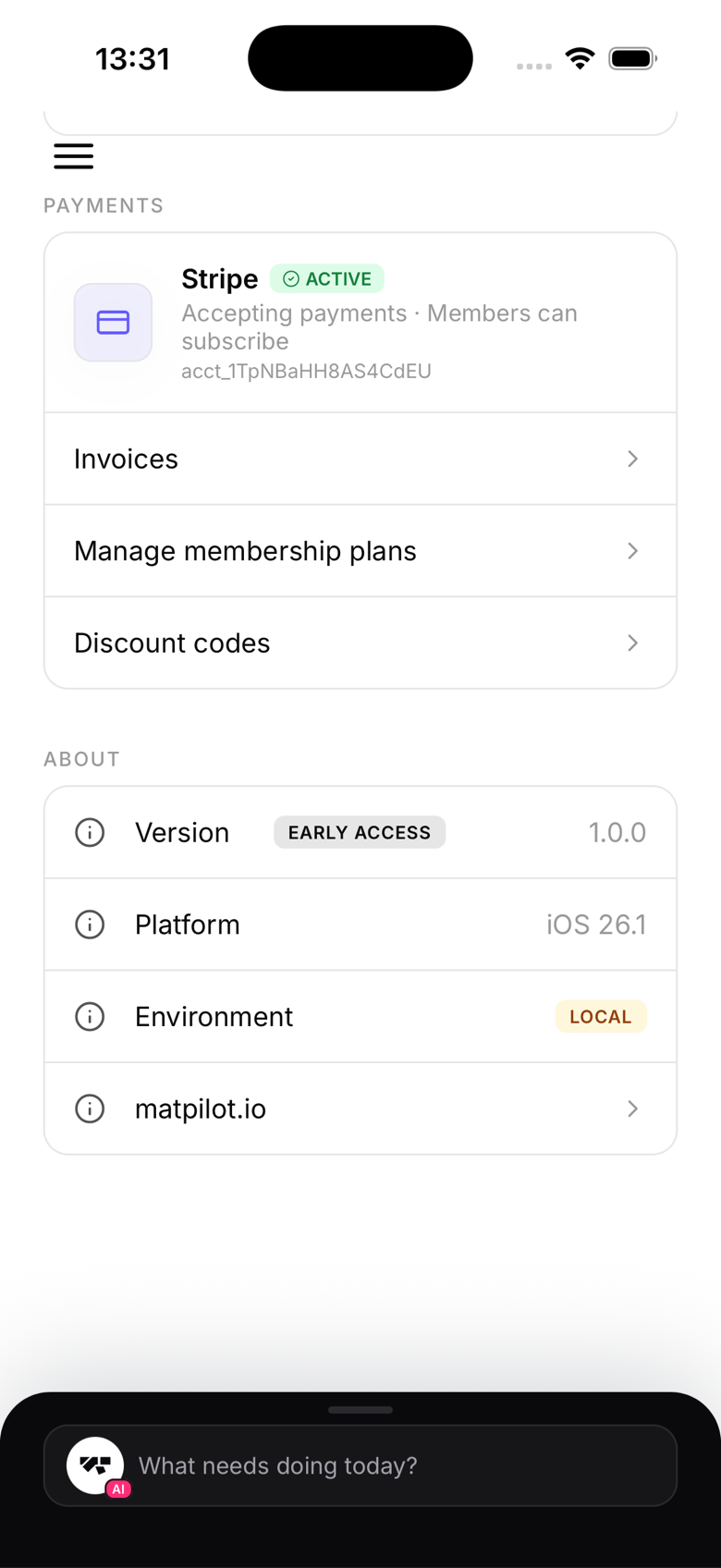
What happens after connecting
Once connected, you can:
- Create membership plans with recurring billing
- Accept one-time payments for packs and programs
- Add walk-in members on the spot (this requires Stripe to be connected first)
- See your revenue dashboard with live figures
- Retry failed payments in one tap
If you skip Stripe for now
Most MatPilot features work without Stripe except payment collection and walk-in member enrolment. You can still manage existing members, run classes, track attendance, and promote members. Connect Stripe when you're ready to go cashless.
Supported countries
Stripe Connect is available in most countries. Check the Stripe website for the current list of supported regions.