Downloading the MatPilot app
iOS (iPhone and iPad)
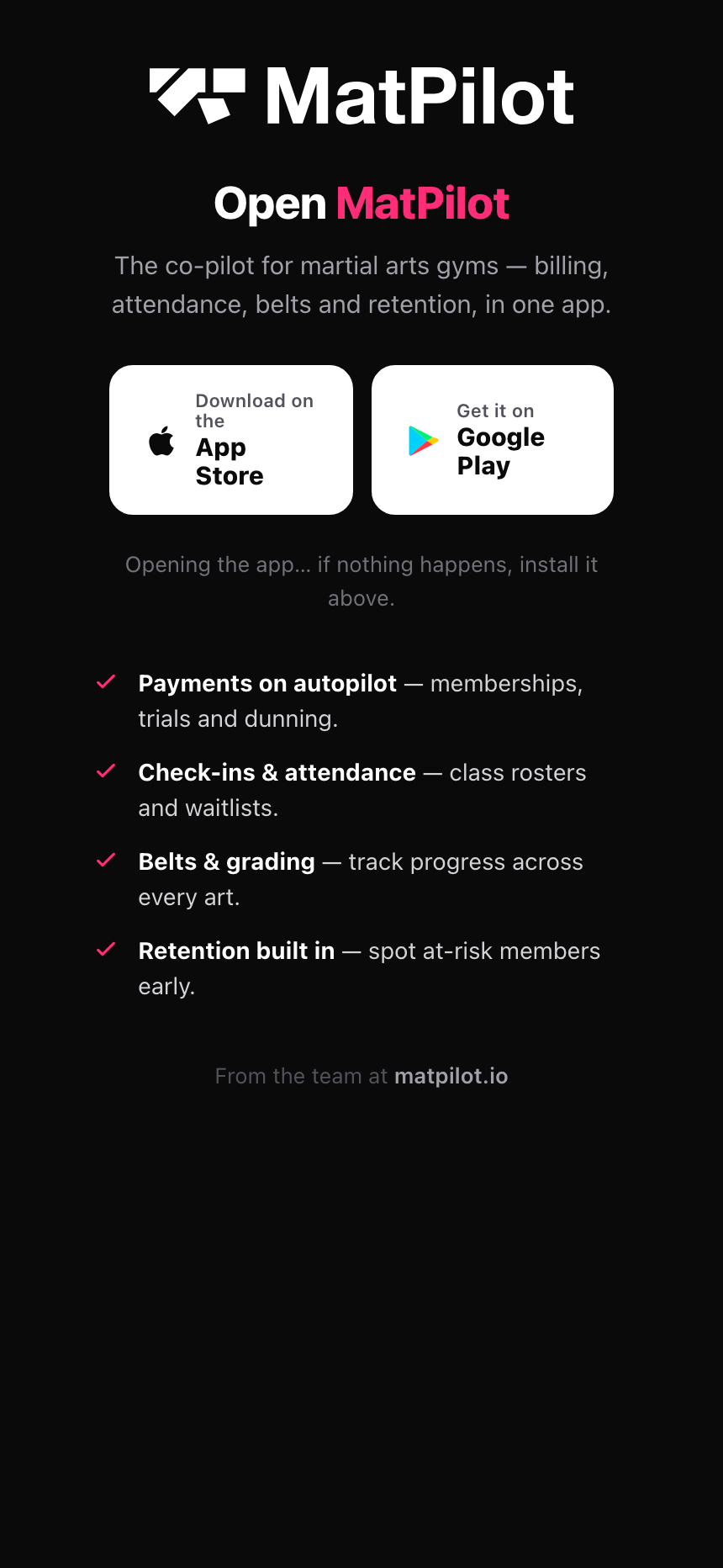
Search for MatPilot on the App Store, or tap the download link from your invitation email. The app supports iOS 15 and later, and runs on iPhone and iPad.
Android
Search for MatPilot on Google Play, or tap the download link from your invitation email. The app supports Android 8.0 and later.
In your browser, with nothing to install
The whole app also runs at app.matpilot.io. Same academy, same data, same sign-in. It is the easier option for the jobs you would rather not do on a phone: importing a roster, building a report, editing a document, working through a list with a real keyboard.
Nothing to download, and nothing to keep updated. The browser always has the current version.
Signing in for the first time
When you open the app, you can sign in with email and password, or with Google or Apple. If you were invited to a gym, tap "Join with a code" and enter the invite code you were given instead, you'll be signed in automatically and can set a password afterward if you want one (or skip that and keep using Google or Apple). If you forget your password, tap Forgot password on the sign-in screen and check your email for a reset link.
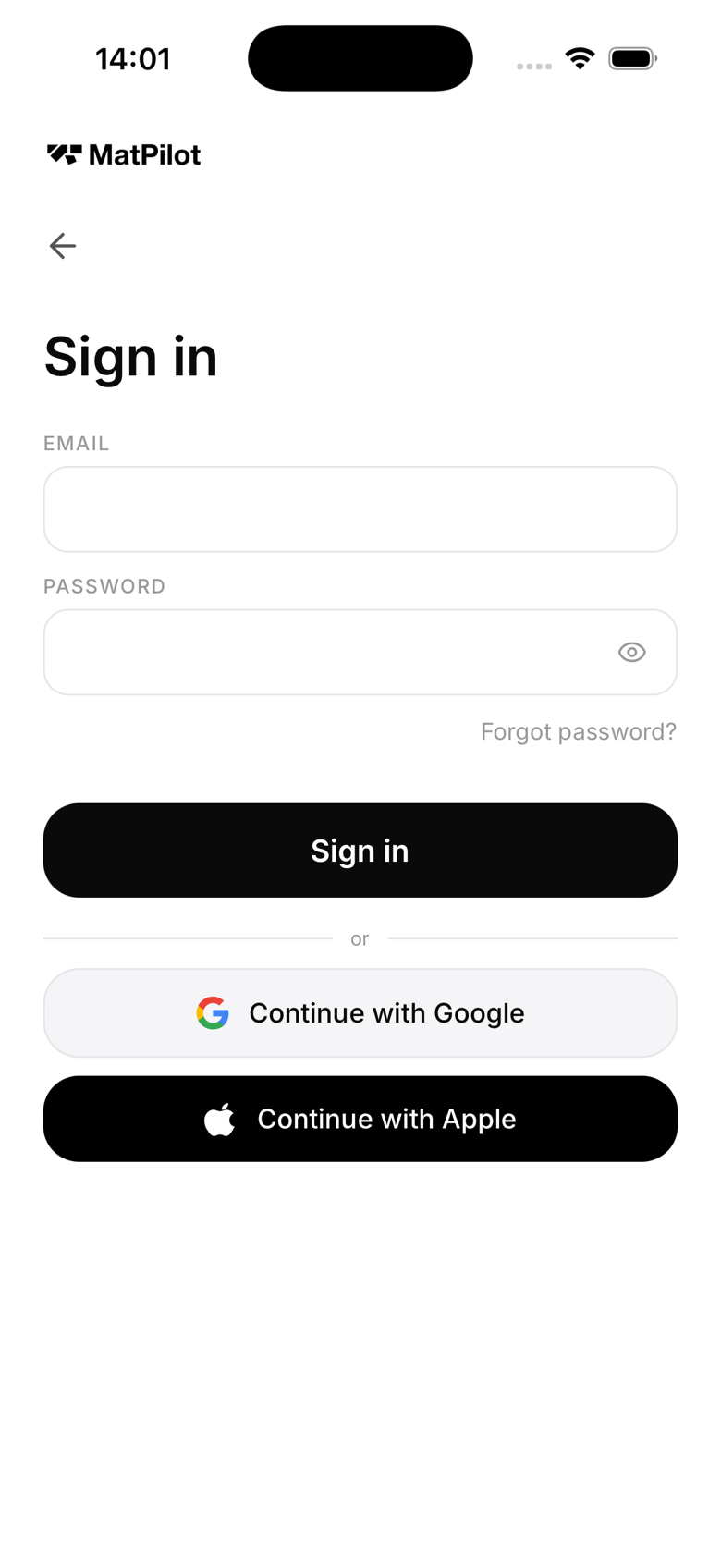
Signing in as an owner
Owners and members use the same app. MatPilot detects your role automatically after sign-in and shows the appropriate interface.
Keeping the app updated
Enable automatic app updates in your device settings so you always have the latest features and security fixes. MatPilot releases updates regularly.