Creating your first membership plan
Membership plans are how your gym earns revenue through MatPilot.
Create a plan
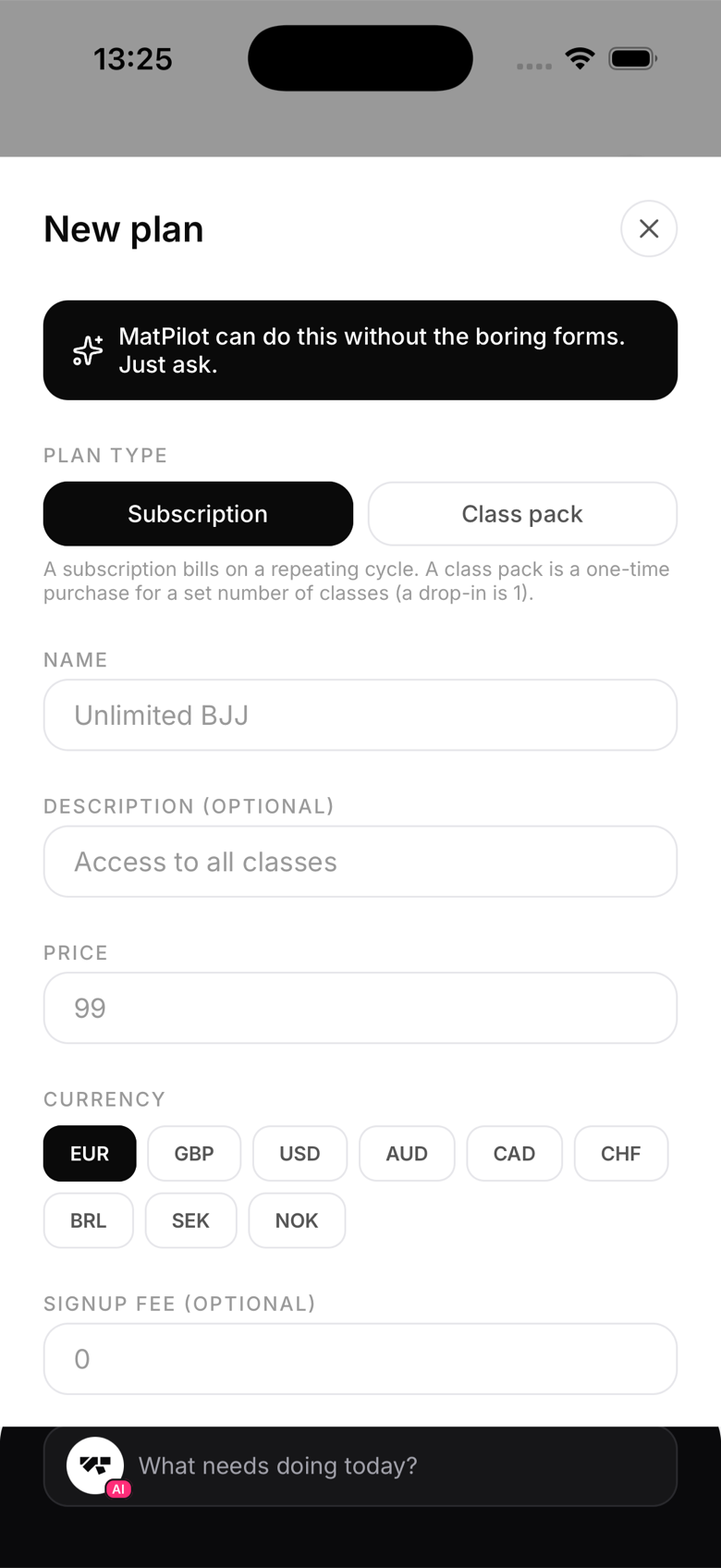
- Go to Settings → Plans and tap New plan
- Fill in:
- Name — e.g. "Adult BJJ Monthly"
- Price — amount members pay per billing period
- Billing period — monthly or annual
- Trial days — optional free trial before billing starts
- Tap Save — the plan is created in Stripe automatically
Plan types
| Type | When to use |
|---|---|
| Monthly subscription | Standard ongoing membership |
| Annual subscription | Discounted yearly option |
| Class pack | Fixed number of classes, pay once |
| Free | No charge (e.g. coaches, family) |
Assigning plans to members
After creating a plan, assign it from the member's profile under Billing. They receive a payment link and their subscription starts once they pay.
Free trials
Add a trial period (e.g. 14 days) to let new members try before committing. The first charge fires automatically when the trial ends.