What is MatPilot?
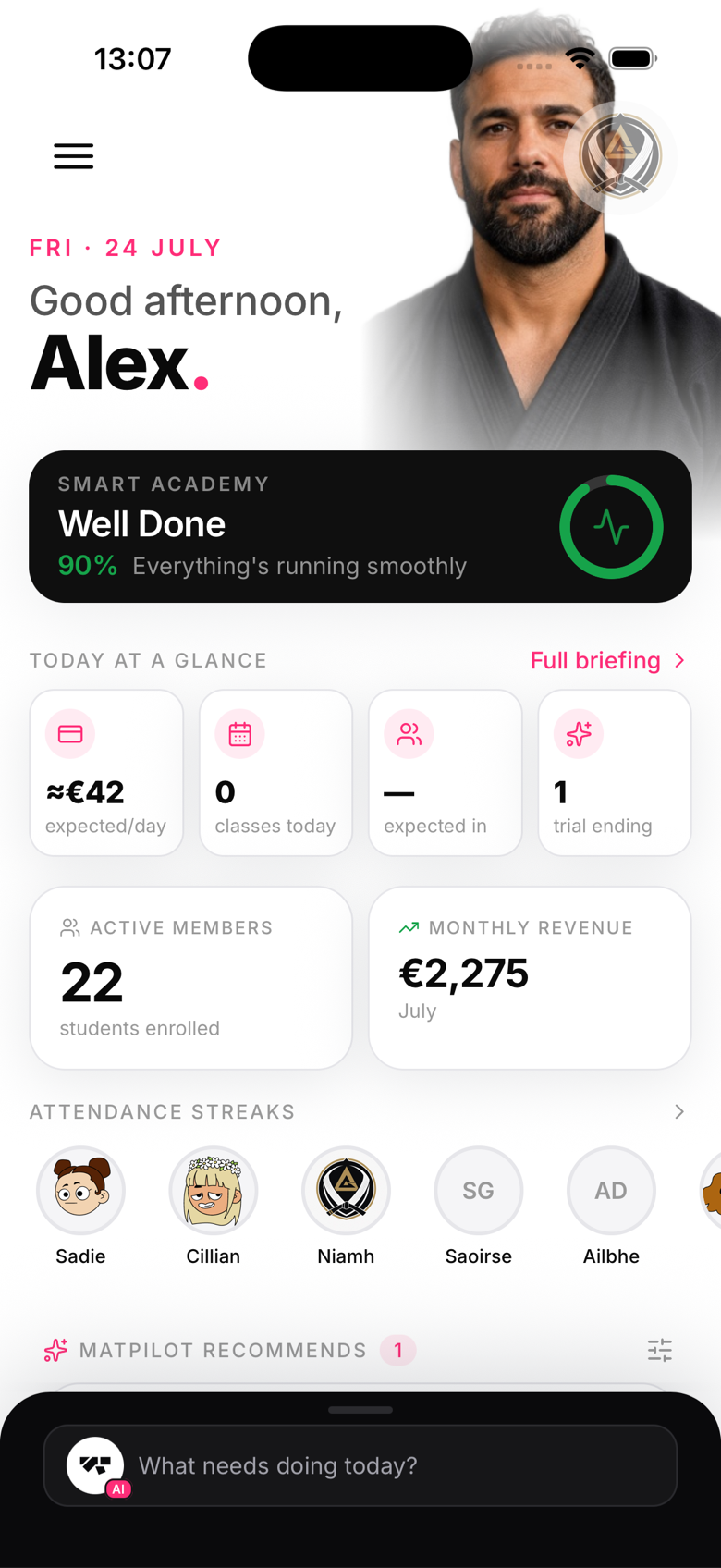
What MatPilot does
- Members: profiles, belt ranks, grading history, attendance, emergency contacts
- Classes: recurring schedules, capacity, waitlists, check-in
- Billing: Stripe-powered membership plans, trials, packs, and payment tracking
- AI co-pilot: a built-in assistant that can promote members, send announcements, and put together your daily briefing
- Kiosk mode: a front-desk tablet for self check-in and walk-in enrolment
- Diplomas: promotion certificates you can generate and share in a couple of taps
Who it's for
MatPilot is built for gym owners and head instructors who want a professional, streamlined system without the complexity of enterprise gym software. It scales from a single mat space to multi-location operations.
One app, every role
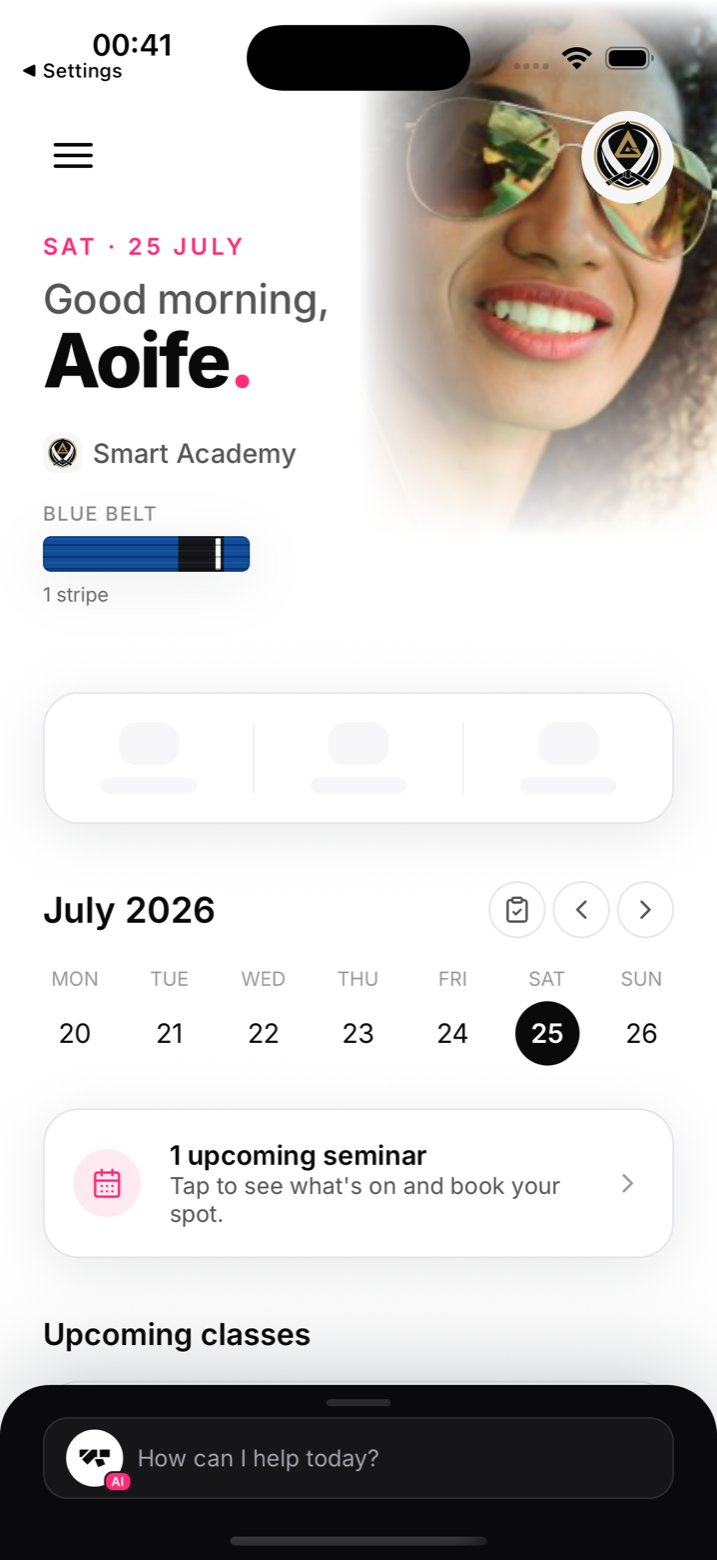
The same app shapes itself to whoever signs in. Owners and managers get the full management interface: member lists, revenue, scheduling, and the AI assistant. Instructors see their classes, rosters, and grading tools. Reception handles front-desk check-ins. Members see their own profile, class schedule, belt progress, and payment history, and parents manage their children's memberships from their own account. Beyond phones, a paired tablet runs kiosk mode for self check-in and walk-in sign-ups, and any TV with a browser can show the class timer and live check-in list.
Getting started
Download MatPilot from the App Store or Google Play, create your account, and follow the setup wizard. You'll be guided through your gym details, the disciplines you teach, your own rank, and connecting Stripe if you're ready. Adding your first members comes right after that, as a separate step.