Walk-in enrolment via kiosk
A curious parent signs up at the tablet in the middle of a class: no clipboard and no waiting for the coach.
Always on
Every paired kiosk shows I'm new here next to I'm a member. There is nothing to switch on.
The walk-in flow
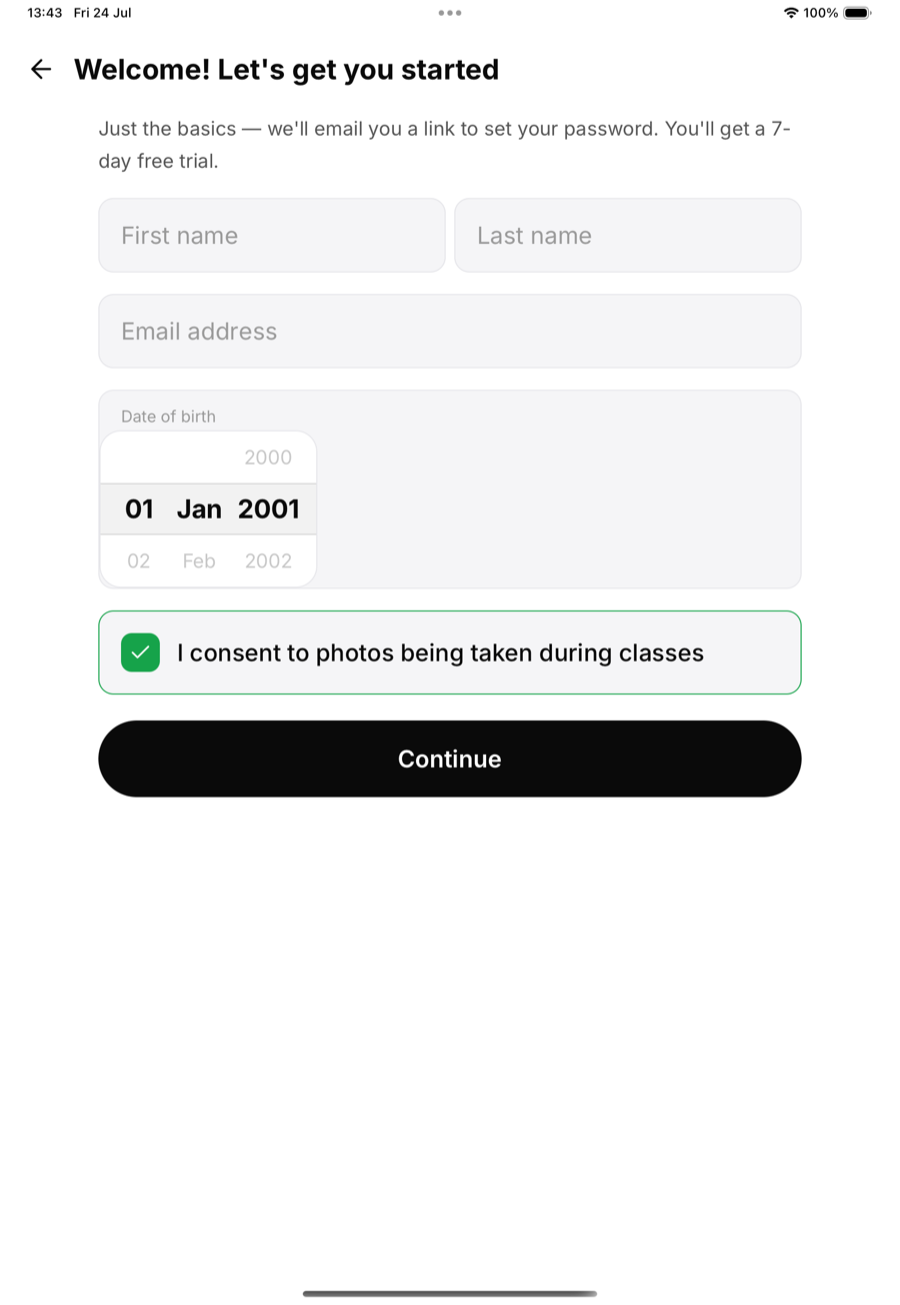
- Tap I'm new here.
- Enter first name, last name, email and date of birth.
- Under 18? A parent or guardian's details are asked for too.
- Read and sign the documents you require of new members, on the screen.
- Check straight in to today's class, or skip that step.
Already a member?
If the email belongs to someone who is already a member of your academy, the kiosk does not create a second record. It greets them by name and sends them to check in with their name instead.
What they get
The new person is in Members at once, on the walk-in trial set for that location in Settings, Kiosk & invites: a number of free days or a number of free classes. There is no plan to choose at the kiosk. MatPilot emails them a link to set a password, so the app is theirs from day one, and you get a notification so someone can say hello.