Waivers at the kiosk
The gate
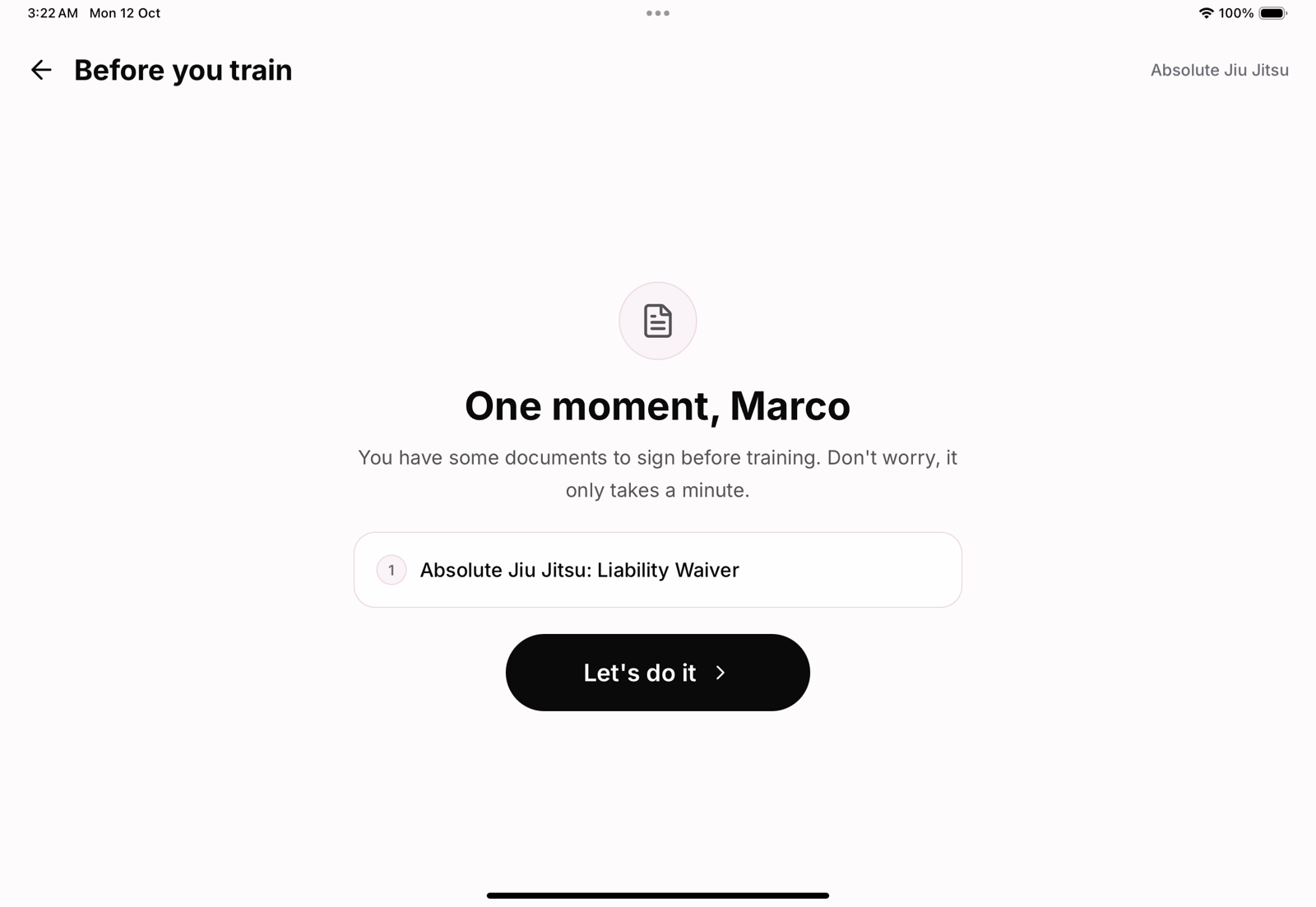
When a member checks in and owes a required document, the kiosk stops them with a friendly One moment, lists what needs signing and offers one button to start. Added a new waiver last week? Your longest-standing members are asked on their next visit too.
Signing on the tablet
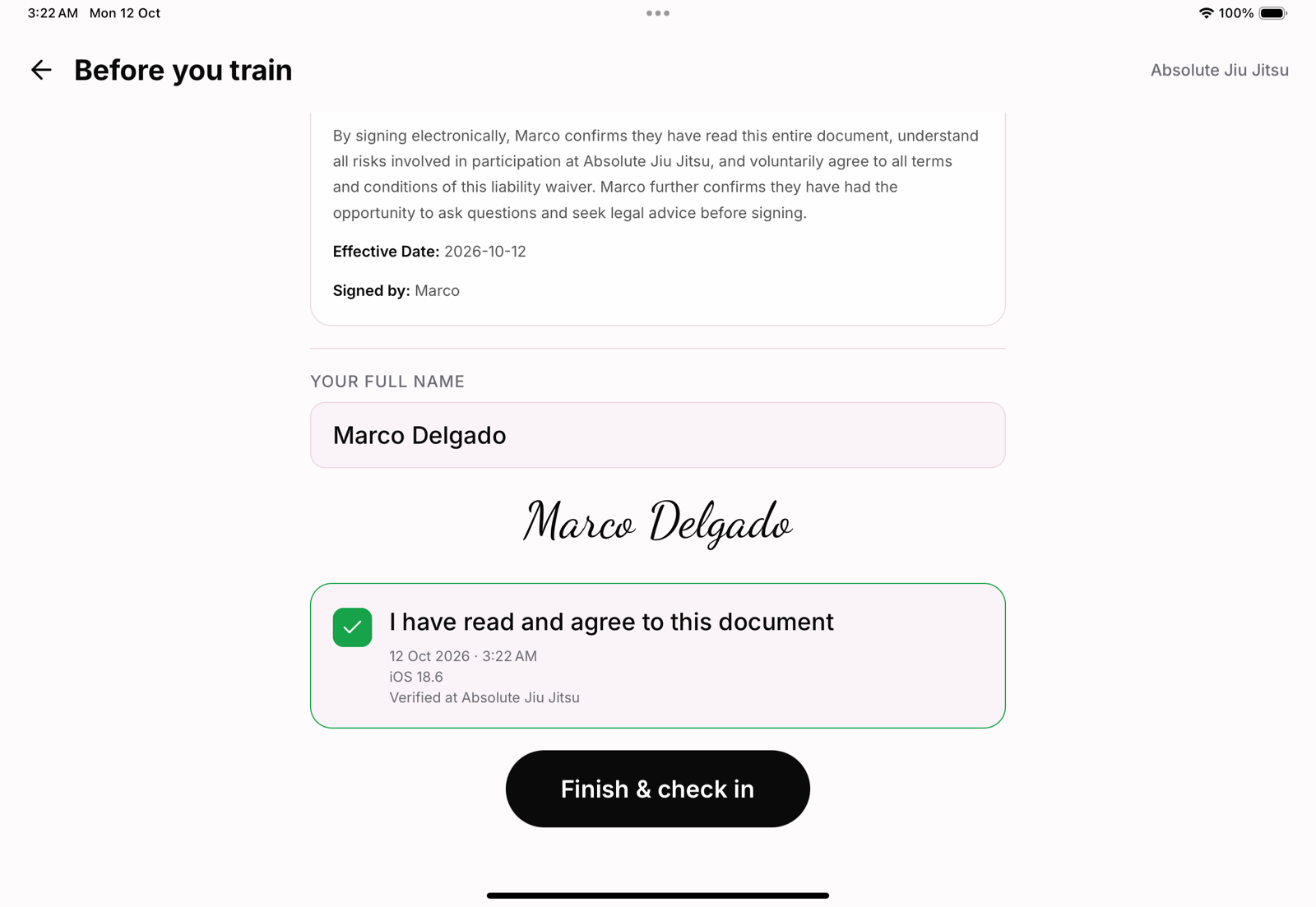
Each document opens in full, with the member's name filled in. They type their full name, which is drawn as a signature, and tick I have read and agree to this document. The tick records the date, time and device. On the last document the button says what happens next: Finish & check in.
Children
A child checking in is asked only for the documents they owe themselves. Documents for a guardian to sign are covered in waiver and document management.
What is stored
Each signature is saved against the member with its time and the document's version, and shows in the documents on their profile. When you change a document's text, people are asked to sign the new version.
Turning the gate off
Settings, edit your academy, Require waivers before check-in controls it. With it off, members can check in and you collect signatures separately.