Your first week with MatPilot
Five days, one focus each day, a working gym by the weekend.
Day 1: Core setup
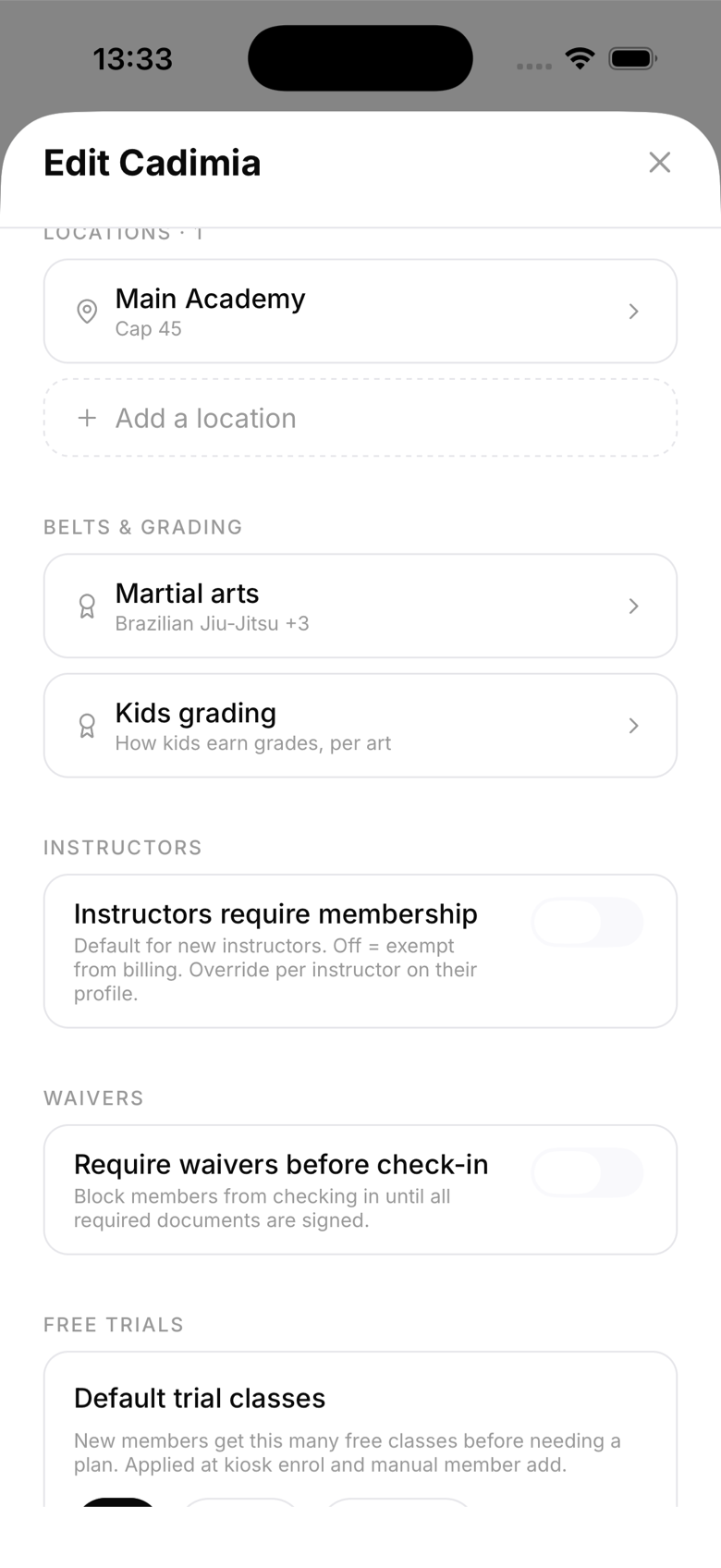
- Set your gym name, logo, and disciplines
- Add your location details
- Invite yourself with your personal email to test the member experience
Day 2: Members
- Import existing members (paste them in bulk, or add them one by one)
- Set belt ranks for any existing students
- Add emergency contacts for minors
Day 3: Schedule
- Create your recurring class timetable
- Assign instructors to classes
- Turn on booking requirements for any class that needs one, and set a default max class capacity per location if you want hard limits
Day 4: Billing
- Connect your Stripe account
- Create your membership plans with correct pricing
- Assign plans to existing members
Day 5: Kiosk
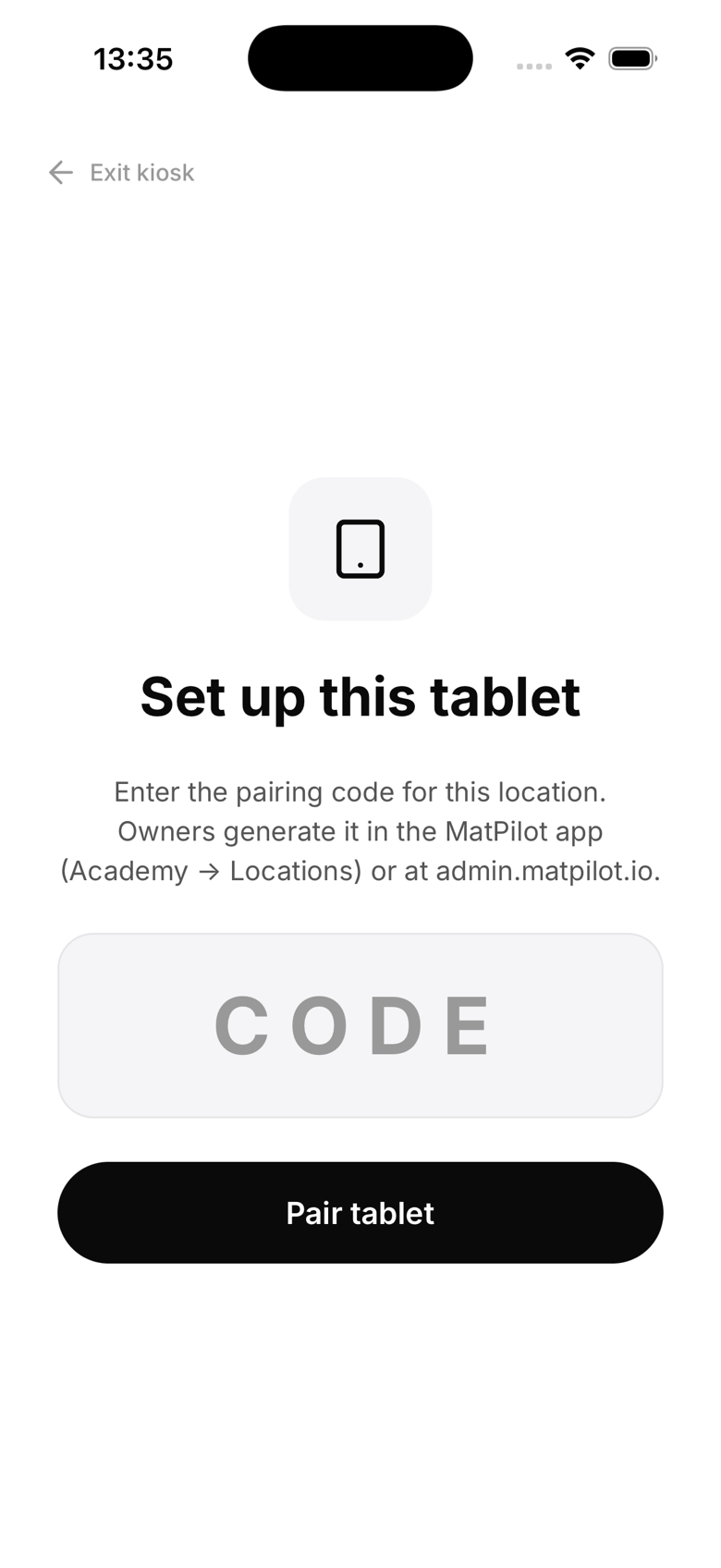
- Set up kiosk mode on a tablet at your front desk
- Test member self check-in
- Configure any waivers for new sign-ups
Week 1 wrap-up
By the end of the first week you should have a working member database, a live timetable, and billing running. The AI co-pilot will start generating useful briefings once you have a few days of activity.