Setting up your gym profile
What to fill in
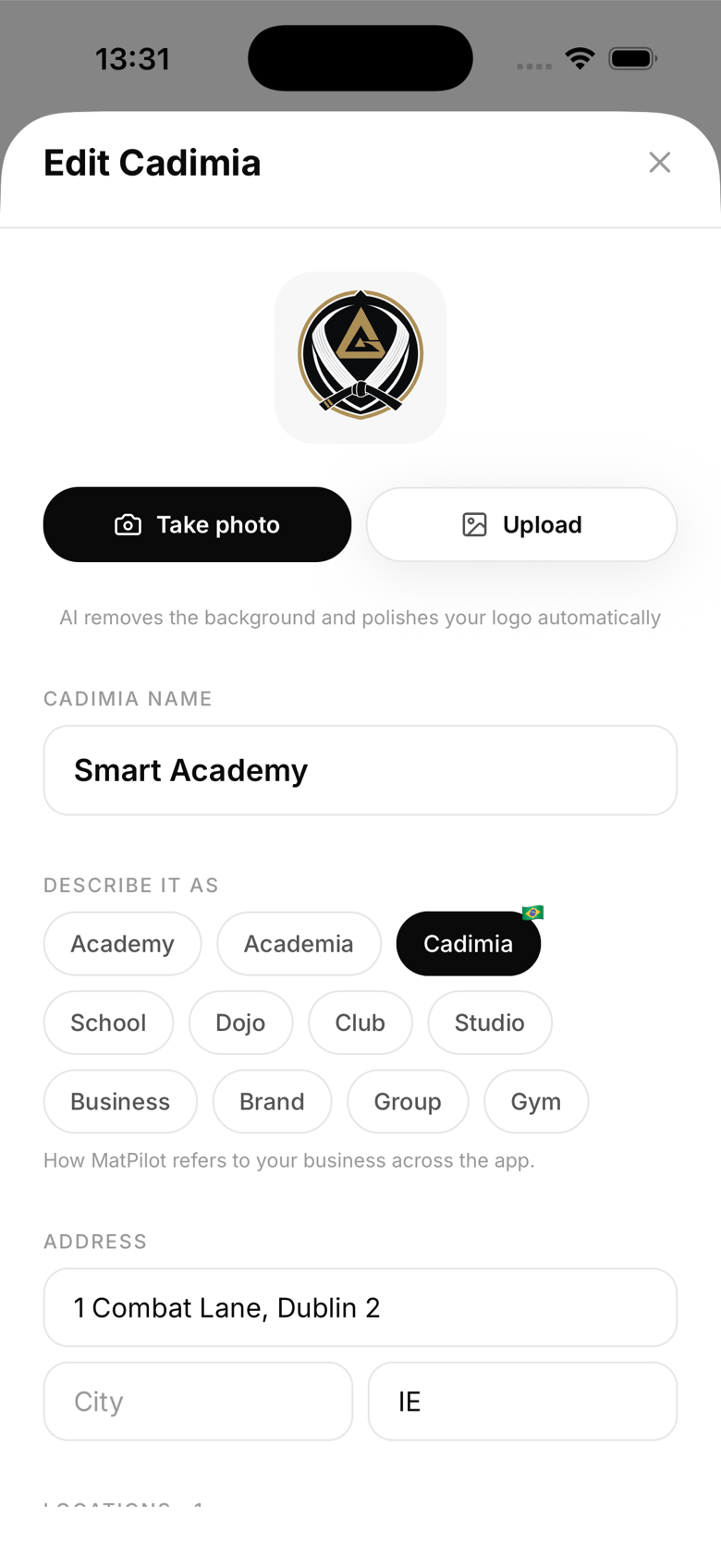
- Gym name: appears on diplomas, emails, and the member-facing app
- Location: your physical address, used for kiosk setup and multi-location filtering
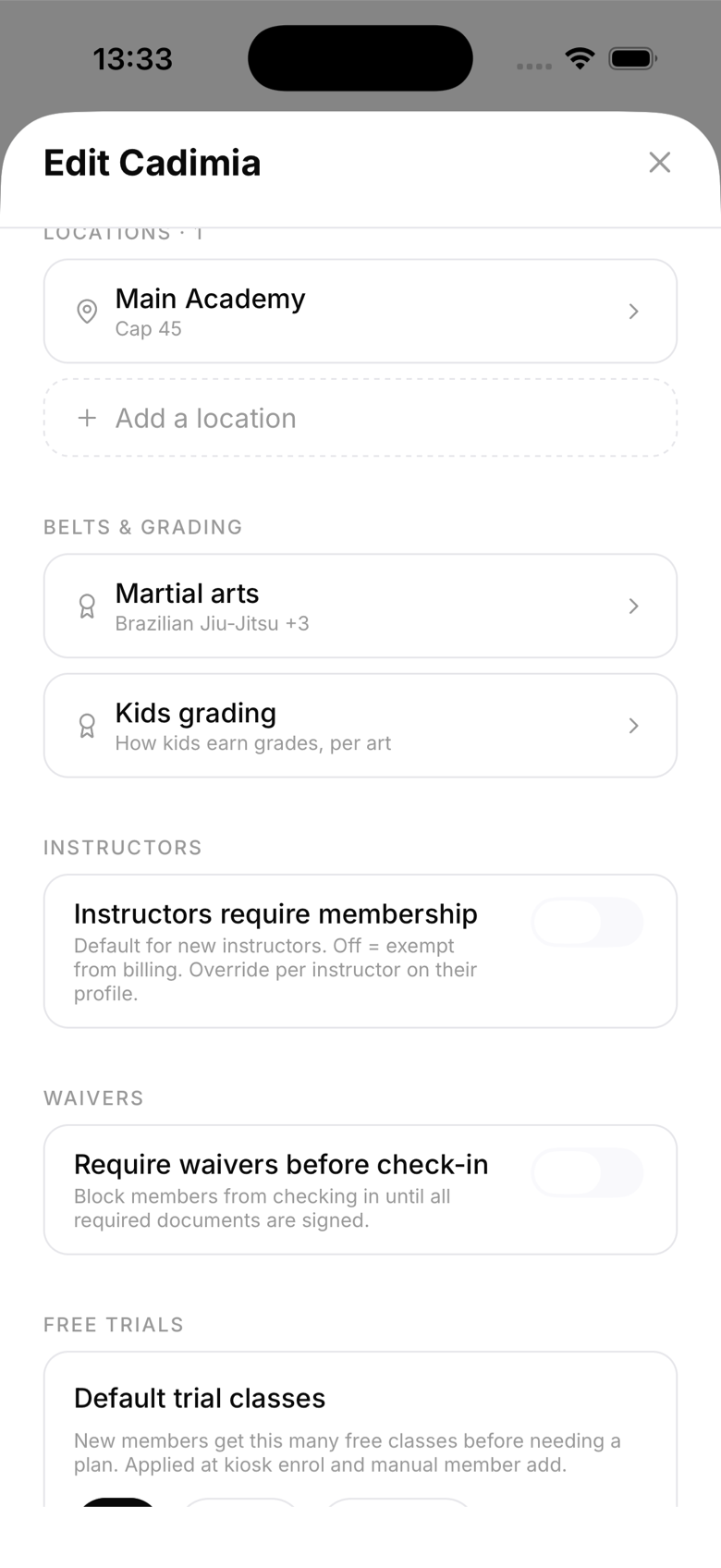
- Martial arts disciplines: select every art your gym teaches; this drives belt systems and grading. Running your own ranking? Build a custom belt system
- Logo: upload a square logo (PNG or JPG); it appears on diplomas and email headers
Disciplines
MatPilot supports BJJ, Judo, several karate styles (Shotokan, Goju-Ryu, Wado-Ryu, Shito-Ryu, Uechi-Ryu, Kyokushin, Ashihara, Enshin, and Shajin), Taekwondo, Taekwondo (ITF), Boxing, Kickboxing, Muay Thai (with an optional belted Armbands ladder), MMA, and Wrestling. The first belted art you enable becomes your primary rank system, so add them in the order you'd like prioritised. Non-belted arts like Boxing and Muay Thai track experience level instead of belts, unless you pick a belted variant.
Updating your profile
Open the Gym tab and switch to the Setup section, or tap your gym's name in Settings to open the edit sheet (its exact label matches whatever you call your gym: Academy, Dojo, Club, and so on). Changes save immediately. If you snap the logo with your camera, MatPilot automatically removes the background for a clean cutout; uploading an existing image file skips that step.
What members see
Members see your gym name and logo throughout the app. They don't see internal settings like Stripe keys or notification configs.