Help Center › Settings & Account
Managing martial arts disciplines
Enabling disciplines
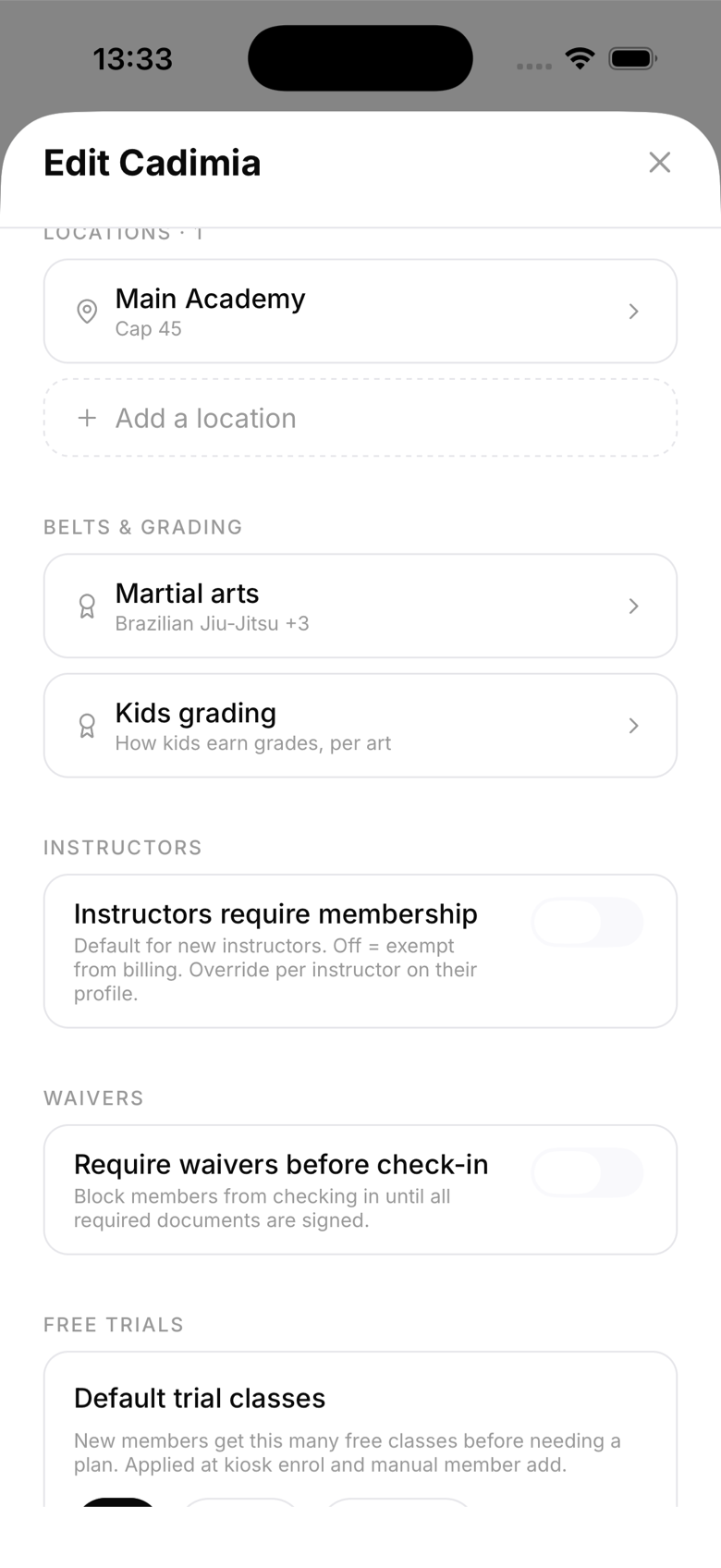
Go to Settings → Gym details → Martial arts. Tap an art to enable or disable it. Changes save immediately.
Available disciplines
MatPilot supports 19 disciplines. BJJ (Brazilian Jiu-Jitsu) and Judo; nine karate styles (Shotokan, Goju-Ryu, Wado-Ryu, Shito-Ryu, Uechi-Ryu, Kyokushin, Ashihara, Enshin, and Shajin); Taekwondo and Taekwondo (ITF); Boxing and Kickboxing; Muay Thai and Muay Thai (Armbands); MMA; and Wrestling.
The primary belt art
When you enable more than one belted art, the first belted discipline in the order you enabled them becomes your primary belt system. This determines:
- Which belt is shown on member cards by default
- How belts are sorted and displayed in the member list
- The default belt system for diplomas
If you enable Judo before BJJ, for example, Judo becomes primary. If none of your enabled arts are belted, the first one you enabled is used instead.
Striking arts and belts
Boxing, Kickboxing, MMA, and Wrestling don't have belt systems. Members in these arts don't have a rank level unless you specifically enable Muay Thai armband grading.
Muay Thai armbands
Standard Muay Thai has no rank system. If you use the prajiad armband grading system, enable Muay Thai (Armbands) instead. This adds a graded armband ladder (similar to belt grades) for Muay Thai.
Adding a new art later
You can add disciplines at any time. Existing members won't automatically get a rank in the new art, you'll need to set their rank individually.