Help Center › Settings & Account
Updating your gym name and details
New unit, new name: fixing the details takes less time than making a coffee.
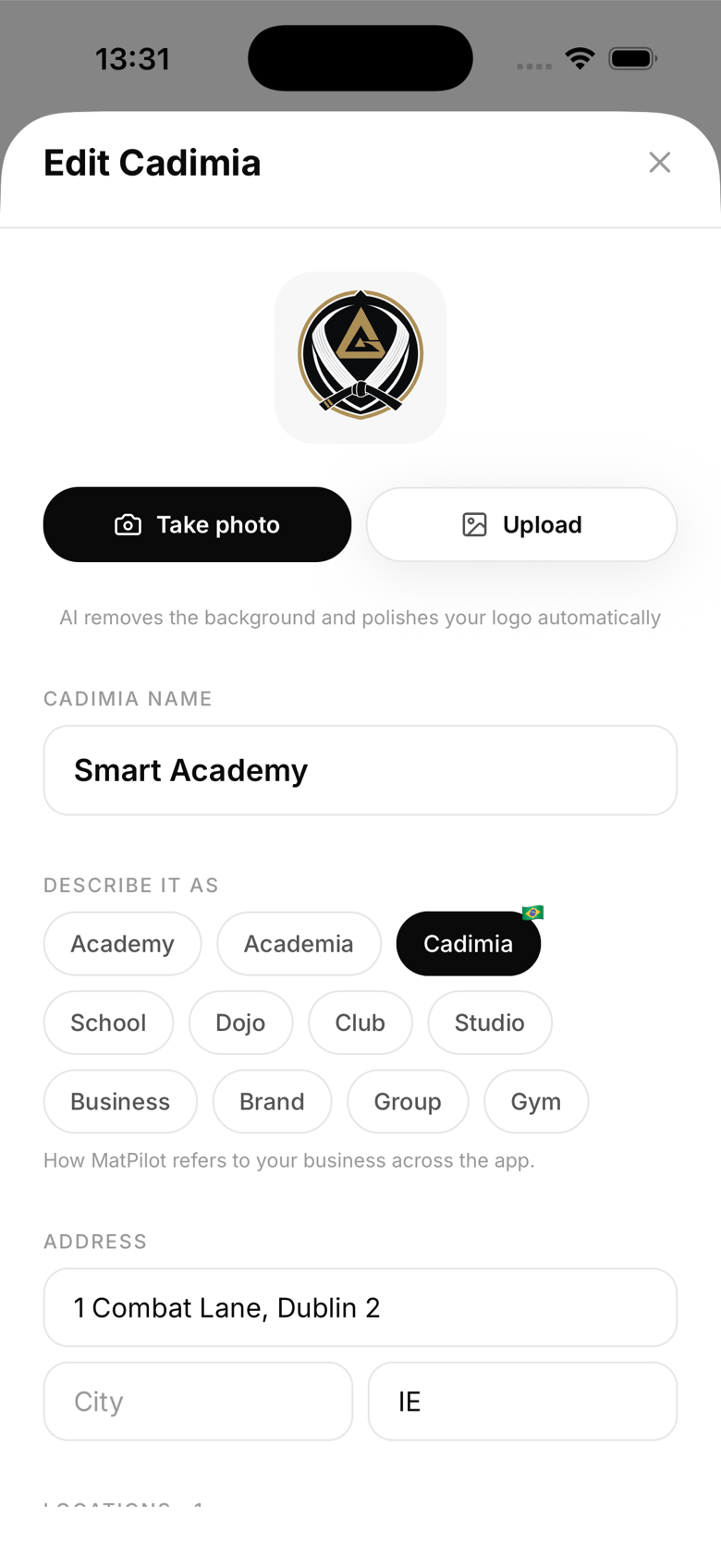
Editing gym details
Go to Settings → Gym details. You can update:
- Gym name - shown everywhere in the app and on diplomas
- Address - used for location display and multi-location setup
- Phone number - for member contact information
- Website - optional, shown on member-facing screens
- Description - a short bio shown on your gym's public page
When changes take effect
Most changes apply immediately. Diplomas and emails use the gym name at the time they're generated, so updating the name won't retroactively change old diplomas.
Gym name on Stripe
The gym name in MatPilot is separate from your Stripe business name. If you need to update the name on payment receipts, do that separately in your Stripe dashboard.
Multiple locations
If you have multiple training locations, manage them in Settings → Locations. Each location can have its own name and address.
Timezone
Your gym's timezone is set automatically based on your location during setup. To change it, go to Settings → Gym details → Timezone.