Help Center › Grading & Promotions
Building a custom belt system
Run your own ladder, a hybrid program, or an in-house kids system? Build it as a custom discipline.
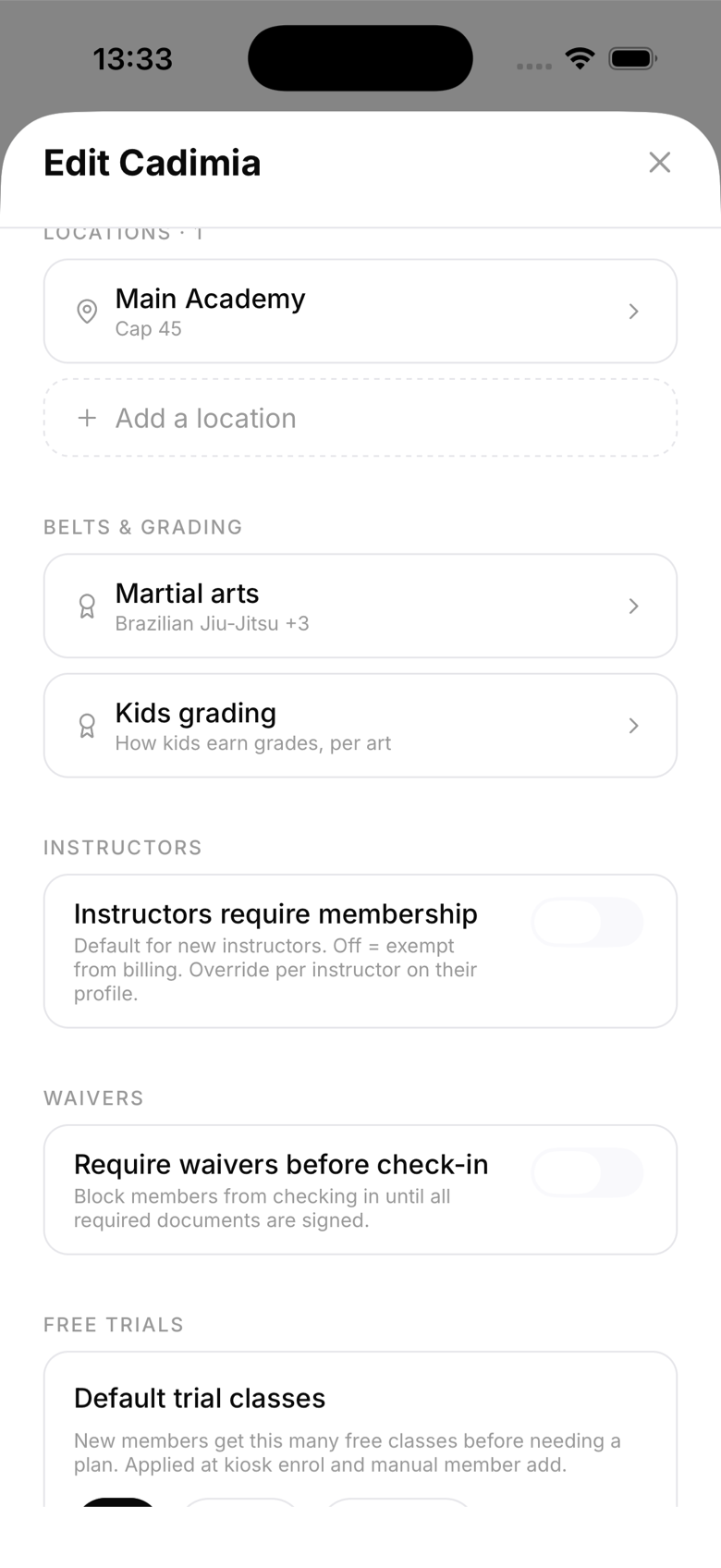
Create a custom discipline
- Go to Settings, edit your academy, and open Martial arts
- Add a discipline and choose to build a custom ladder
- Name each rank, set its colors, and decide how many stripes (degrees) each rank holds
- Save. The discipline is registered for your gym only
Where it shows up
Everywhere the built-in arts do: member profiles show the belt with your colors, promotions walk your ladder in order, promotion history records each step, and diplomas render the rank line correctly. Kids grading rules can be configured per art under Kids grading.
Notes
- Custom disciplines are per-gym; they don't affect any other academy
- You can run custom and built-in arts side by side, and members can hold a rank in each
- Deleting a discipline that members hold ranks in is destructive; archive thinking twice