Help Center › Grading & Promotions
Bulk promotions for a ceremony
Starting a Graduation Day event
- From the owner Home, open Graduation Day
- Create a new event and give it a name and date
- Add candidates: search for each member and set the belt and stripes they're being promoted to
- Optionally score an exam for each candidate, or add paid extras and meal RSVPs if your ceremony includes them
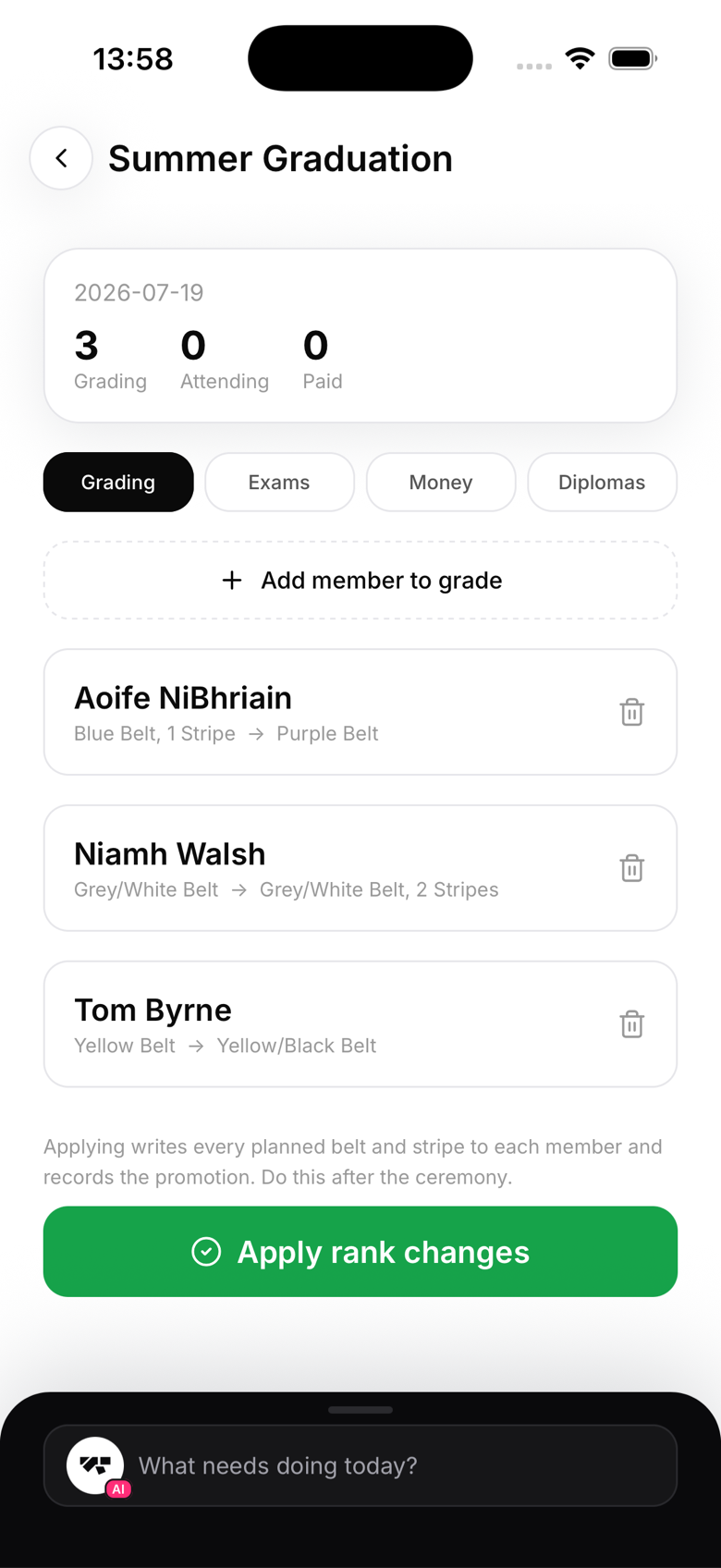
Nothing changes until you say so
Adding a candidate to a Graduation Day event does not touch their rank. Belts and stripes are only applied when you tap Apply after the event, so you can build the candidate list days in advance, adjust it right up to the last minute, and never worry about a member seeing a new rank before the ceremony actually happens.
Diplomas for the group
From the event's Diplomas tab you can generate diplomas for the whole candidate list in one pass, along with a combined PDF and a roster sheet for the day itself. Print them before the ceremony starts.
Applying the ranks
Once the ceremony is done, open the event and tap Apply. This promotes every candidate to their assigned rank and records the promotion, crediting whoever is logged in and taps Apply, so make sure that's the right instructor.
A quicker option for already-promoted members
If you've already promoted a group of members individually and just need diplomas for all of them, you can multi-select members from the Members tab and use the diploma action in the bulk bar. That generates diplomas only, it doesn't touch anyone's rank.