Help Center › Grading & Promotions
Recording stripe progressions
Most gradings are a stripe, not a belt; track progress at the granularity your gym actually uses.
Adding a stripe
- Open the member's profile and go to the Ranks tab
- Tap Promote next to the discipline
- MatPilot automatically applies the next step in that art's ladder, usually a stripe, until the belt's stripe cap is reached, at which point it moves to the next belt instead
- Confirm in the popup
There's no separate "add stripe" button. Promote always applies whatever the ladder says comes next.
Correcting a stripe count
Stripes can't be removed through the Promote flow, promotions only ever move forward. To fix a mistake:
- Go to the member's profile, Ranks tab
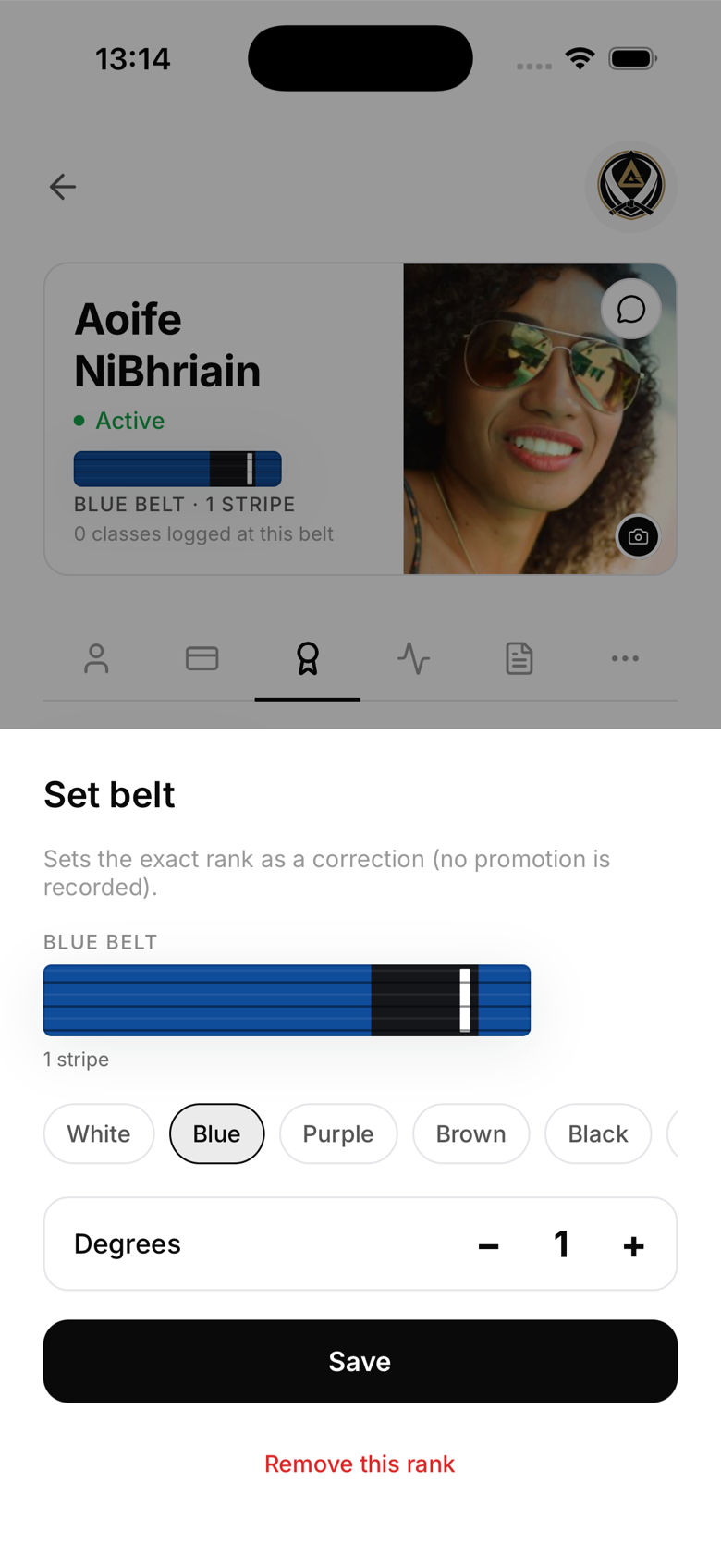
- Tap the pencil icon next to Promote
- In the Set belt sheet, adjust the belt and stripe count directly
- Save
This sets the exact rank as a correction and does not create a new promotion history entry. The same sheet has a "Remove this rank" option if a rank was added for the wrong art entirely.
How many stripes per belt?
- BJJ adults, colour belts (white through brown) carry 0 to 4 stripes; black belt carries 0 to 6 degrees
- BJJ kids, the stripe count varies by age group and belt within the 13-belt kids ladder
- Judo, Karate, Taekwondo, colour belts below black carry no stripes at all. Only black belt (and above) accumulates dan grades, up to the art's maximum
Stripe milestones
In BJJ, once a colour belt reaches its 4th stripe, the next promotion option is the next belt, not a 5th stripe. MatPilot enforces this automatically, you can't add a stripe where the ladder doesn't have room for one.