Log what you trained in class
Logging is personal to you. It builds a record of what you have actually trained over time.
Log your session
- Open Log attendance from your home screen and check in to your class.
- Tap Log what you trained under the class.
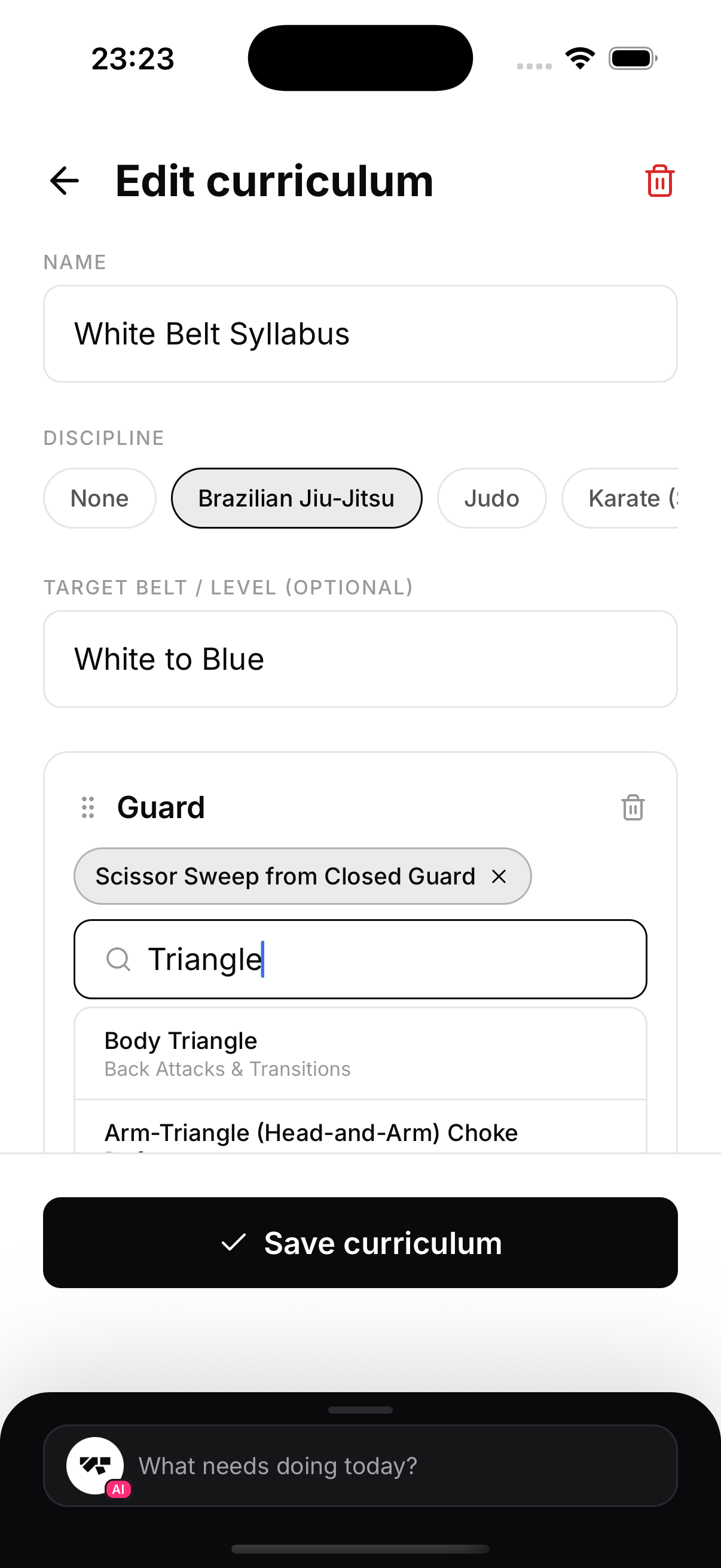
- Start typing a technique. The search autocompletes from the technique library for that class's discipline. For example, type "triangle" and pick Triangle Choke from Closed Guard.
- Drilled something the library does not list? Type it and tap Add "..." as other. Your free text entry is saved alongside the library ones.
- Add an optional note, then tap Save log.
Edit it later
Re-open the same class any time to change what you logged. Your list of techniques is always editable.
The "Other" option
The library is comprehensive, but every gym has its own drills and variations. You can always add a free text Other entry, so you are never blocked by a move that is not listed.