Help Center › Family & Parents
Signing your child's documents from your phone
The academy added a new waiver on Tuesday. By Tuesday night every parent had signed it from the couch.
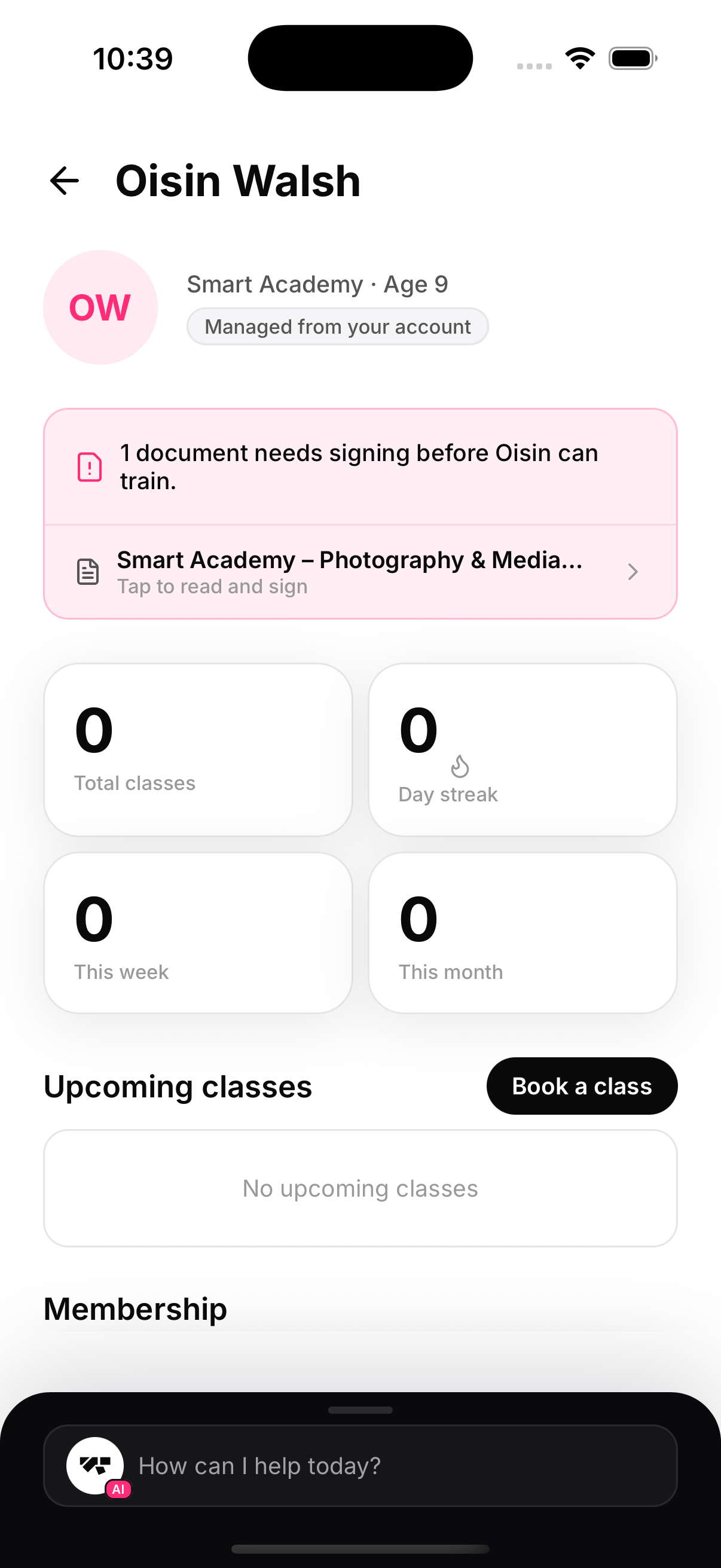
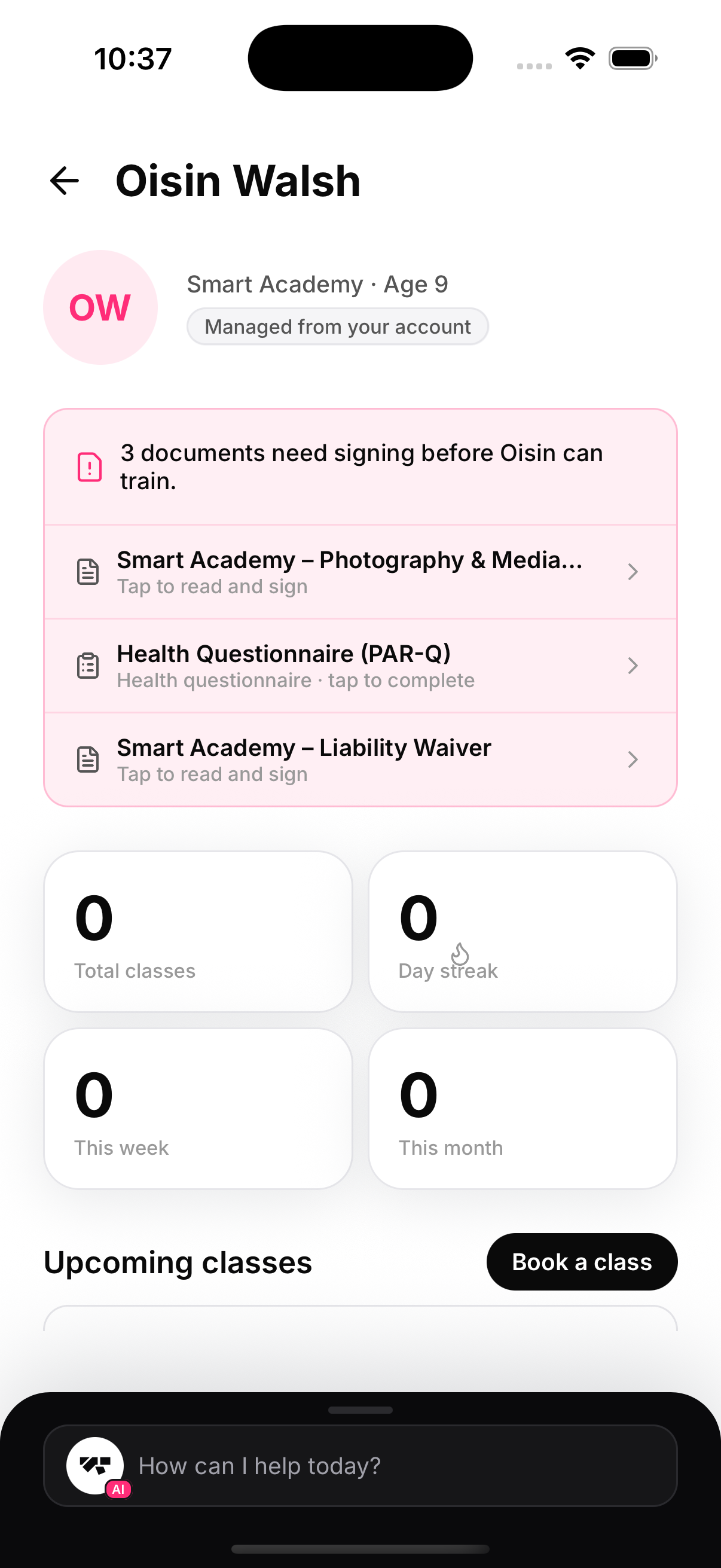
When a child has unsigned required documents, their training page leads with a card listing each one. Tap a row to read the full document and sign it on the spot — as the guardian.
The child is the subject, you are the signer
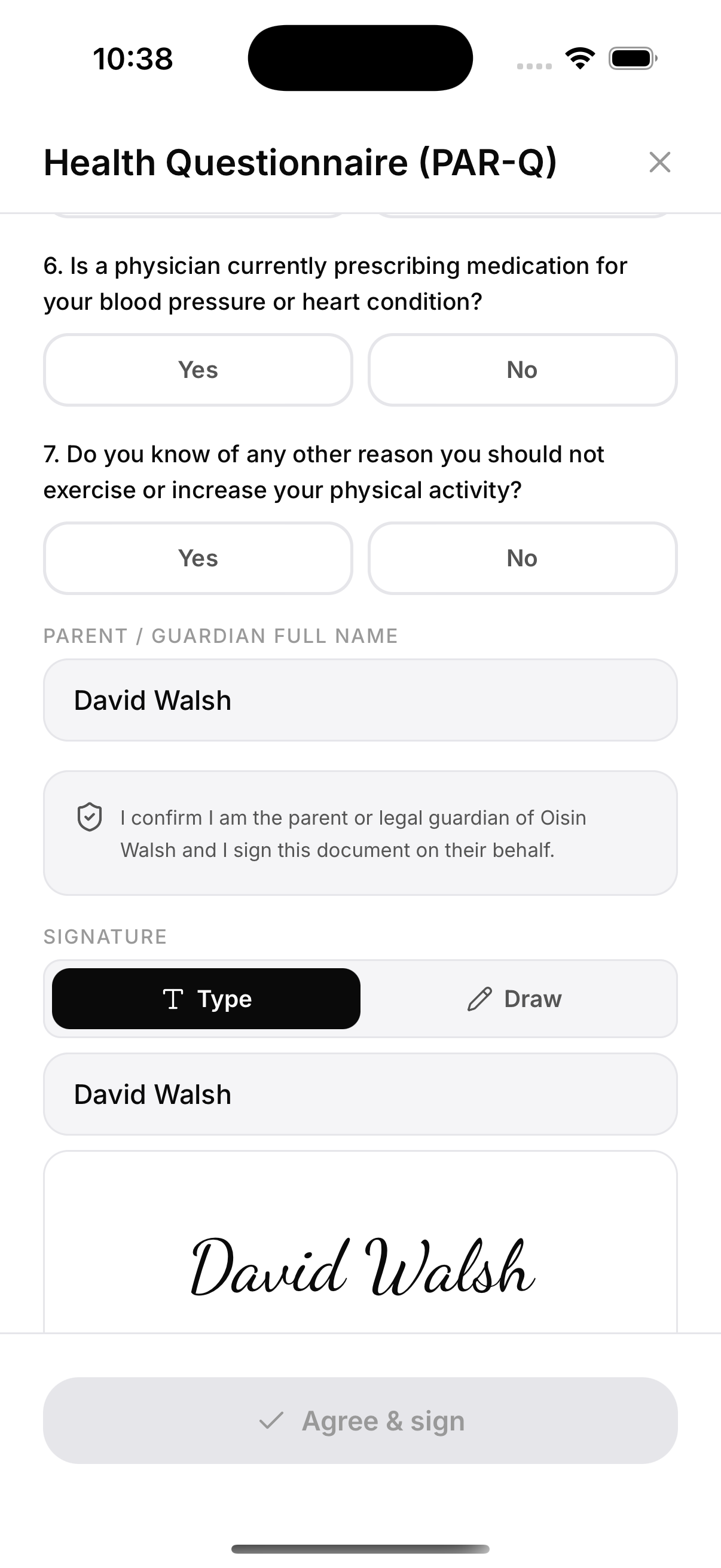
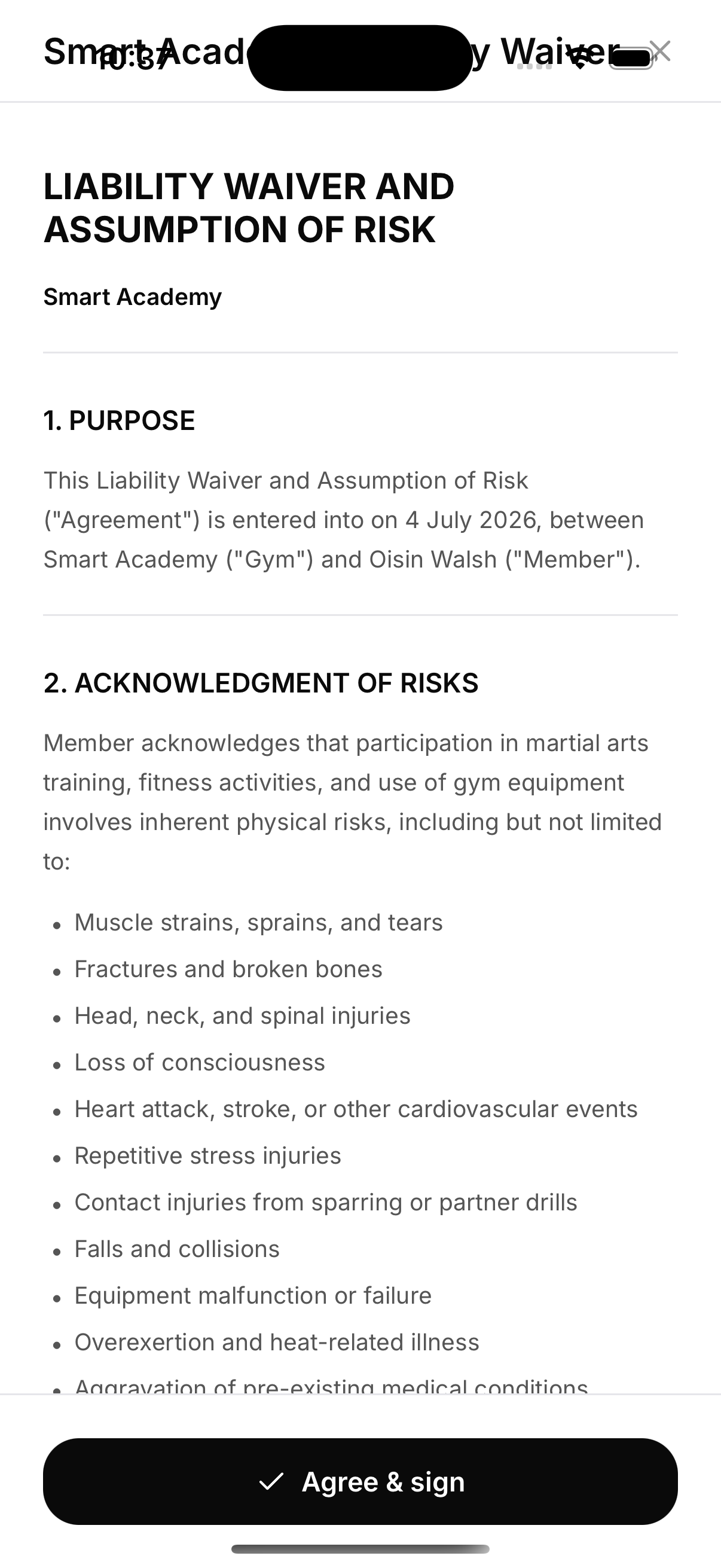
The document text names the child as the member — typing your own name never rewrites the agreement. Your name goes in the Parent / guardian field, with an acknowledgement that you sign on their behalf, and your signature (typed or drawn) completes it.
Health questionnaires included
A PAR-Q asks its questions about the child — the flow says so explicitly — and a flagged answer quietly notifies the academy's staff that medical clearance may be worth a look. This is the only way a managed child's PAR-Q can be completed, since they have no login of their own.