Help Center › Family & Parents
How guardians sign at the kiosk
When a child needs to sign a waiver at the kiosk, MatPilot asks their parent or guardian to sign on their behalf. The record names the guardian as signer and the child as the member.
When the kiosk presents required documents for an under-18, the signature block switches to guardian mode:
- The field is labelled Parent / guardian full name and prefills the guardian entered at sign-up.
- An acknowledgement line spells it out: “I confirm I am the parent or legal guardian of [child] and I sign this document on their behalf.”
- The document text itself still names the child as the member — the merge never rewrites the agreement.
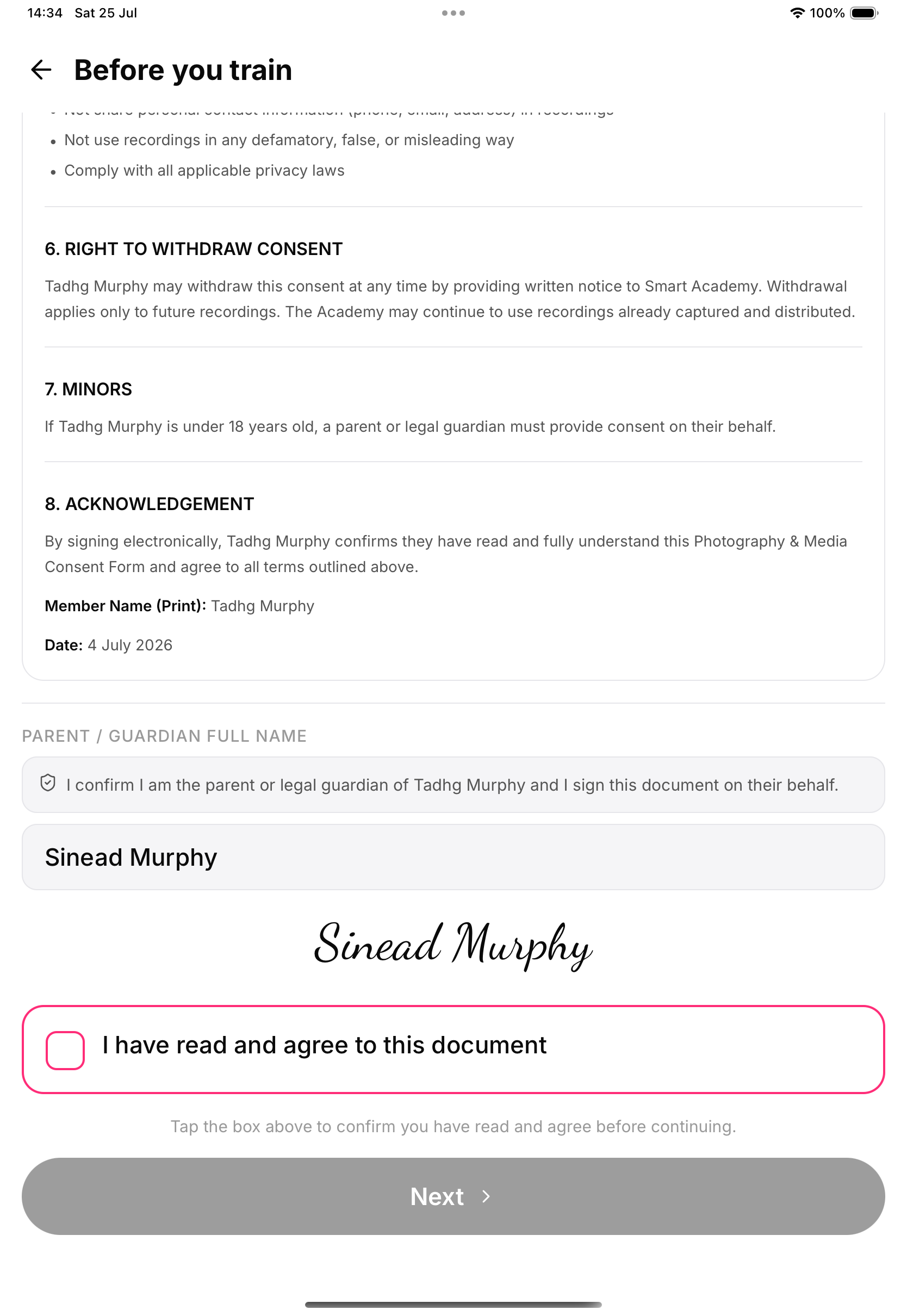
What lands on the record
Each agreement is stored with the guardian as signer (name, cursive signature, timestamp, device, witnessing academy) and the child as the document subject, marked as a guardian signature. The signed copy is emailed to the guardian, and the same record shows in the member's documents and your signature registry.
Existing members too
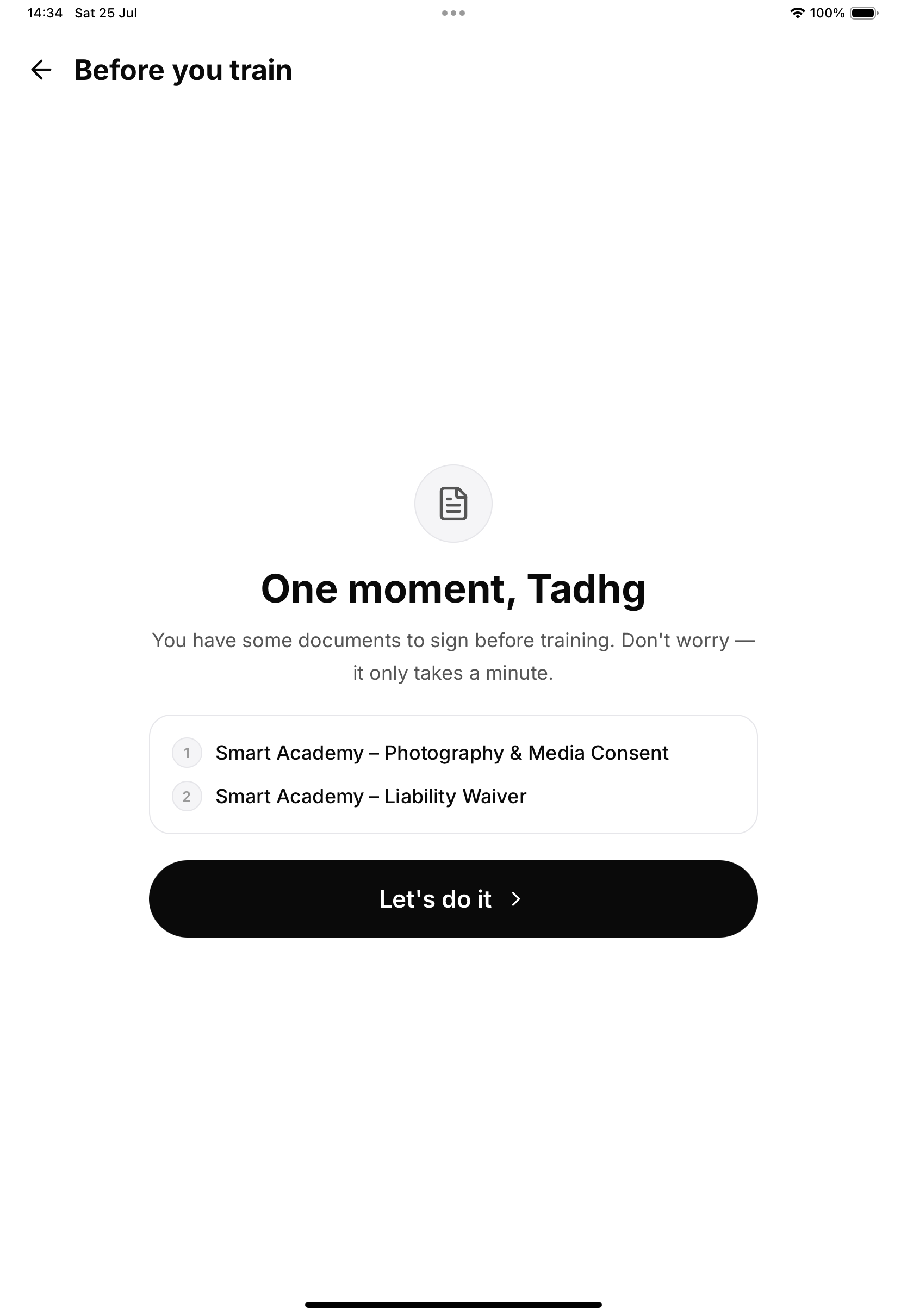
The same guardian treatment applies when an already-enrolled minor hits the document gate at kiosk check-in — for example after you publish a new waiver.