Help Center › Family & Parents
Enrolling a child at the front desk
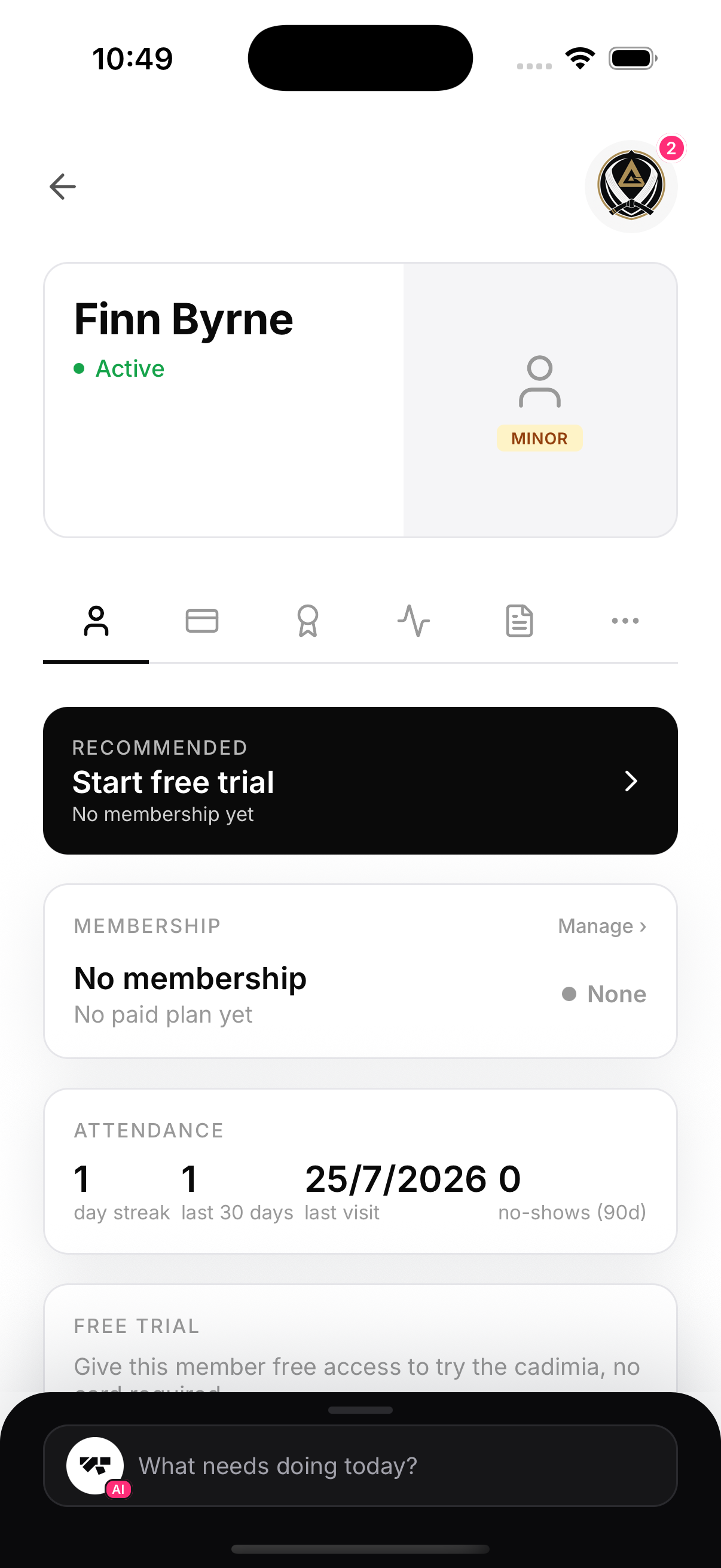
Add a child from Members → Add like any other member. The date of birth is what makes MatPilot treat them as a minor: under-18s get a guardian section on the form, a Minor badge everywhere, and guardian-signed paperwork.
The email is the parent's
An eight-year-old doesn't have an inbox. The email you enter for an under-18 is treated as the guardian's: it receives the invite, the booking confirmations, and it's what lights up the parent's family portal. If that email already belongs to a member (the parent trains, or a sibling got there first), the child is created as a managed profile instead — no separate login needed.
Trials and first sessions
A no-card trial (days or classes) set at enrolment activates the child immediately so they can train today. Their required documents still gate booking and check-in — the parent signs from their phone, or the desk collects signatures on the spot.
After enrolment
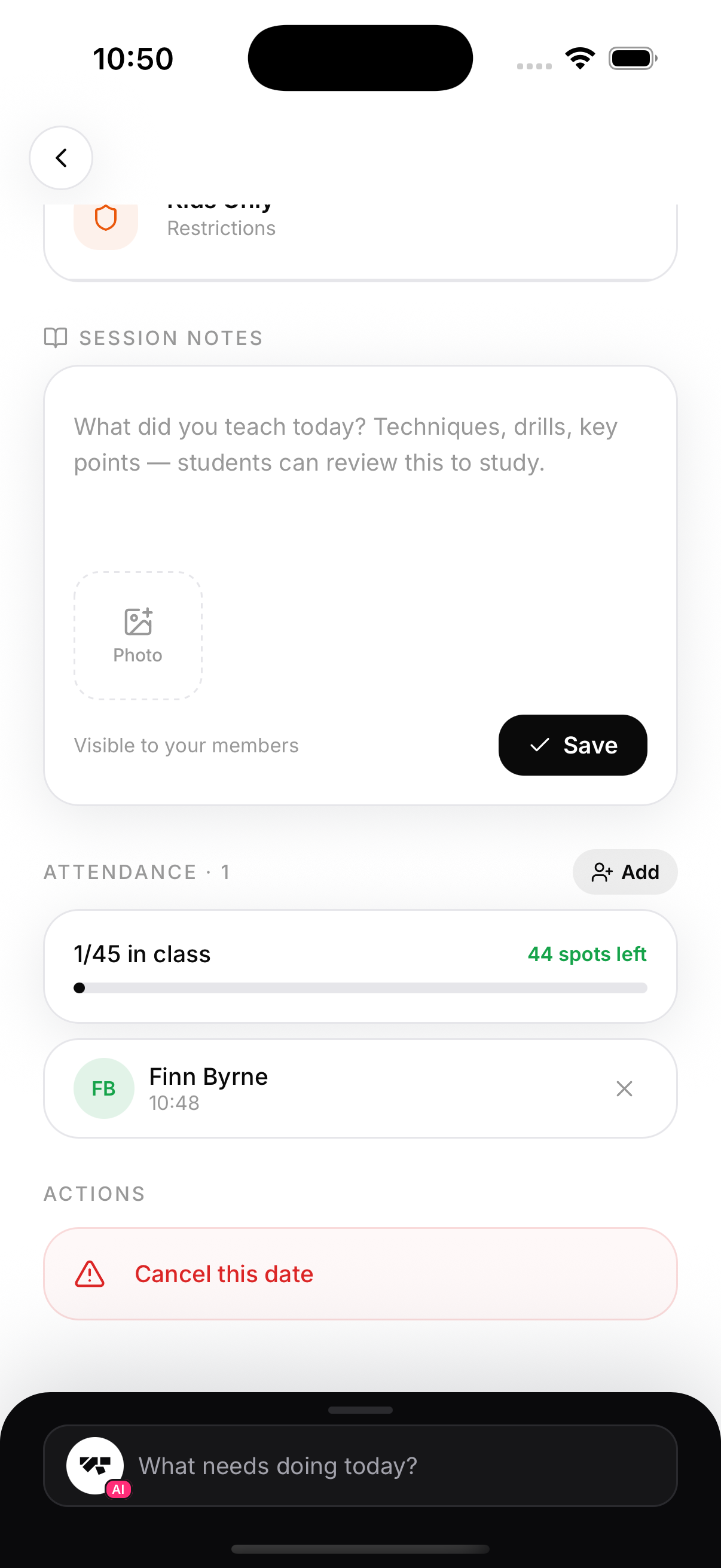
The child appears in your roster like any member, and the parent's portal picks them up automatically. Check the Guardian card if the parent says they can't see the child.