Help Center › Family & Parents
The My family screen
The five-second school-run check: has she trained this week, and when's the next class?
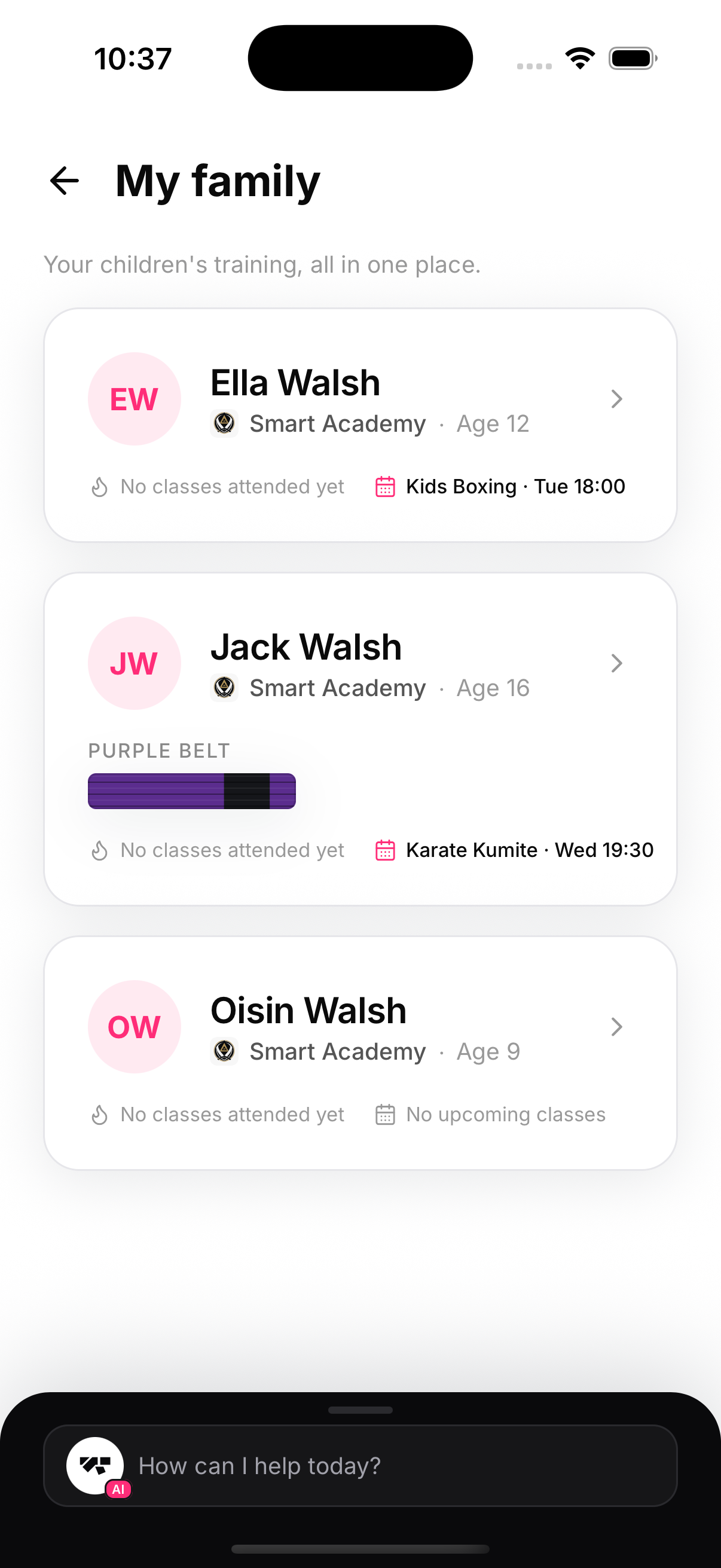
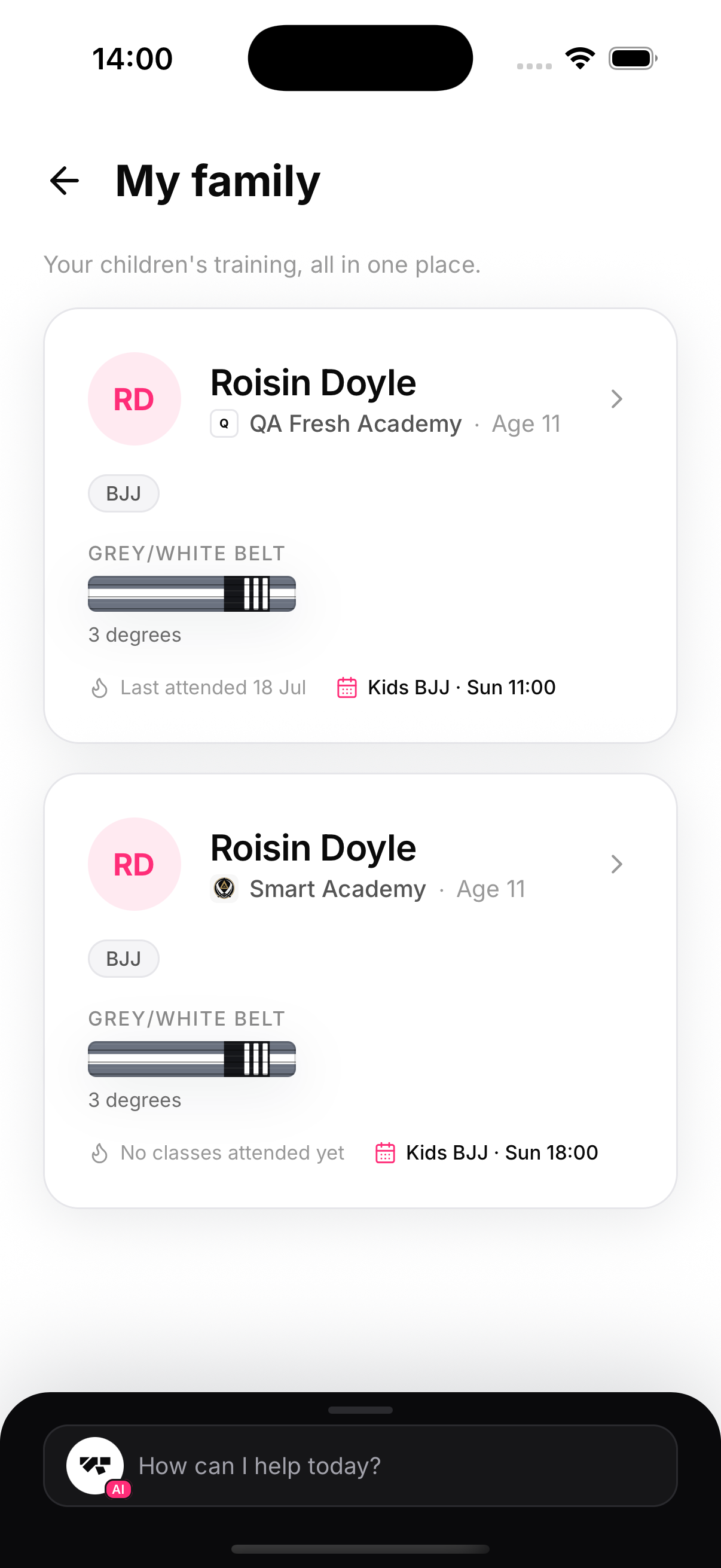
My family lives on the parent's Home screen (and under Profile). Each child gets a card with everything a parent glances for:
- Academy and age — including the gym's logo, useful when kids train at different academies
- Enrolled arts — chips for each discipline the child is signed up to, even before any rank is earned
- Rank — art-aware: BJJ kids belts with degrees, karate solid colours, no-belt arts tracked by experience
- Attendance pulse — last attended date, or “no classes attended yet”
- Next class — the child's own next booking at that academy
Tap a child for the full picture
Each card opens the child's training page — stats, timeline, documents, bookings and more.