Help Center › Classes & Scheduling
Build a class curriculum
A curriculum is a reusable syllabus built from the technique library, so what you teach stays consistent across coaches and belts.
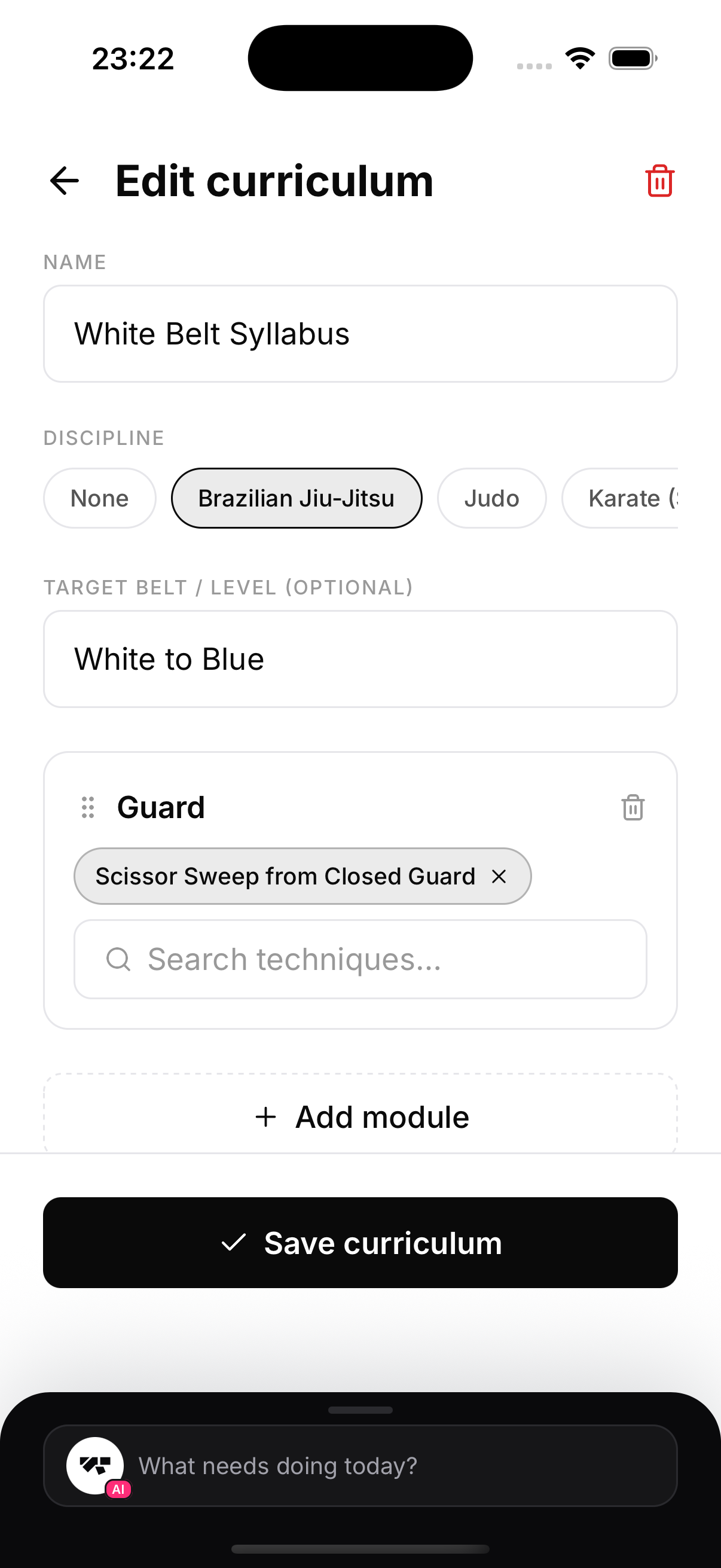
Create a curriculum
- Go to Gym, then Classes, then Curriculums, then New.
- Give it a name (for example "White Belt Syllabus"), pick the discipline, and an optional target belt or level.
- Tap Add module (for example "Guard", "Passing", "Escapes").
- In each module, search the library and add techniques. Anything not in the library can be added as an Other free text entry.
- Tap Save curriculum. You can edit or delete it any time from the same screen.
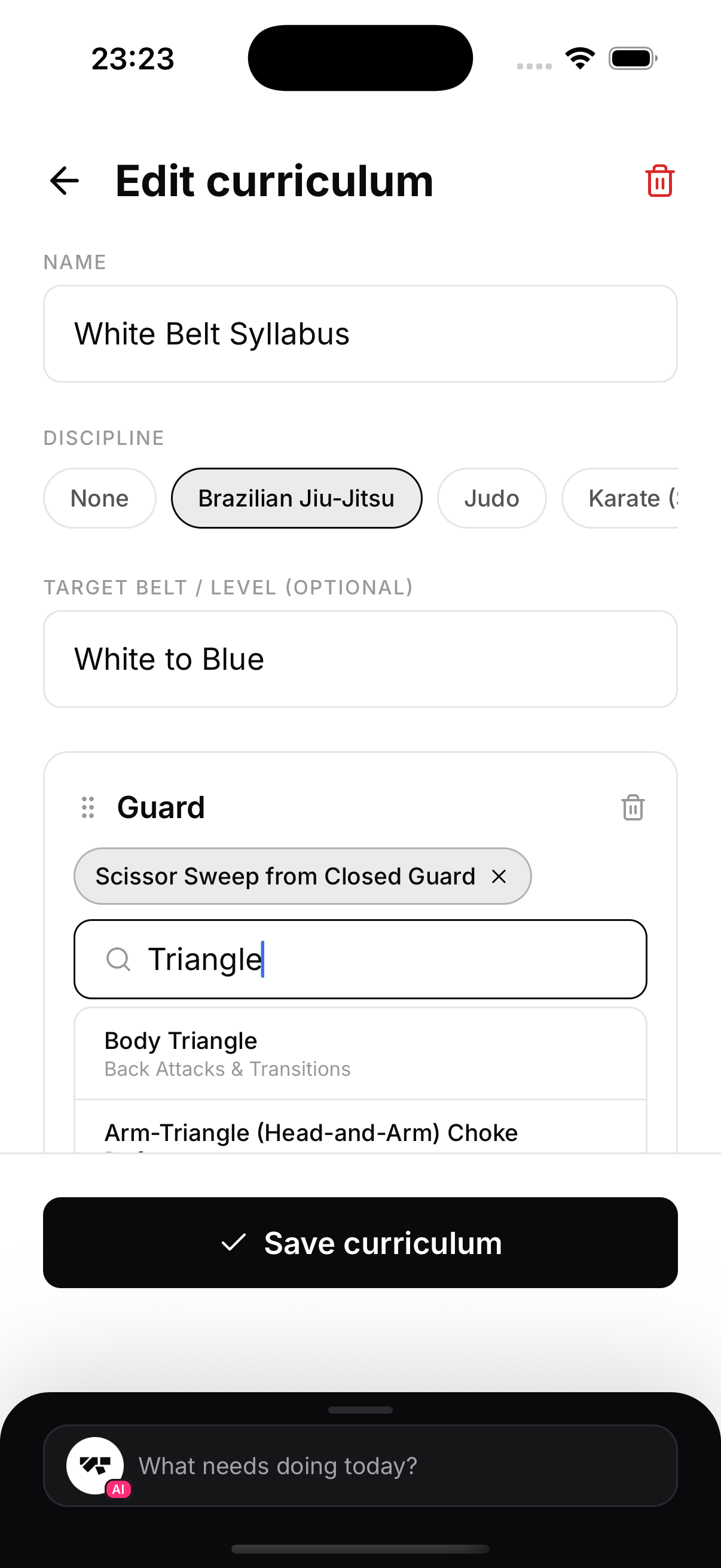
Why build it from the library
Because the library knows how techniques relate to each other, a curriculum built this way follows real progressions rather than a random list of moves.