Help Center › Xero Integration
Follow your money and open any record in Xero
MatPilot shows you exactly where your members' money goes and lets you open any record straight in Xero, so you're never guessing whether a payment made it to your books.
The money-flow picture
Open Settings → Xero (accounting) and you'll see how your money moves: from the member, through Stripe, into your bank, and on to Xero.

It adapts to what you've connected:
- Stripe and Xero connected: every payment flows all the way to Xero automatically. It also tells you how many have been recorded.
- Stripe only: payments reach your bank, but nothing is booked to Xero yet. It prompts you to connect Xero.
- Xero only: Xero is ready and waiting; connect Stripe to start taking payments.
- Neither: a nudge to connect both and put your books on autopilot.
Members always pay your gym directly. MatPilot takes a small platform fee and the rest lands in your bank, and the diagram makes that clear at a glance.
Recent activity, and opening a record in Xero
Below the money flow is your recent Xero activity: every payment and refund we've pushed, newest first.
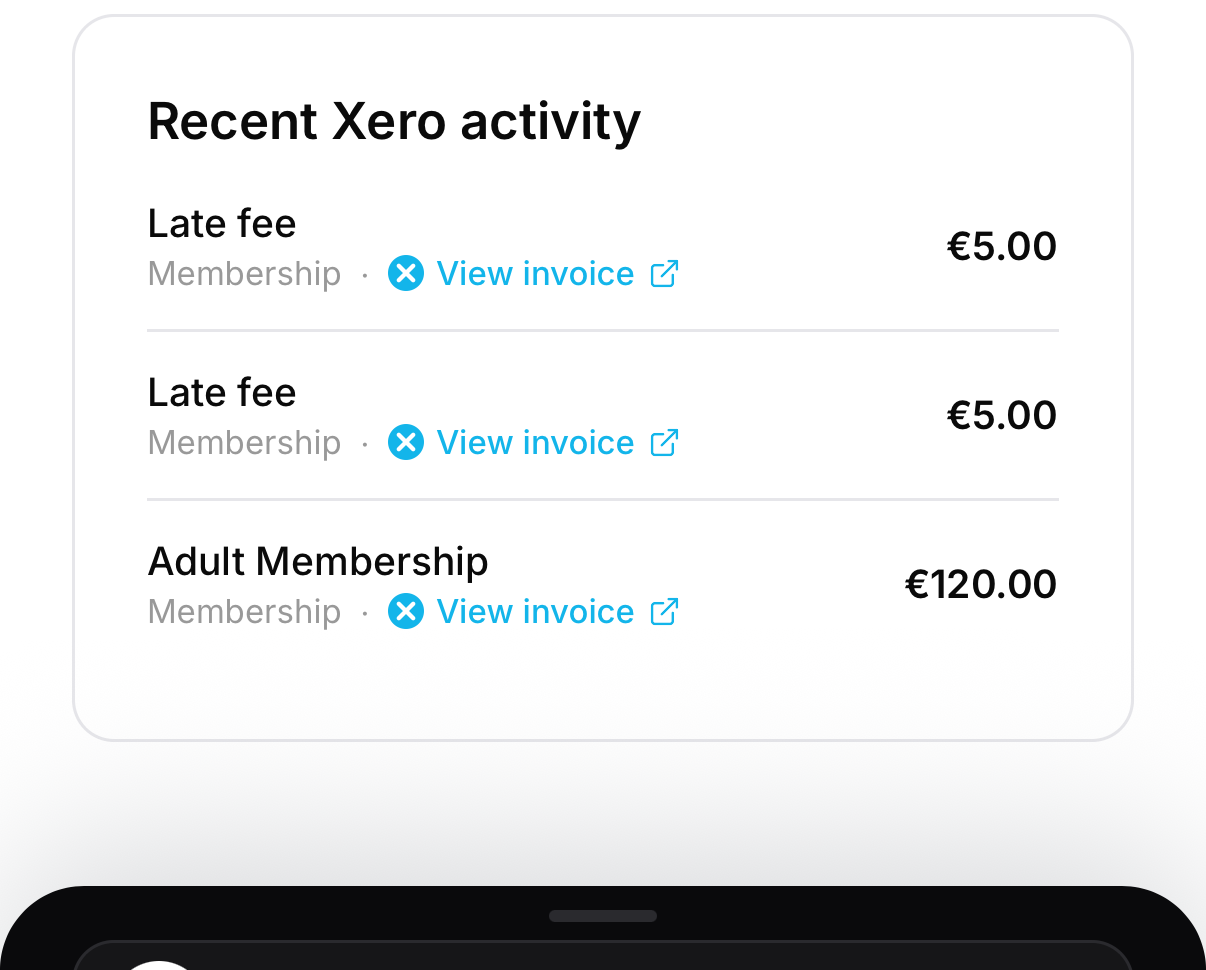
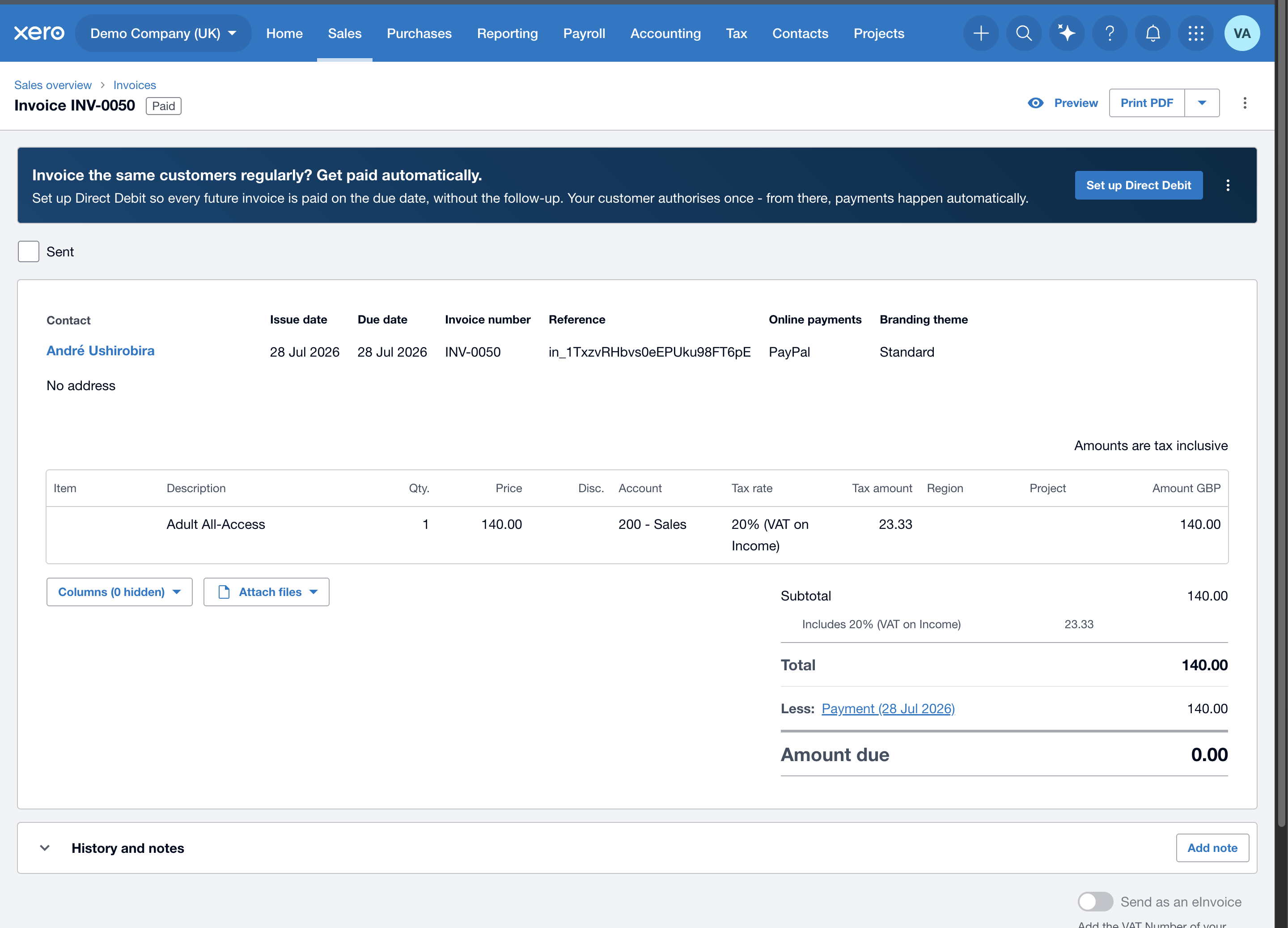
Each synced row is a tap-through to the real record in Xero: tap View invoice (or View credit note / View bill) and it opens the exact document. You'll find the same links in two more places:
- Finances → an Accounting · Xero card shows how many payments have synced and how many need attention; tap it for the full list.
- A member's payment history → the In Xero badge on each payment opens that payment's invoice.
To open a record you'll need to be signed in to Xero with access to that organisation.
If something says "to retry"
A row can show to retry when Xero briefly rejected or couldn't take the entry, for example a tax rate that isn't mapped yet, or a temporary outage. This is safe: the member's payment already went through. MatPilot re-attempts these on its own, and most clear by themselves. If a row keeps failing, open Settings → Xero and check your account and VAT mapping, since a missing mapping is the usual cause.