Help Center › Xero Integration
Refunds and Xero
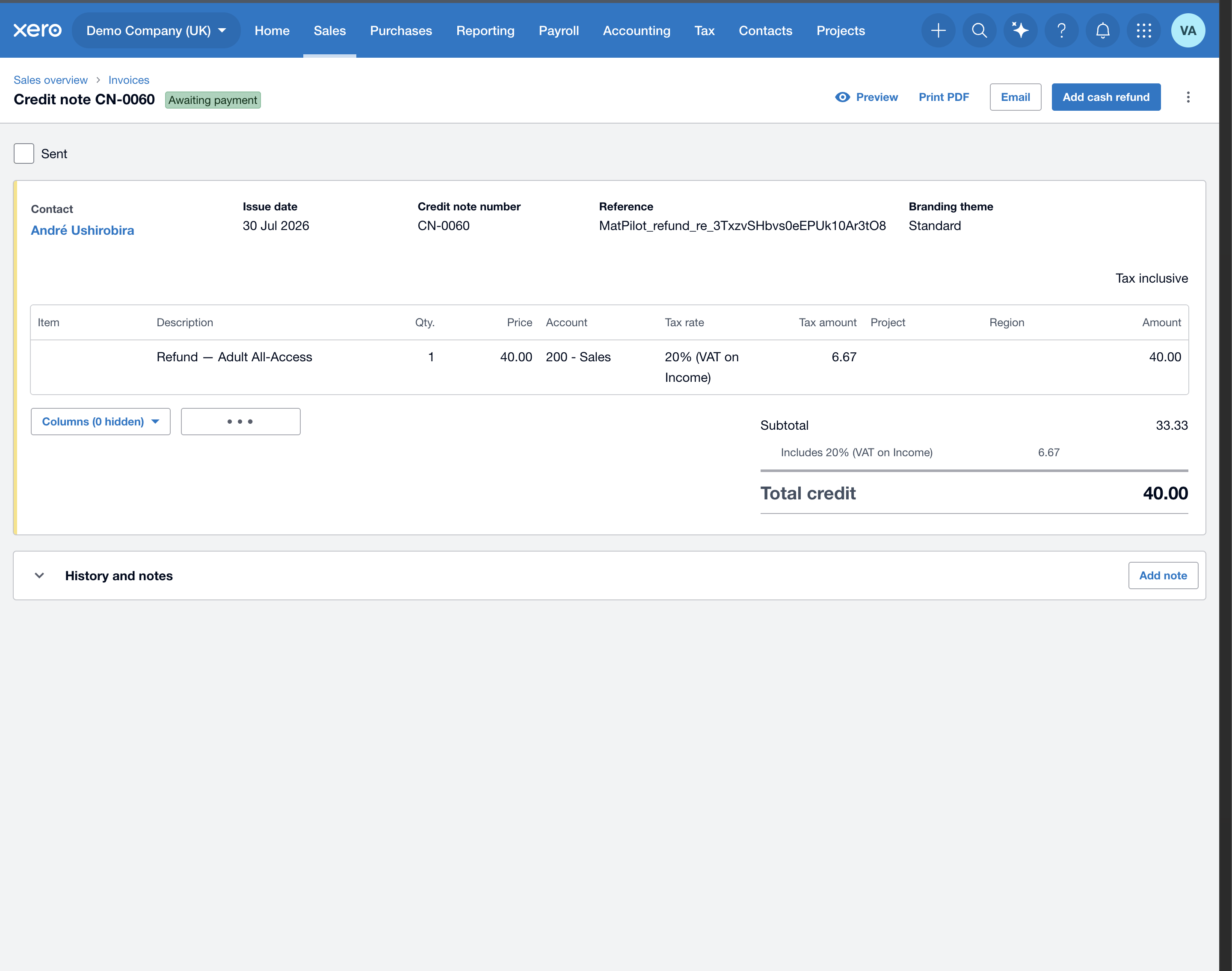
When you issue a refund in MatPilot, it's mirrored into your Xero automatically as a credit note — so your books and VAT stay correct with no manual entry.
What happens
- You refund a member (full or partial) from their Payment History.
- MatPilot creates an approved credit note in your Xero against the same contact, using the same VAT rate and income account as the original invoice, even if you have since given that product a different account.
- It's VAT-inclusive with the exact tax, so your VAT return stays right to the cent.
Good to know
- Only payments that were originally pushed to Xero can be credited — you can only credit what you invoiced.
- Every MatPilot entry carries a MatPilot_ reference so you can tell them from your own bookkeeping.
- A store order whose items booked to different income accounts is credited to your default income account.