Help Center › Membership Plans
Freezing or pausing a membership
How holds work
When a membership is on hold:
- The member's status changes to on hold
- If they have an active Stripe subscription, it is paused so they are not charged
- Booking and check-in are blocked while on hold
- If you set an end date, MatPilot resumes them on the morning of that day
Putting a membership on hold
- Open the member's profile
- Tap Put on hold in the Membership hold section
- Choose when it starts: Today, or On a date
- Choose when it ends: When I resume, or On a date
- Confirm. You see the email before it goes and can put it in your own words
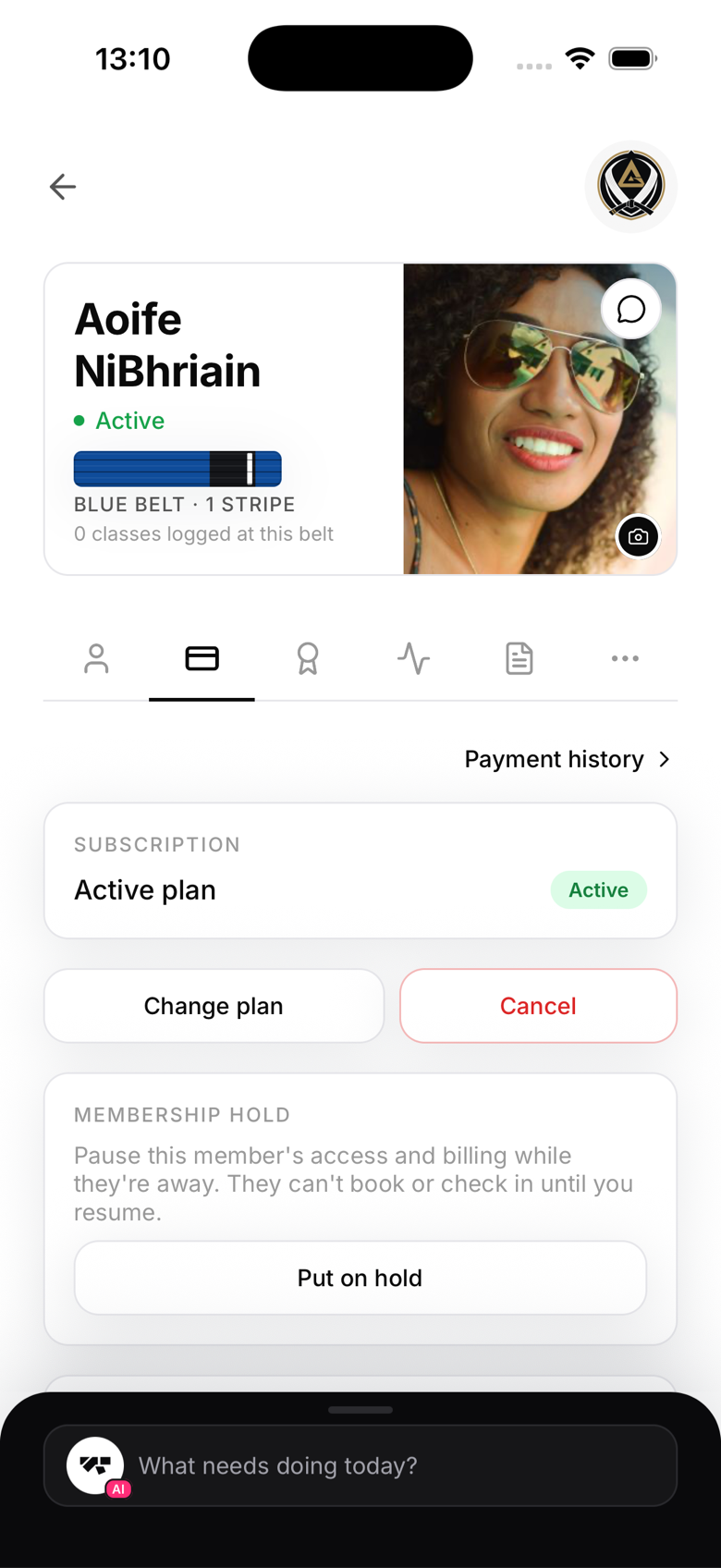
A hold starting today takes effect immediately, and the member is notified by email and push notification.
Booking a hold for a later day
Choose On a date for the start when a member is going away from next month but still wants to train until then. Until that day nothing changes: they keep booking and checking in as normal. On the morning of the start day, in your academy's time, the hold begins.
The charge that would fall inside the hold is skipped ahead of time. The rule is simple: a charge on or after the start date is not taken, and a charge before it is. So a member billed on the 1st, on hold from the 1st, is not charged on the 1st. The sheet shows their next charge so you can see which one it is.
While a hold is booked, the member's profile shows Booked with the dates and whether billing is already paused. You can Change dates or Cancel the hold at any time before it starts. The member is told when the hold is booked, when it starts, and if you cancel it.
During the hold
The member can still sign in to the app and view their profile and history, but they cannot book classes or check in until the hold is lifted. A member with an end date can already book classes dated on or after the day they come back.
Ending a hold early
To lift a hold early, go to the member's profile and tap Resume membership. This restores their previous status and resumes Stripe billing if it was paused.
Automatic resume
If you set an end date, MatPilot resumes the member automatically on the morning of that day, no need to remember to do it manually.
Communication
MatPilot emails and push-notifies the member automatically when you book, start, cancel or resume a hold, so there is no need to message them separately to confirm the dates.