Help Center › Membership Plans
Granting a free trial to a member
How to grant a trial
- Open the member's profile
- Tap Grant trial
- Choose the trial type:
- Time-based, free access for N days
- Class-based, free access for N classes
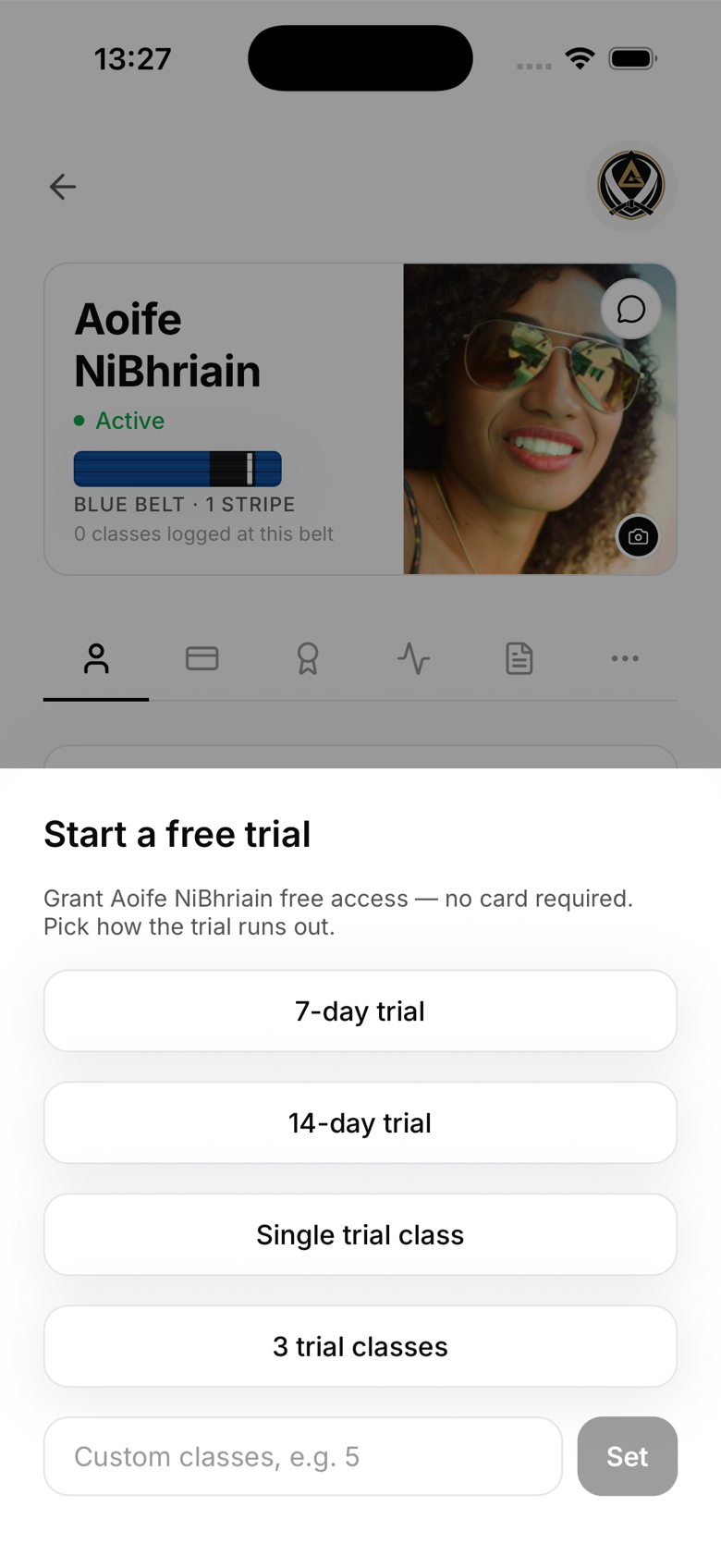
Time-based trial
The member gets full gym access for the specified number of days. Granting a trial also activates an invited member immediately, so they can start training the same day. When the trial expires, they can no longer book classes or check in until they sign up for a plan.
Class-based trial
The member gets a set number of free classes. Each check-in decrements their remaining count. When they reach zero, the same booking and check-in block applies until they sign up for a plan.
Viewing trial status
On the member's profile, you'll see a Trial badge showing their remaining time or classes. The member can also see this in their own profile.
Converting a trial to a plan
MatPilot doesn't auto-convert granted trials, you or the member needs to take action. When a trial is expiring, you'll see the member in your Trials filter. Reach out to prompt them to sign up.
Who can grant trials
Owners and managers can grant trials. Instructors cannot.