Help Center › Billing & Payments
Reward members for switching to direct debit
Why it matters
Every card payment carries a processing fee that bank direct debit (SEPA in the euro area, Bacs in the UK) does not. Moving your card payers to direct debit quietly lowers your costs every month, with no change to what the member pays.
Open the screen
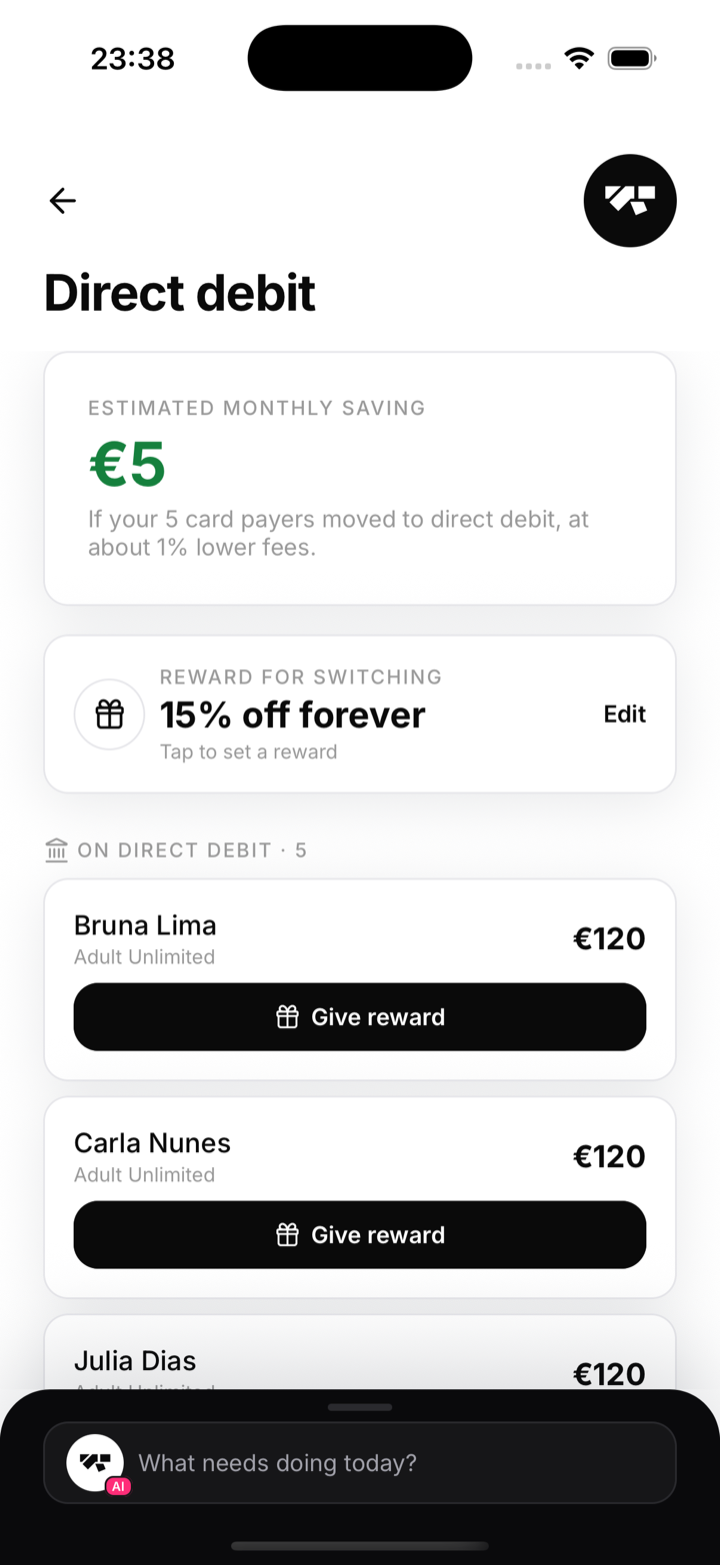
- In the owner app, go to Gym, and under Money tap Direct debit.
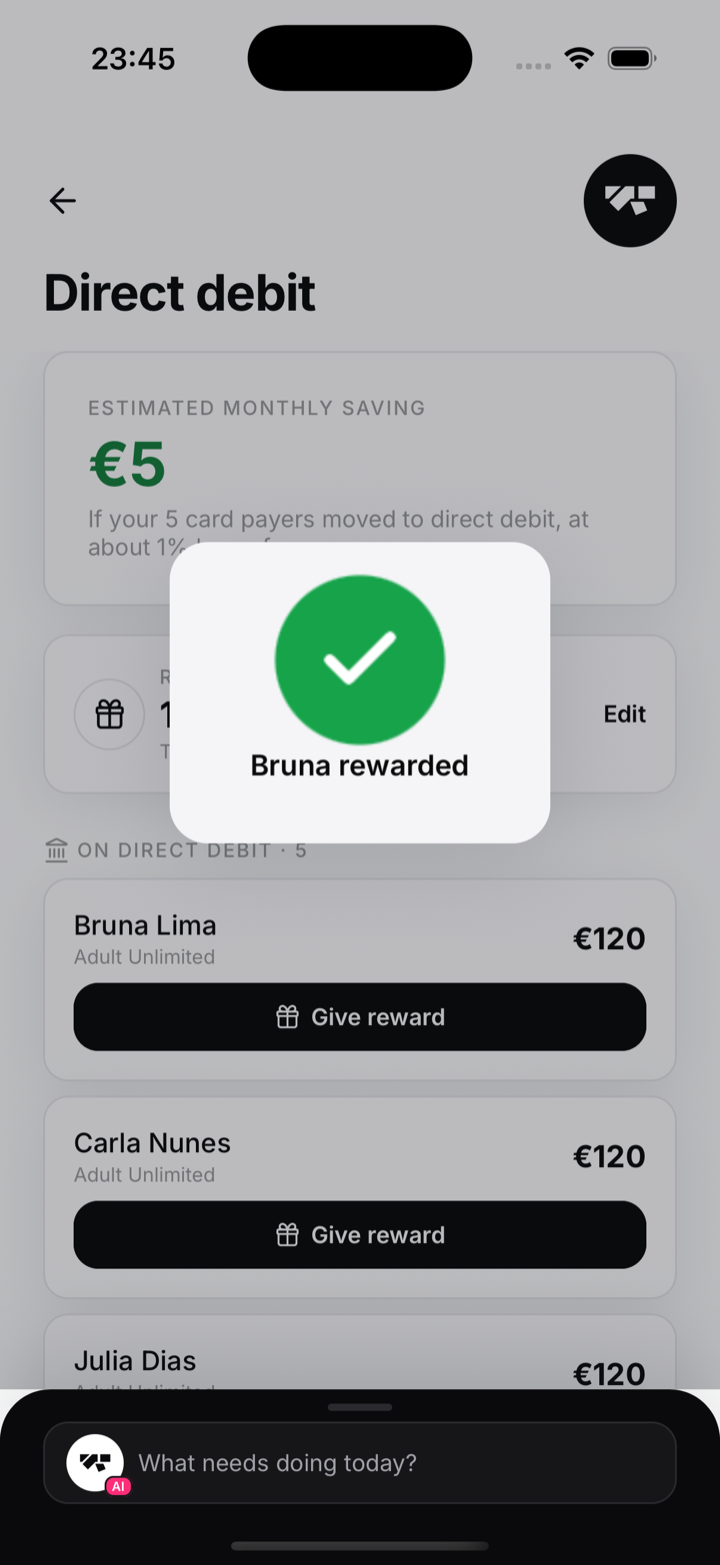
- At the top you will see your estimated monthly saving if every current card payer switched, then two lists: On direct debit and On card.
Step 1: Set your reward
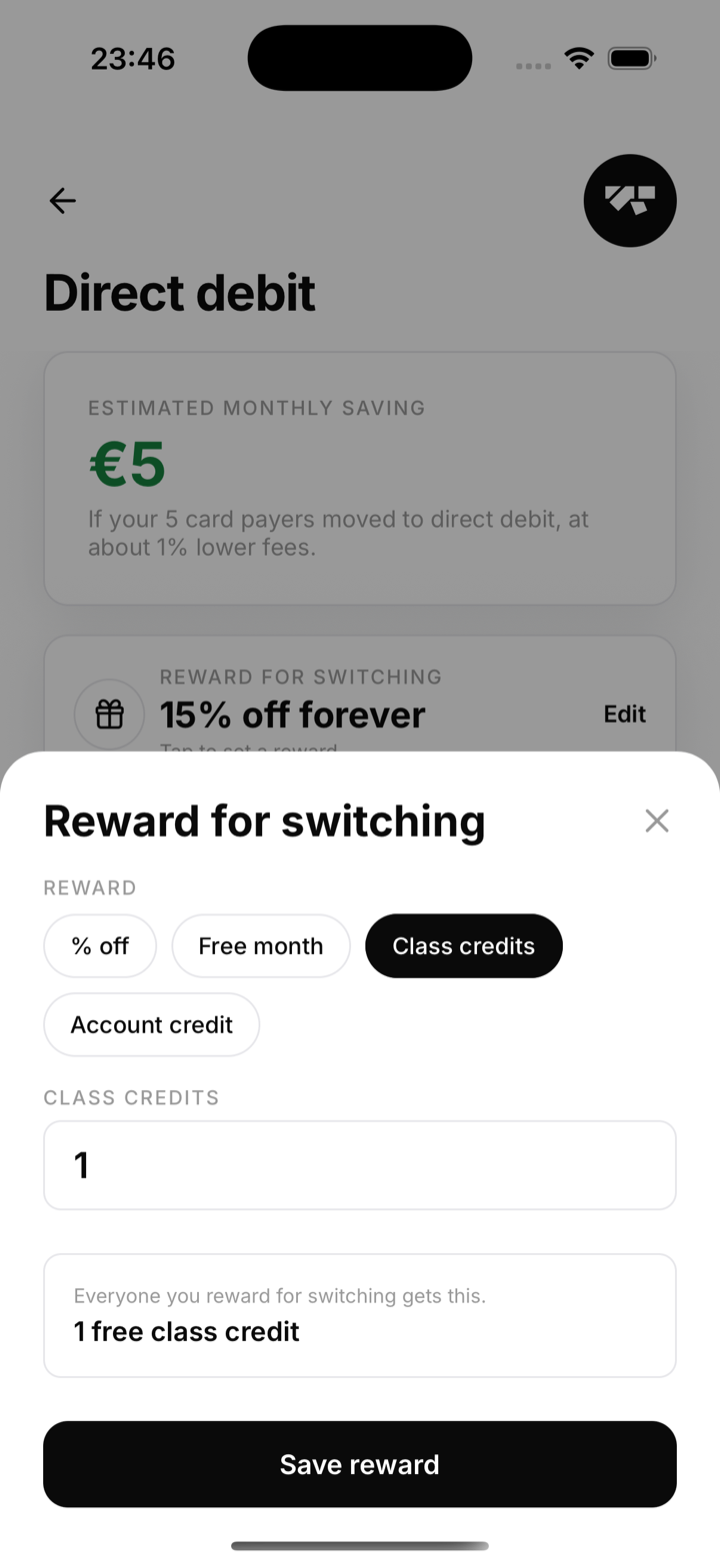
Decide what a member gets for switching. Tap the Reward for switching card (or Edit) and pick one:
- % off: an ongoing or one-off discount on their subscription. Choose the amount and how long it lasts: next payment, a few months, or forever.
- Free month: one billing cycle free.
- Class credits: free drop-in class credits added to their account.
- Account credit: a fixed amount credited against their next invoices.
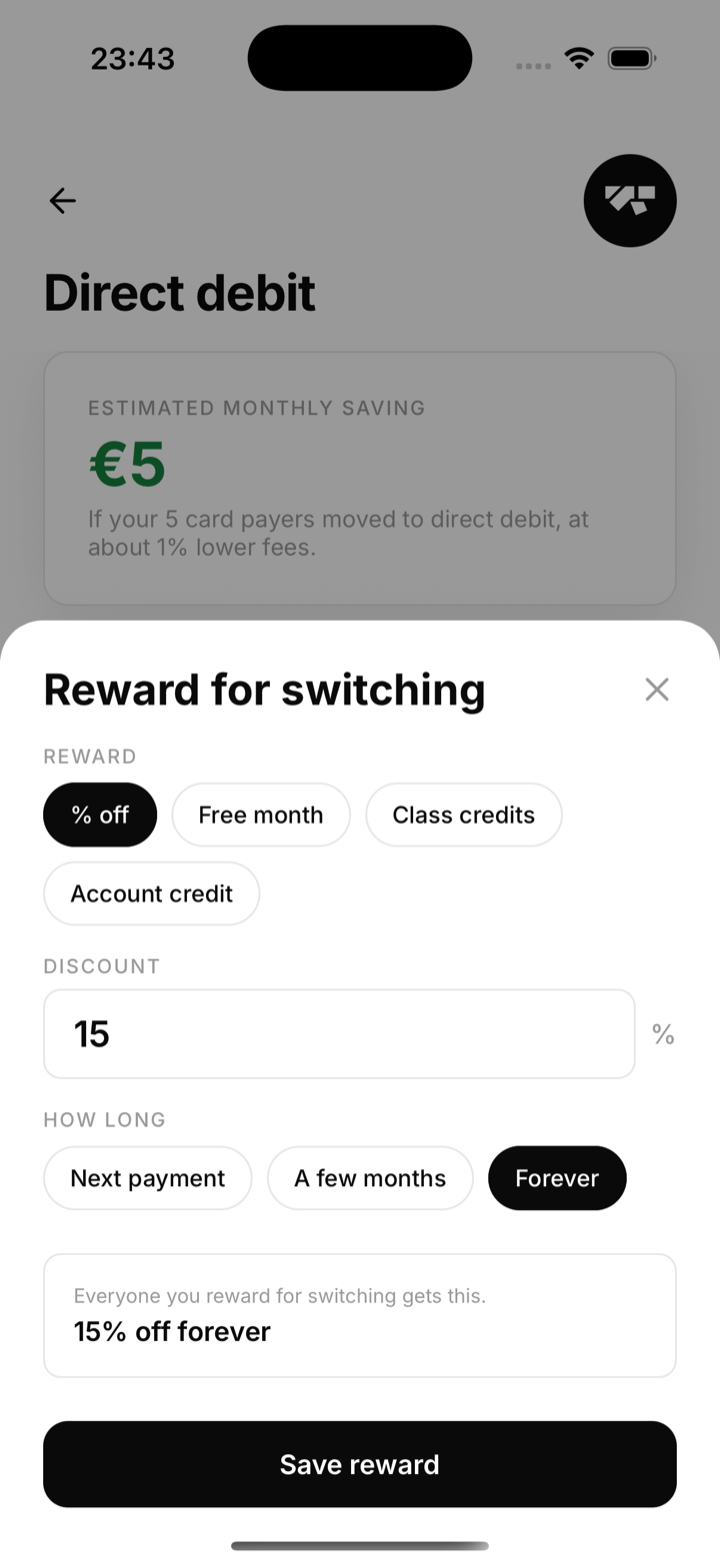
The preview at the bottom shows exactly how the reward will read. Tap Save reward when it looks right. Switching the reward type changes the fields you fill in.
Step 2: Ask your card payers to switch
Members change their own payment method, so you never see their bank details. Under On card, each row reminds you to ask that member to open Profile, then Manage billing, and switch to bank direct debit. Share the member guide with them to make it easy.
Step 3: Grant the reward
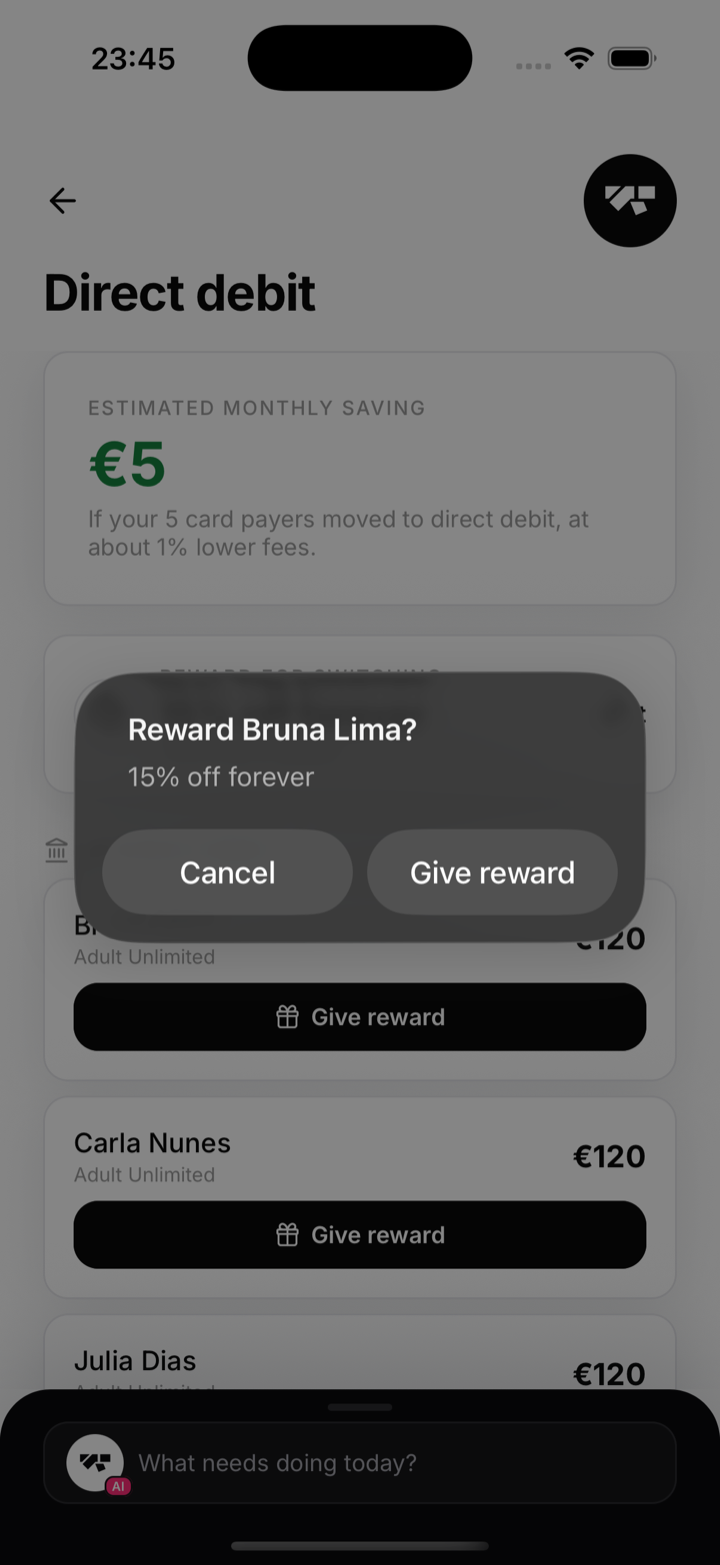
Once a member appears under On direct debit, tap Give reward on their row and confirm. The reward you set up is applied to their subscription straight away.
Good to know
- The reward is manual. Nothing is applied until you tap Give reward, so you stay in control of who gets it.
- You can change the reward offer any time. It only affects rewards you grant from then on.
- Every reward you grant is recorded in your Audit log (Settings, then Tools).