Help Center › Billing & Payments
Switch to direct debit (and get rewarded)
Many gyms offer a reward, like a discount or free class credits, when you move from card to bank direct debit. It costs your gym less to run, and your membership price does not change.
Before you start
Ask your gym what reward they offer for switching. The change itself takes a minute and happens on Stripe's secure billing page. MatPilot never sees or stores your bank details.
Step 1: Open your billing
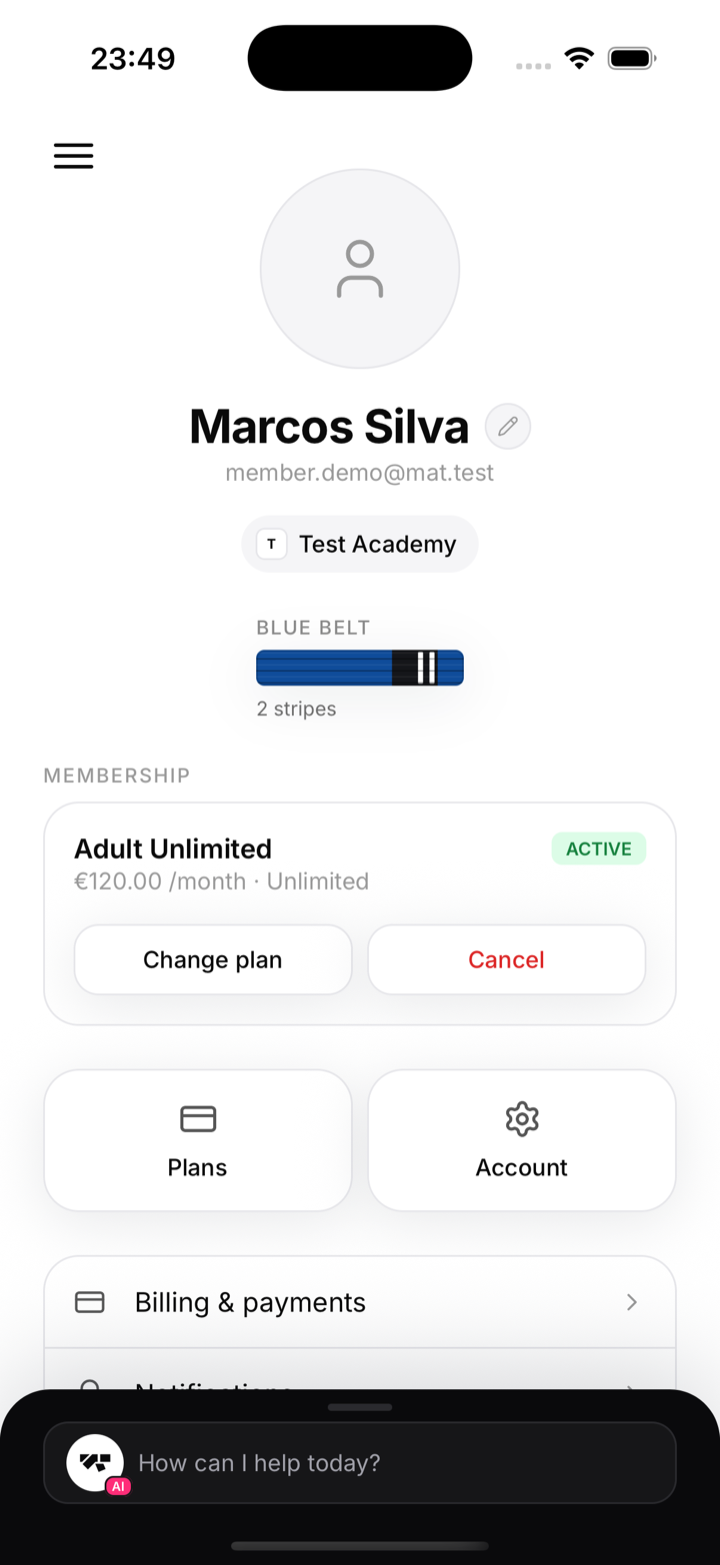
- Open MatPilot and go to your Profile.
- Tap Billing & payments.
Step 2: Manage billing
Tap Manage billing. This opens Stripe's secure page for your gym, where your payment methods live.
The Stripe secure billing page opening from Manage billing
Step 3: Add bank direct debit
- Choose Add payment method.
- Select bank account / direct debit (shown as SEPA Direct Debit in the euro area, or Bacs in the UK).
- Enter your IBAN or account details and confirm. You may be asked to agree to a short direct debit mandate.
- Set the new bank account as your default payment method so future payments use it.
Stripe's add-payment-method step showing the bank / direct debit option
Step 4: Claim your reward
Once the switch is done, let your coach or gym owner know. They apply your reward, and you will see it on your next invoice, or as class credits in the app.
Common questions
- Is it safe? Yes. The change happens on Stripe, the same secure processor that handles your card. MatPilot only ever sees that you are paid up, never your bank details.
- Does my price change? No. Only the way you pay changes, and any reward is on top.
- When does the reward apply? After you switch and your gym grants it. A discount shows on your next invoice; class credits appear in the app right away.