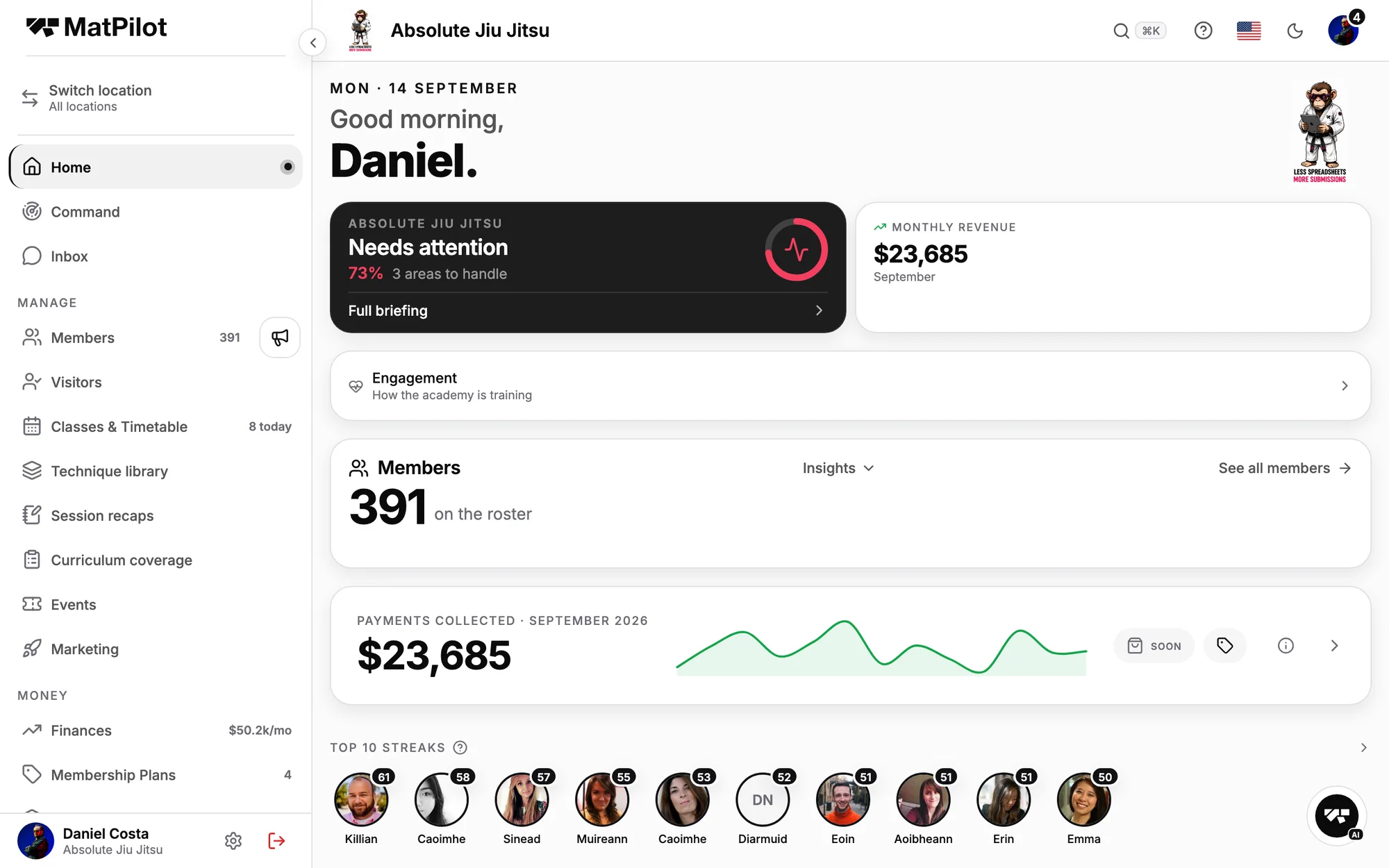
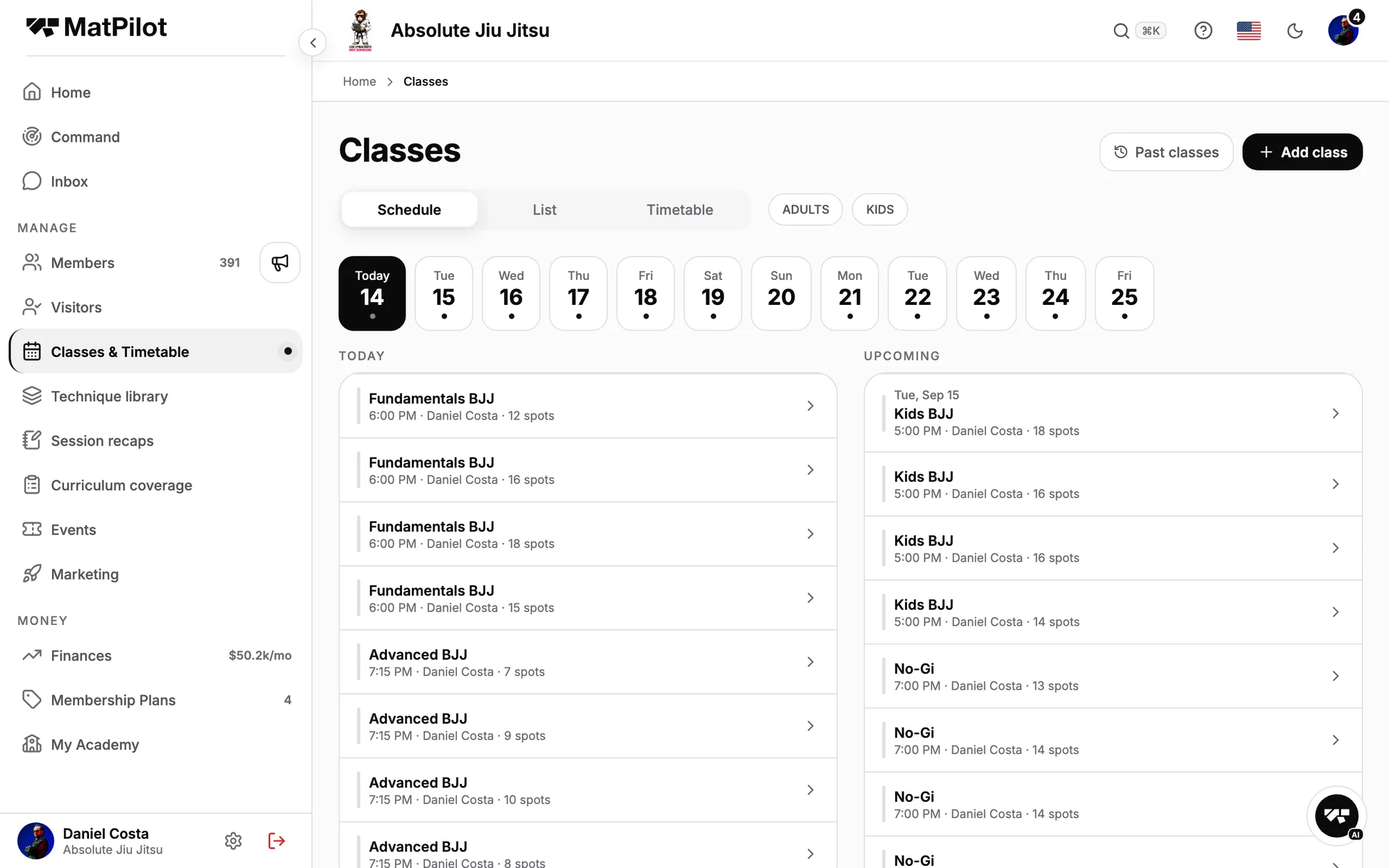
The entire MatPilot app runs in the browser at app.matpilot.io. Same academy, same data, same account as the phone in your pocket. Nothing to install, works on any computer. The phone stays the right tool at the academy; the browser is the right tool at the desk.
August 2026 · MatPilot
app.matpilot.io. The same academy you carry on your phone, on the screen you actually work at.
One academy, two screens
This is not a companion dashboard or a cut-down "web version". It is the app, running in a tab. Assign a plan in the browser and it is on your phone when you stand up. Check someone in on the phone and the browser knows. Both are windows onto the same academy, so nothing is synced, exported or copied: changes made in one appear in the other.
Two windows, one academy. The highlighted row is the same row on both screens, because there is only one of it.
Built for the jobs a phone is wrong for
Some jobs belong on a phone: check-ins at the door, the kiosk on the front desk, anything that happens standing on the mat. And some never did. Scrolling a member list four names at a time. Reading a report through a letterbox. Writing a document with your thumbs. The web app exists for that second list: long member lists, reports, documents, building the timetable, with a proper keyboard and a big screen.
Two desks, two tools. The phone owns the mat, the browser owns the admin, and neither pretends to be the other.
The timetable, built at a keyboard. Recurring classes, coaches and caps, laid out on a week you can see all of.
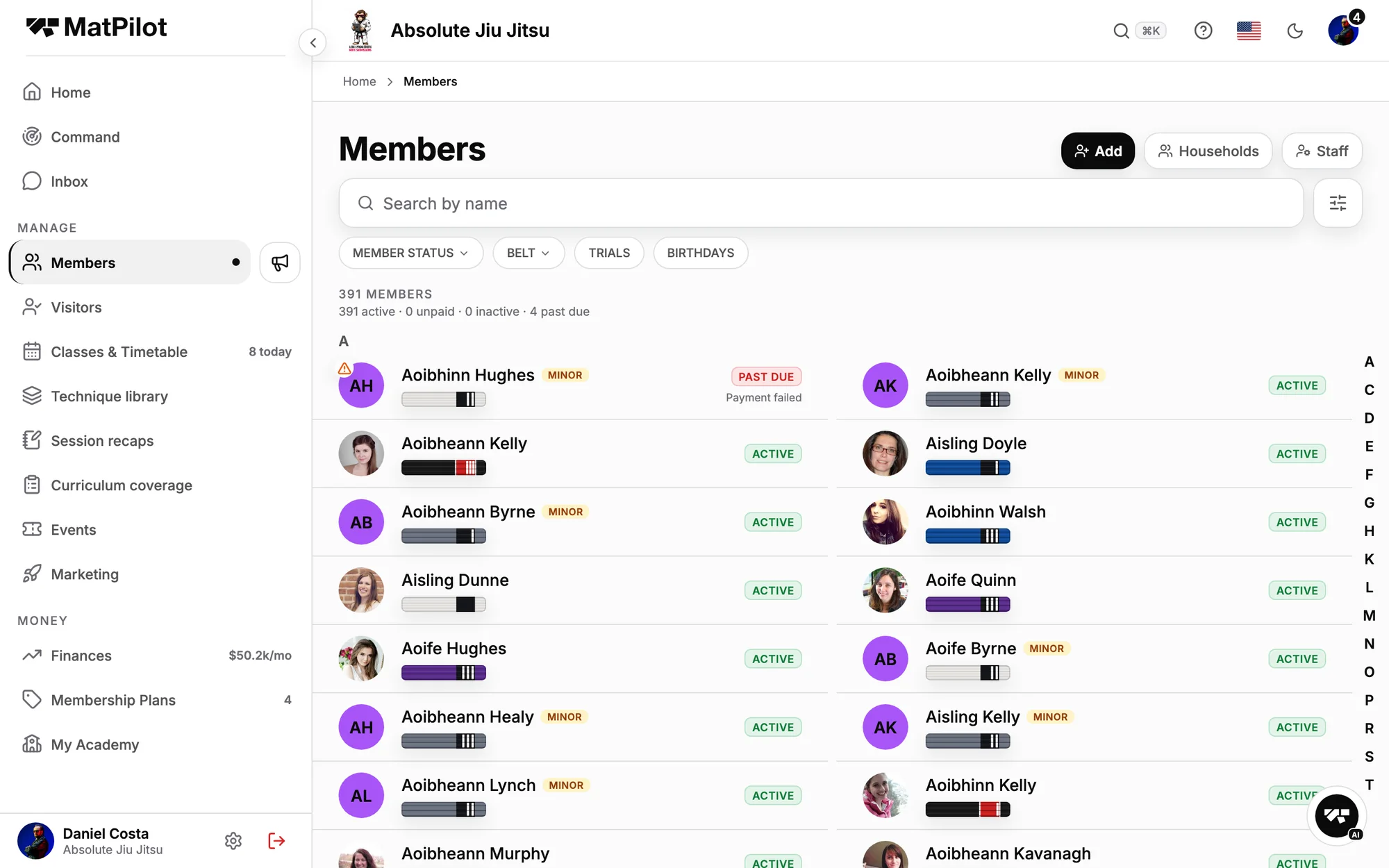
The clearest example is the member list. On a phone you read it a handful of names at a time. On a big screen the same list becomes a table: name, plan, status, last seen, side by side, for everyone at once.
What a big screen buys you. The phone shows the names; the desk shows the names next to everything you wanted to know about them.
The roster, whole. Every member, plan, status and last seen in one view, with the columns a phone has to crop away.
Nothing to install
There is no download, no app store, no version to keep updated. Type app.matpilot.io, log in with the account you already have, and your academy is on screen. It works on any computer: the laptop at reception, the desktop at home, a borrowed machine when yours is elsewhere.
Three steps, none of them a store. The address bar is the whole installation.
One account, everywhere. There is nothing to set up and nothing to keep in sync. Log in on the web with the same account you use on your phone and your academy is simply there, because it never left.