Help Center › Family & Parents
Family discounts, today
MatPilot doesn't yet have a single subscription covering multiple family members: each member subscribes to their own plan. For a managed child, checkout runs from the parent's account, so the payment method is naturally the parent's. What you can do today, in two minutes:
The family discount code
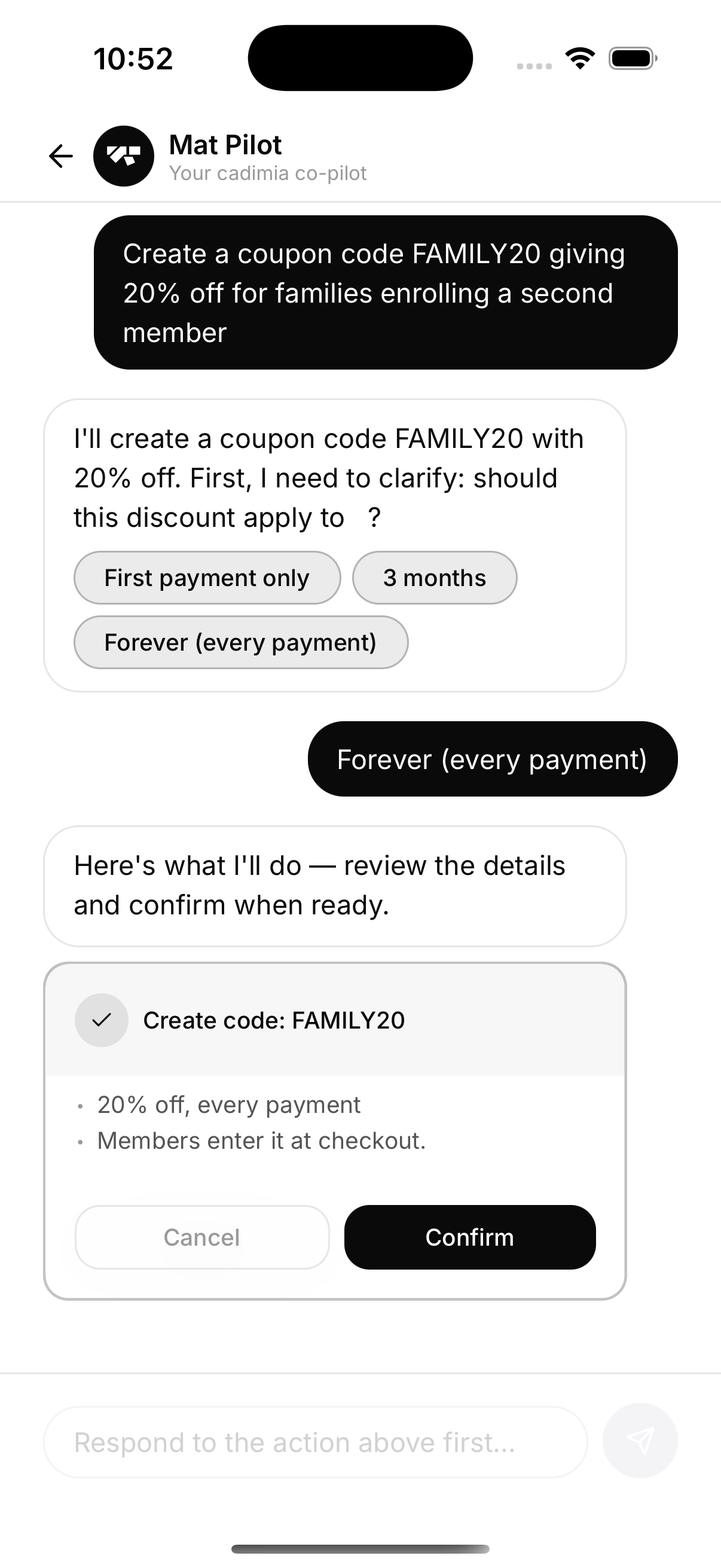
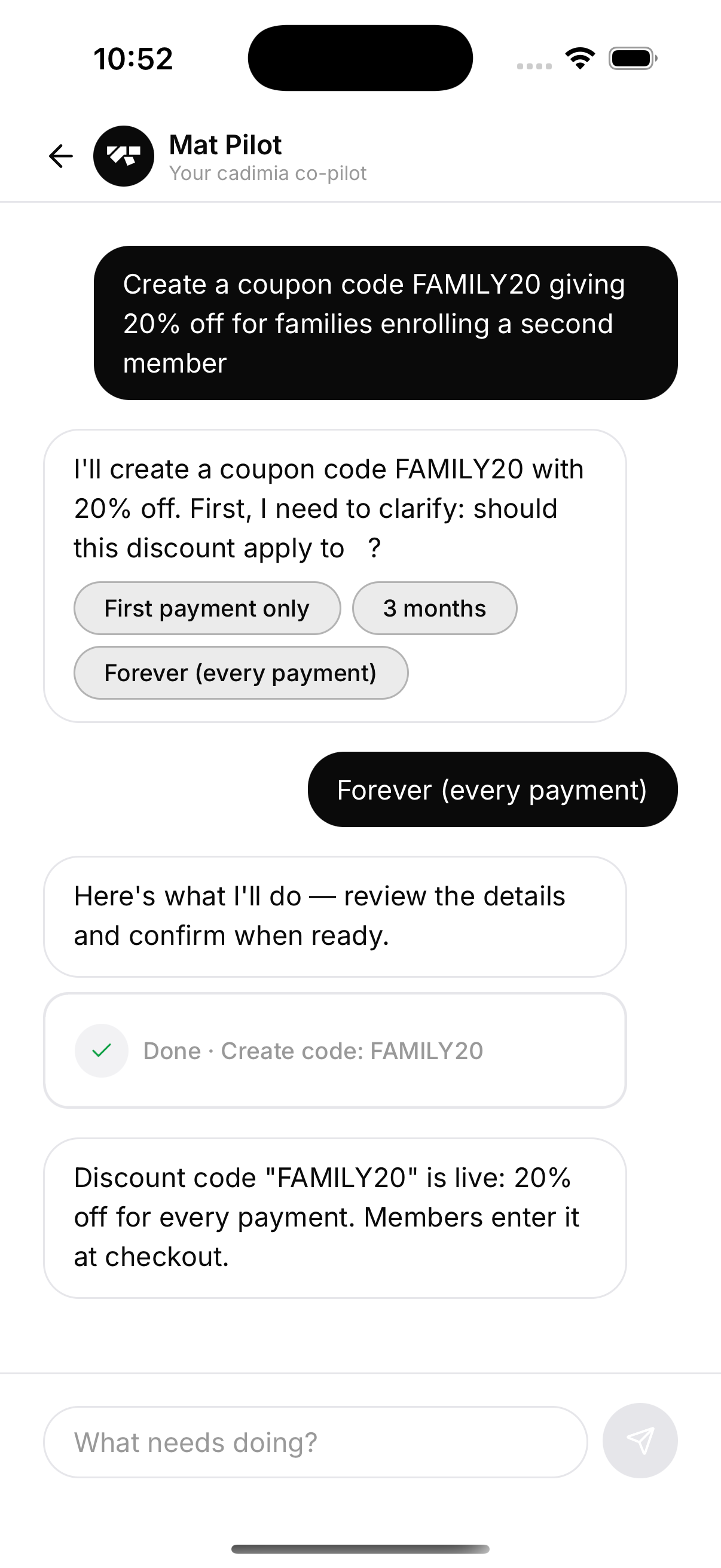
Create a discount code (for example FAMILY20) and give it to families enrolling a second member. They enter it at checkout; it applies to every payment if you set it that way. The AI co-pilot will build it conversationally — clarifying questions, a preview card, nothing fires until you confirm.
Kids-only plans still work
Plans have an audience setting (all / adults / kids / family), so a cheaper kids plan shows only to kids' accounts. Combine a kids plan with a family code and you're most of the way to family pricing.
A true family plan — one subscription, N members, per-seat pricing — is on the roadmap; this page will change when it ships.