Help Center › Members & Profiles
Logging injuries and follow-ups
Care for the tweaked knee today, and remember it in three weeks when they say it's probably fine.
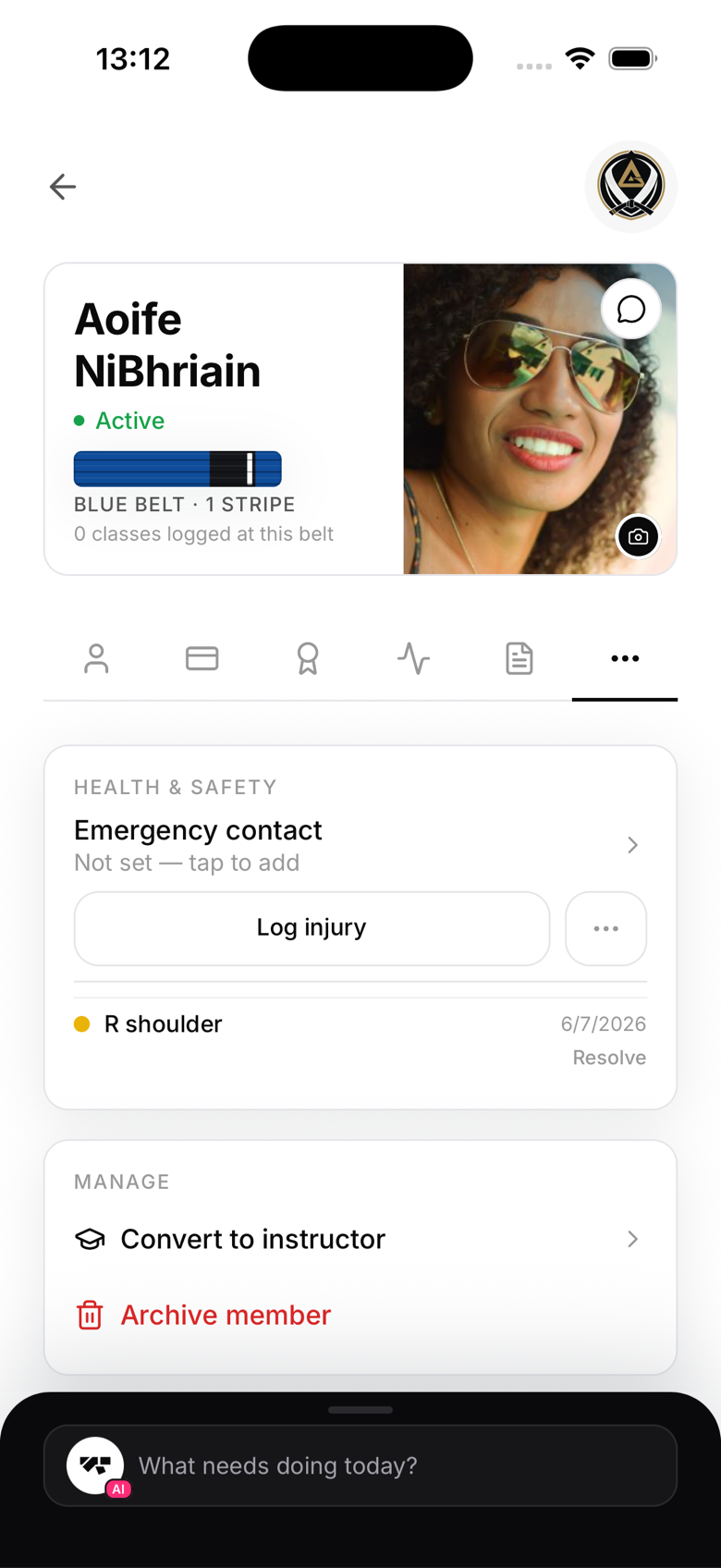
Log an injury
- Open the member's profile and go to the Health and safety card
- Tap Log injury
- Mark the affected body areas, set a severity, and add notes
The injury appears on the member's profile with a severity dot and date. Staff with access can see it before putting that member into hard rounds.
Follow-ups and resolving
Each injury can carry follow-ups, so "check the shoulder next week" is a dated entry rather than a mental note. When the member is back to full training, resolve the injury; the record stays in history.
Emergency contacts
The same card holds the member's emergency contact. If it's empty, tap to add one; for minors this is usually the guardian who signed the waiver.
Notes
- Rarer, heavier actions live behind the small menu next to Log injury
- Injury records are visible to staff, not to other members